
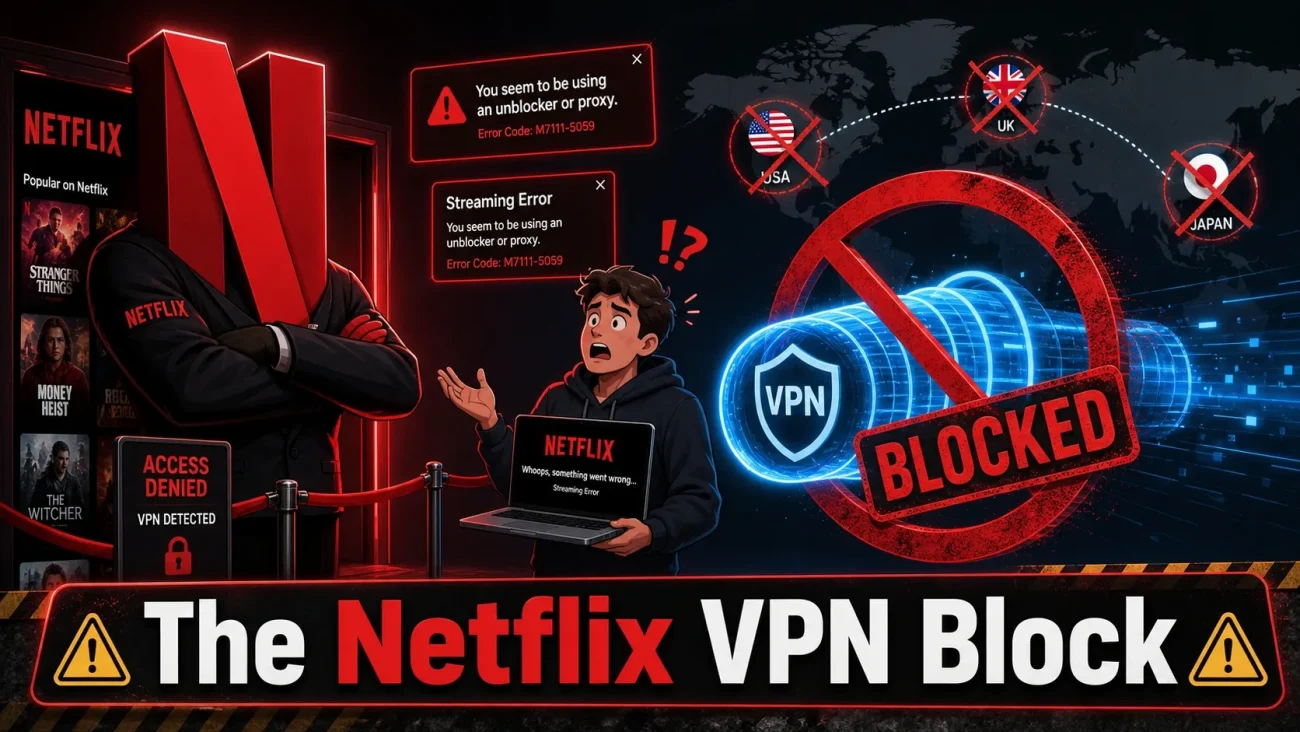
The Netflix proxy error has a way of showing up at the worst possible moment.
You sit down, open Netflix, hit play, and instead of your show you get this:
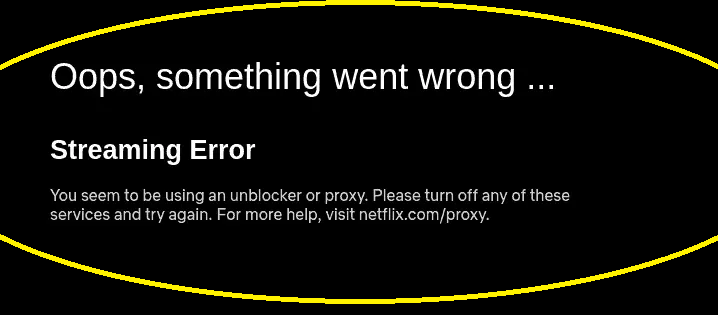
Oops, something went wrong…
Streaming Error
You seem to be using an unblocker or proxy. Please turn off any of these services and try again. For more help, visit netflix.com/proxy.
I’ve dealt with this message on my own setups and while helping others fix theirs, and I can tell you the frustrating part upfront: it often appears even when your VPN seems to be working perfectly, and sometimes when you’re not running a VPN at all.
Here’s the short version before we get into the fixes.
Quick answer: The Netflix proxy error means Netflix has flagged your connection as a VPN, proxy, or location-masking service. The most reliable fix is to disconnect the VPN or proxy and restart the Netflix app. If you’re not using one, check your device’s proxy settings, browser extensions, and router for network-level VPN or Smart DNS configuration. If nothing works, your public IP address itself may be flagged, and your VPN provider or ISP is your next call.
Note: Netflix updates its policies and detection methods regularly. This guide is general information, not legal advice. Verify anything that matters to you against Netflix’s current help pages and your local laws.
Why Netflix Shows This Error
It comes down to content licensing. Netflix buys streaming rights country by country, so it has to make a real effort to serve the right catalog to the right region. VPNs, proxies, and Smart DNS services blur those geographic lines, so Netflix actively identifies and restricts them.
Here’s what most articles miss: Netflix isn’t just reading your IP address. VPN providers route thousands of users through a small pool of server IPs. When one address serves households scattered across dozens of countries, it stops looking like a normal home connection, and it gets flagged. That’s why one server in a country can work fine while another server in the same city gets blocked instantly. The country was never the deciding factor; the IP’s reputation was.
When Netflix flags your connection, one of two things happens:
- You get the full error message and nothing plays.
- A silent downgrade. Netflix lets you in but only shows titles it holds worldwide rights for. If your homepage suddenly looks empty or a show you were watching has vanished, a flagged connection can be the cause, with no warning at all.
How to Fix the Netflix Proxy Error
Work through these in order. Each step either fixes the problem or eliminates a suspect, and elimination is half the job.
1. Disconnect the VPN and restart the app
Turn the VPN off completely, fully close Netflix (don’t just minimize it), and reopen it. If Netflix works normally now, you’ve confirmed the VPN connection is the trigger. Useful to know even if it isn’t the answer you hoped for.
2. Check for proxy settings you forgot about
You don’t need a VPN app running to have proxy behavior. On Windows, check Settings > Network & Internet > Proxy. On macOS, System Settings > Wi-Fi > Details > Proxies. If you installed privacy or networking software at any point, open it and see what it’s doing to your connection.
3. Audit browser extensions
Extensions that reroute or mask traffic trigger this error even with no VPN active. Disable anything related to VPNs, proxies, location spoofing, or privacy routing, then retest. If the error clears, re-enable extensions one at a time to find the culprit.
4. Check whether your router runs the VPN
This is the one that stumps entire households. Some routers route all traffic through a VPN at the network level, so every device appears to connect from the VPN server, and nothing you change on the TV or laptop will help. Log into your router’s admin panel and look for VPN, Smart DNS, or traffic-routing settings. If the error appears on multiple devices at once, this jumps to the top of the suspect list. If you’re not sure what you’re looking at, our guide on the differences between modems and routers will help you find the right admin panel.
5. Restart your router and streaming device
Unplug the router for about 30 seconds, then restart your streaming device. This clears stale connection states and may get you a fresh IP from your ISP. One honest caveat: if the new IP is also flagged, the error returns. A restart is a troubleshooting step, not a cure.
6. Test on a different connection
Try Netflix on your phone over mobile data with Wi-Fi and VPN off. If it works there but not at home, the problem lives with your home network or its public IP, not your device or account. That narrows things down fast. And if your home connection has been unreliable in general, it’s worth running through the basics in how to fix slow internet before blaming Netflix.
7. Contact your VPN provider or ISP
If Netflix still flags you with every VPN and proxy disabled, the public IP address itself may have a bad reputation. Some ISPs hand out recycled IPs that were previously used by VPN services. Your VPN provider can tell you whether a server is intended for streaming; your ISP can investigate unusual IP assignment. Don’t treat a fresh IP as a permanent fix, though. Flagged addresses get recycled constantly.
Will Netflix Ban Your Account for This?
This is the fear behind most searches on this topic, so let me be direct: Netflix’s documented response to VPN detection is limiting your catalog and showing the error message, not closing accounts. There is no published warning-suspension-termination pipeline for VPN users.
That said, the Terms of Use do give Netflix broad power to restrict service over violations, so I won’t promise it’s impossible. The realistic picture: everyday VPN detection means playback restrictions and an annoying message. Account-level enforcement is allowed under the terms but isn’t presented anywhere as the normal outcome. If staying fully within the rules matters to you, disconnect the VPN while streaming. For a deeper look at where the legal lines actually sit, we have a full breakdown of the legal implications of using a VPN to watch Netflix.
Will a VPN Give You Another Country’s Catalog?
No, and don’t let any VPN marketing page tell you otherwise. A VPN changes the network location services see, but Netflix decides which catalog to serve, and flagged connections get the reduced worldwide-rights catalog instead. Per Netflix’s own help documentation, VPN connections also aren’t supported for live events or ad-supported plans.
A server that works this week can get flagged next week with nothing changing on your end. Providers that care about streaming rotate their infrastructure to keep up, but it’s a permanent cat-and-mouse game, and Netflix writes the rules. Treat Netflix access through a VPN as a bonus that can vanish, not a feature you’re owed.
If your real goal is one specific title, the faster legal route is checking a streaming availability search tool like JustWatch, renting it digitally, or downloading it in the Netflix app before traveling.
What About Smart DNS and Proxies?
When VPNs get blocked, people often pivot to Smart DNS or browser proxies. Quick reality check:
| Tool | What it does | What it doesn’t do |
|---|---|---|
| VPN | Encrypts all device traffic through a remote server | Guarantee access to any catalog |
| Smart DNS | Reroutes location-revealing DNS queries | Encrypt anything; your traffic stays visible |
| Proxy | Passes some traffic through an intermediary | Offer consistent privacy or reliability |
Different technology, same wall: if Netflix detects the location masking, you get the same error. Smart DNS also trades away encryption entirely, so you lose privacy protection without gaining any guarantee. We break down exactly how these three differ in VPN vs DNS vs proxy.
If You Keep Using a VPN, Pick a Good One
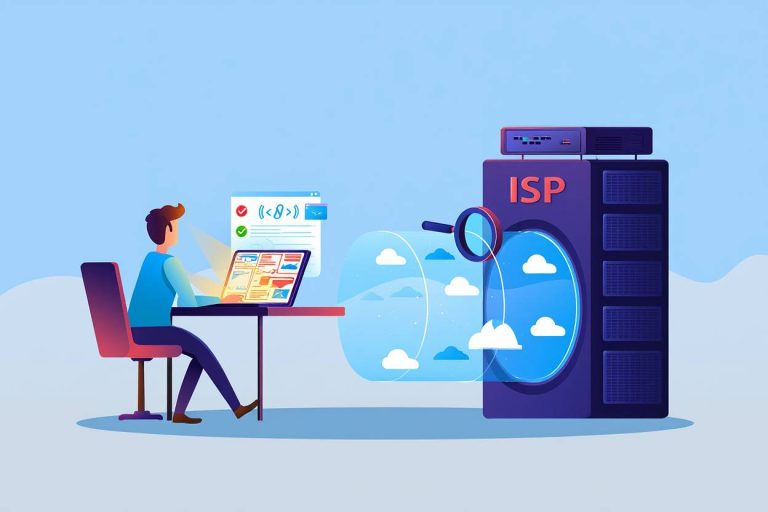
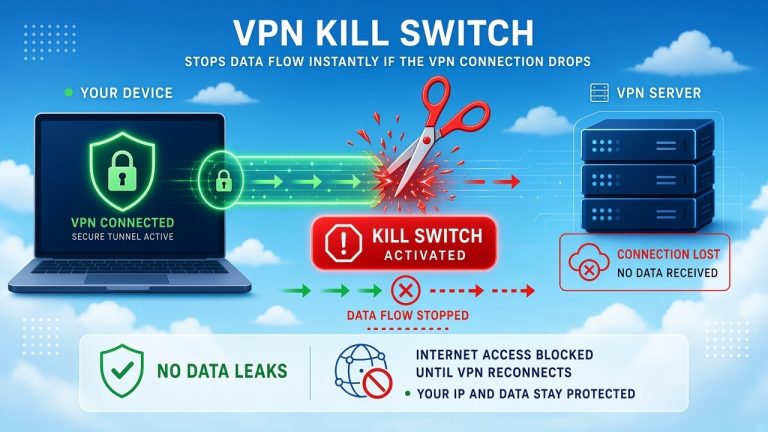
A VPN moves trust rather than removing the need for it: your ISP can’t see your destinations anymore, but your VPN provider can. Before trusting one with your traffic, check its logging policy, ownership, independent audits, and support for modern protocols like WireGuard. A kill switch and DNS leak protection matter too, since they keep your real connection from leaking if the VPN drops. If you’re wondering exactly what your internet provider can and can’t see with and without a VPN, we covered that in can a VPN stop your ISP from tracking you.
Be especially careful with free VPNs. Server infrastructure costs real money, so if you’re not paying, the revenue comes from somewhere, usually advertising or data collection, and free servers are typically the first ones Netflix flags. If you’re weighing one, read is it safe to use a free VPN and can a VPN steal your data first.
Frequently Asked Questions
Why does Netflix say I’m using a proxy when I’m not?
The label is broader than it sounds. VPNs, browser extensions, router-level VPN or Smart DNS settings, shared IP addresses, and some corporate or school networks can all trigger the same classification. Check your device proxy settings, browser extensions, and router configuration first. If everything is clean, your ISP may have assigned you an IP address that was previously flagged.
What is Netflix error code M7111-5059?
It’s the same proxy error in different clothing. M7111-5059 is the code that appears in browsers, while TV and mobile apps usually show the “unblocker or proxy” message instead. The cause and the fixes are identical: Netflix has flagged the connection as a VPN or proxy.
Netflix works on my phone but not my TV. Why?
Almost always a network difference. If your phone is on mobile data while your TV is on home Wi-Fi (or the phone’s VPN is off while the router runs one), Netflix sees two different connections. Test both devices on the same network with the VPN off and compare.
Will Netflix ban my account for using a VPN?
Netflix’s public documentation focuses on restricting playback and asking you to disconnect, not closing accounts. Its Terms of Use do allow stronger enforcement, but account termination isn’t presented anywhere as the standard response to VPN detection.
Which VPN works with Netflix in 2026?
No provider works 100% of the time, and anyone claiming otherwise is selling something. Detection changes week to week. Your best bet is a reputable paid provider that actively rotates its server infrastructure, and even then, expect individual servers to stop working without notice.
Can I use a VPN for privacy without changing my Netflix region?
Yes. Connect to a nearby server in your own country and your apparent region stays the same. Netflix may still flag the VPN connection itself, though, so you might need to disconnect while streaming. If you’re weighing the trade-offs of staying connected around the clock, see should you leave your VPN on all the time.
Does Netflix ban VPN IP addresses permanently?
Nothing suggests it’s permanent. Netflix’s blocklists shift constantly as VPN providers rotate their infrastructure. An address blocked today may work again months later, and a working address can get flagged tomorrow.
Why does Netflix work the moment I turn off my VPN?
Because Netflix treats the two connections differently, most likely due to the VPN server’s IP reputation. It doesn’t mean your VPN app is broken.
The Bottom Line
The proxy error means Netflix has decided your connection looks like a location-masking service, whether or not that was your intention. The fix path is usually short: disconnect the VPN, restart the app, check proxy settings and browser extensions, look for a router-level VPN, and test on your normal connection. If the error survives all of that, the public IP itself is the suspect, and your VPN provider or ISP is the right call.
Keep the big picture straight: a VPN is a genuinely useful privacy tool, but it was never a guaranteed passport to every Netflix catalog on Earth. Use it for privacy, stream with it when it happens to work, and don’t build your watchlist around a server that might get flagged next week.
You May Also Like
 VPNs & Proxies
How Strong Is VPN Encryption? A Simple Guide to VPN Security
 VPNs & Proxies
Can A VPN Stop Your ISP From Tracking You?
 Computers & PC Games
Is RomsFun Safe and Legit? My Complete Review and Testing Experience
 Computers & PC Games
Does a VPN Really Improve Minecraft Ping and Performance?
 VPNs & Proxies
Why You Should Use a VPN for Minecraft Servers
 VPNs & Proxies