
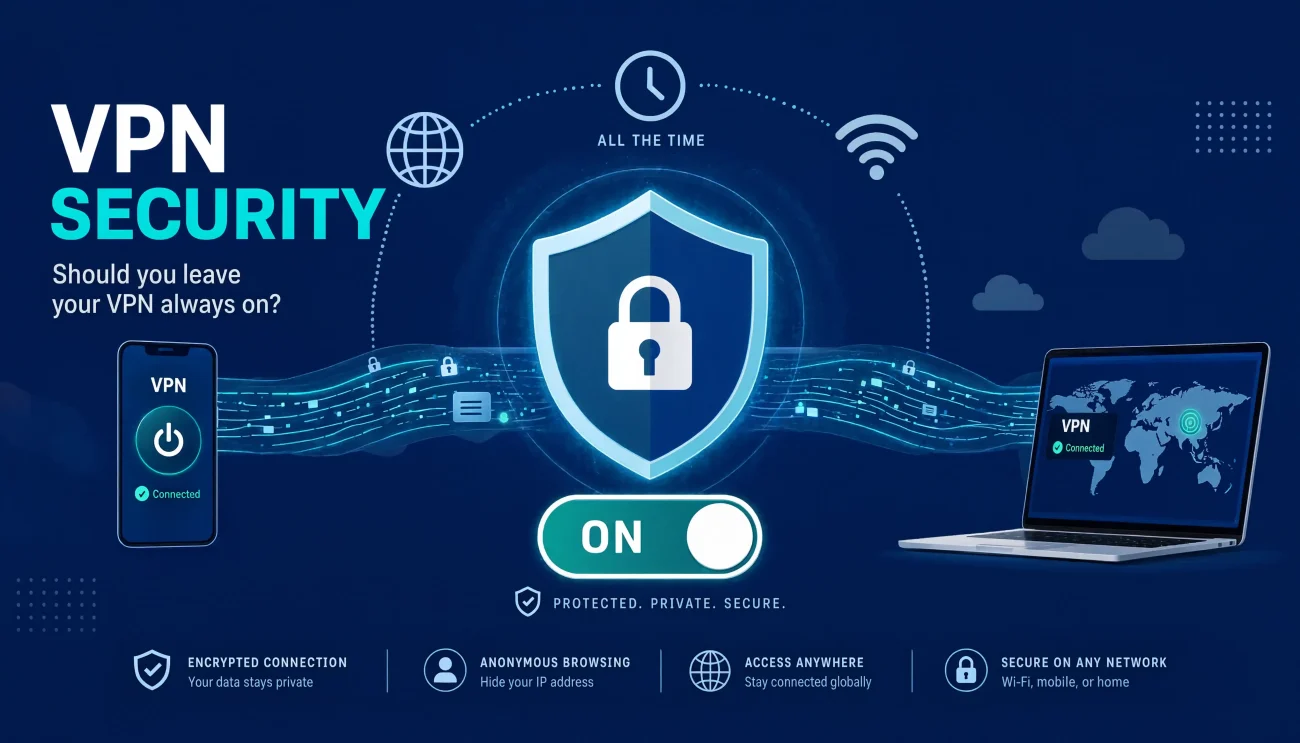
A VPN only protects you while it’s turned on. That leads to a simple question: should you leave it running all day, or just turn it on when you need it? The answer depends on what you’re doing online, what device you use, and how much speed or battery you’re willing to give up.
This guide walks you through it in plain, simple terms.
Should VPN Be On or Off?
Most of the time, it’s safer to leave your VPN on. This is especially true on public Wi-Fi, like at a coffee shop or airport, where you don’t know who else is on the network. A VPN hides your traffic and your IP address the whole time it’s connected. If you turn it off, even for a minute, that protection stops too.
So as a simple rule: leave it on unless you have a good reason to turn it off. We’ll cover those reasons a bit later.
Is It a Good Idea to Keep a VPN On All the Time?
Yes, for most people, keeping a VPN on all the time is a smart move. This is sometimes called an “always-on VPN.” It means you’re protected all day, not just when you remember to turn it on.
Here’s why that matters:
- Your ISP can’t watch you: Your internet provider can’t build a record of the sites you visit if it never sees them in the first place. Read more in our guide on whether a VPN can stop your ISP from tracking you.
- You’re safer on public Wi-Fi: Airports, cafes, and hotels are easy places for someone to spy on your data.
- You won’t forget to turn it back on: A lot of people connect once and forget to reconnect after their phone restarts or the Wi-Fi drops.
- Background apps stay protected too: Things like email syncing or cloud backups get covered, not just the app you’re actively using. This also helps when you shop online, since your payment info stays encrypted.
What About Free VPNs? Leave On or Off?
This is where things get tricky. With a paid, trustworthy VPN, leaving it on all the time is a good idea. But free VPNs are a different story.
Many free VPNs make money by selling your data, showing you ads, or even letting your device be used by other people. That means an “always-on” free VPN could actually hurt your privacy instead of protecting it. Some free VPNs also have weak encryption, so they don’t fully hide your traffic even while connected.
Before you leave any VPN running nonstop, check whether it’s actually safe to use. Our article on whether it’s safe to use a free VPN breaks down what to watch for. If you do choose a free VPN, it’s smarter to only turn it on for specific tasks you trust it with, rather than leaving it connected all day.
The Kill Switch
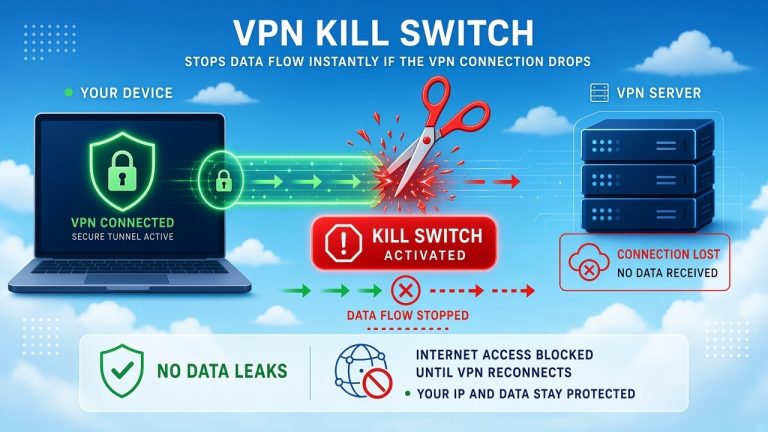
A kill switch is a simple but important VPN feature. Here’s what it does: if your VPN connection drops for any reason, the kill switch blocks all your internet traffic right away. Your device won’t quietly switch back to your normal, unprotected connection without you knowing.
Without a kill switch, there’s a small window where your real IP address and unencrypted data could be exposed, even if it’s just for a few seconds. That gap is exactly what an always-on VPN is supposed to prevent.
If you plan to keep your VPN on all the time, turning on the kill switch is one of the most useful things you can do. Most VPN apps have this setting in their menu, usually under “Connection” or “Security.”
What About VPN Speed and Battery Life?
Running a VPN all the time does use some extra speed and battery. But for most people, the difference is small.
Speed Impact
A VPN can slow down your internet a little. That’s because your data has to travel to a VPN server first, then get encrypted and decrypted along the way. A few things affect how much slower it gets:
- Which protocol you use: Newer options like WireGuard are much faster than older ones like OpenVPN.
- How far away the server is: A server close to you will usually be faster than one on the other side of the world. Check out our tips on reducing internet latency if speed is a big concern.
- How busy the server is: A crowded server slows everyone down.
If you’re a gamer, speed matters even more. Take a look at our guide on whether a VPN is good for gaming to see how much of a difference it really makes.
Battery Impact
Yes, an always-on VPN does use a bit more battery. This happens because your phone or laptop has to work a little harder to encrypt and decrypt your data all day. On average, most people see about 5% to 15% more battery use.
A few easy ways to save battery while keeping your VPN on:
- Use a VPN that supports WireGuard, since it uses less power than older protocols.
- Stay on Wi-Fi instead of mobile data when you can.
- Pick a VPN server that’s close to you.
- Turn on split tunneling, if your VPN has it, so only certain apps use the VPN instead of everything on your device.
When Is It a Good Idea to Pause Your VPN?
Even though leaving your VPN on is usually the best choice, there are a few times it makes sense to turn it off for a little while:
- Using devices on your home network: Things like printers, smart TVs, or your router’s settings page often need you to be on the same local network.
- Logging into banking or government sites: Some of these sites block VPN connections and may ask you to turn it off before you can log in.
- Playing fast-paced online games: If your VPN server is far away, it can add extra delay, called lag, which can hurt your gameplay.
- You’re on a network you fully trust: If you’re at home on a secure, private Wi-Fi network, some people feel comfortable turning the VPN off for certain tasks.
Once you’re done with the task, it’s a good habit to turn your VPN back on right away.
When Does an Always-On VPN Matter Most?
Some situations call for extra care. In these cases, keeping your VPN on all the time really pays off:
- Public Wi-Fi: Anywhere you don’t control the network, like a coffee shop or hotel.
- Traveling to other countries: Some places watch or block internet traffic closely, so staying protected the whole time is important. Just remember that VPN rules are different in every country, so it’s smart to check the laws before you go.
- Doing anything private or sensitive: Banking, health websites, or work logins are all good reasons to stay covered.
- Sharing a device with family: An always-on VPN means no one forgets to turn it back on after using the device.
Does Leaving a VPN On Cause Any Other Problems?
Besides speed and battery, there are a few small annoyances that can come with leaving a VPN on all the time:
- More CAPTCHAs: Some websites get suspicious of VPN traffic and ask you to prove you’re human more often.
- Streaming shows might not load: Many streaming services block known VPN servers, so a show might not play until you switch servers or turn the VPN off.
- Some apps may not connect: Certain banking apps or work systems don’t like unfamiliar VPN addresses and may block the connection.
- Trouble reaching devices at home: A VPN can sometimes block your printer or smart home devices from working normally.
None of these are big problems. Most VPN apps let you turn off the VPN for one app at a time (called split tunneling) so you don’t have to disconnect completely just to fix one issue.
How to Set Up an Always-On VPN the Right Way
If you decide to keep your VPN on all the time, these settings will help it work smoothly:
- Turn on auto-connect: This makes your VPN turn on by itself whenever you join a new or unknown Wi-Fi network.
- Turn on the kill switch: This stops your internet if the VPN connection drops, so you’re never accidentally exposed.
- Turn on DNS leak protection: This makes sure all your requests go through the VPN, not around it.
- Pick WireGuard as your protocol: If your VPN offers it. It’s usually the fastest and easiest on your battery.
- Use split tunneling for tricky apps: This lets you keep the VPN on for everything except the one or two apps that need it off.
- Choose a server close to you, unless you have a specific reason to connect somewhere else.
Conclusion
For most people, the answer is simple: yes, leave your VPN on. It keeps your ISP from watching you, protects you on public Wi-Fi, and covers you even when you forget it’s running. The cost in speed and battery is usually small, especially with a modern VPN protocol like WireGuard.
Just remember to pause it for a few specific moments, like using your printer, logging into your bank, or playing games where every bit of speed counts. Turn on the kill switch, set up auto-connect, and you’ll get strong protection without having to think about it every day.
You May Also Like
 Computers & PC Games
Does a VPN Really Improve Minecraft Ping and Performance?
 VPNs & Proxies
Why You Should Use a VPN for Minecraft Servers
 VPNs & Proxies
What Is a VPN Kill Switch and Why Is It Important?
 Computers & PC Games
Is RomsFun Safe and Legit? My Complete Review and Testing Experience
 VPNs & Proxies
How to Hide Your IP Address and Protect It: 5 Best Ways
 VPNs & Proxies