
Modded Minecraft server hosting is a specialized service for players who want more than the standard vanilla game. Instead of running Mojang’s default server software, a modded server uses a mod loader such as Forge, Fabric, NeoForge, or Quilt to support mods and modpacks.
The hosting setup you need can also be different from a small vanilla server. Larger modpacks may use more RAM and CPU resources, especially when they add new dimensions, mobs, automation systems, world-generation changes, or other complex mechanics.
Popular Minecraft modpack server hosting such as All The Mods 10, Better MC, Prominence II, Vault Hunters, DawnCraft, and RLCraft show how much the modded Minecraft ecosystem has expanded. However, resource requirements can vary widely between modpacks, so there is no single RAM number that works for every setup.
That’s why modded Minecraft server hosting needs to be evaluated differently from basic vanilla hosting. RAM matters, but so do CPU performance, storage speed, server location, modpack support, backups, file access, and the control panel.
In this guide, we’ll look at what to check when choosing a host, which providers offer useful features for the best Minecraft server hosting providers of 2026, and how much you can expect to pay.
Pricing and specifications in this guide were checked against provider websites in September 2026. Hosting plans, hardware, locations, and promotional prices can change, so check the provider’s current pricing before signing up.
What Is Modded Minecraft Server Hosting?
Modded Minecraft server hosting is a managed service that lets you run a Minecraft Java Edition server with a mod loader, individual mods, or a complete modpack.
The basic idea is similar to vanilla Minecraft hosting, but the server needs to support additional software and resources. Depending on the provider, you may be able to install modpacks directly through the control panel or upload your own files using FTP, SFTP, or a file manager.
Common modding ecosystems include Forge, Fabric, NeoForge, and Quilt, while modpacks are distributed through platforms and launchers such as CurseForge, Modrinth, FTB, ATLauncher, and Technic.
The amount of RAM you need for Minecraft server hosting depends mostly on the modpack you’re running and how many players or other activities the server needs to handle. A few lightweight mods can run with relatively modest resources, while a large modpack packed with world-generation, automation, and other demanding mods can need quite a bit more RAM.
For that reason, don’t choose a host based only on its advertised player count. Check the available RAM, CPU resources, modpack support, storage, backups, server location, and the amount of control you get over the server.
What is Modded Minecraft Server Hosting?
Modded Minecraft server hosting is a managed service that provisions a Java-based Minecraft server pre-configured for mod loaders and modpacks. Think of it as vanilla hosting with extra horsepower, deeper file access, and a control panel that knows what CurseForge, Modrinth, FTB App, ATLauncher, and Technic look like.

Key Features of Modded Server Hosting
You’ll notice the same essentials keep showing up across every serious provider I’ve tested this year:
- One-click modpack installation from CurseForge, Modrinth, Feed The Beast, ATLauncher, and Technic (1,000–50,000+ packs depending on the host)
- Automatic mod updates and dependency management across Forge, NeoForge, Fabric, and Quilt
- RAM allocations ranging from 512 MB for tiny test boxes to 32 GB+ for extreme kitchen-sink modpacks
- NVMe SSD storage for sub-second chunk loading and instant world saves
- DDoS protection on every plan (backed by providers like Cosmic/CosmicGuard, Path.net, NeoProtect, or Cloudflare, depending on host)
- 24/7 live chat and ticket support staffed by people who actually recognize mod names
- Custom modpack upload via SFTP, ZIP import, or panel-based installers
- Pterodactyl-derived, Multicraft, or proprietary panels (Starbase, Apollo, SMpicnic, or custom Ryzen-branded panels)
- Free subdomain plus optional custom domain mapping
- Automated backups with off-site retention
Popular Modpack Categories
Modded Minecraft covers a wide range of playstyles, and different types of modpacks can put very different demands on a server.
Technology and automation modpacks such as Create: Above and Beyond, Applied Energistics 2, Mekanism, and the All The Mods series focus heavily on machines, automation, and large-scale item or power networks. These packs can become particularly demanding when players build complex factories or keep many automated systems running at the same time.
Magic-focused modpacks such as Ars Nouveau, Botania, Blood Magic, and Occultism take a different approach. They add spells, rituals, magical systems, and new progression paths. Their server requirements can vary depending on the pack and how many other mods are included.
Adventure and exploration modpacks such as DawnCraft, Prominence II: Hasturian Era, Better MC, RLCraft, and Vault Hunters tend to emphasize exploration, combat, custom structures, new dimensions, and RPG-style progression. Large worlds, frequent exploration, and additional entities can increase the amount of work the server has to handle.
Creature-collection modpacks such as Cobblemon and Pixelmon form another popular category. These packs add Pokémon-inspired creatures, mechanics, and progression systems on top of Minecraft’s normal survival gameplay.
The important thing is that the modpack category alone does not determine how much hardware you need. The number of mods, world size, view distance, player count, automation, entities, and how actively the world is explored can all have a significant impact on server performance.
How Does Modded Server Hosting Work?
Modded Minecraft servers generally need more resources than vanilla servers because mods can add new creatures, blocks, dimensions, machines, world-generation features, and other systems for the server to handle.
How much power you’ll actually need depends on the modpack and how you plan to use the server. A small modpack with a few friends can usually run comfortably on a modest setup, while a large pack with hundreds of mods and several active players can put much more pressure on the server.
For most modded servers, CPU performance, RAM, and storage speed are some of the main things to look at. They can affect world generation, chunk loading, server tick performance, and how quickly the server responds when several players are online.
Most Minecraft hosting providers let you choose different amounts of CPU, RAM, storage, and network capacity. There isn’t one setup that’s perfect for every modded server. What works for you will depend on the modpack, player count, world size, and how heavily the server is used.
Server Architecture and Configuration
CPU performance matters because Minecraft’s main game simulation still relies heavily on individual CPU performance. Modern Minecraft versions can run some tasks in parallel, but the core server tick and other important workloads can still become limited by the performance of a single CPU core.
That means a server with fewer high-performance cores can sometimes be a better fit for Minecraft than one with many slower cores. More CPU cores are not automatically better if the Minecraft workload cannot make full use of them.
RAM allocation depends heavily on the size and complexity of the modpack. A lightweight Fabric or Forge server may work well with a relatively modest amount of memory, while a large pack with hundreds of mods, additional dimensions, automation systems, and many active players may need considerably more.
There is no universal RAM requirement for a particular modpack. Packs such as All the Mods, Enigmatica, and Better MC can have different memory needs depending on the specific version, configuration, player count, and server settings.
Instead of following a fixed RAM number, monitor how much memory your server actually uses. It is also a good idea to leave some headroom rather than allocating nearly all available memory to Minecraft’s Java process.
Storage speed can also affect a modded server, especially when it is generating new terrain, loading large worlds, or saving chunks.
An NVMe SSD can offer substantially higher storage performance than a traditional hard drive and lower storage latency than older drive technology. That can be useful for larger worlds or servers that perform frequent disk operations.
However, SATA SSD storage is not automatically a problem. A properly configured SATA SSD can still be suitable for many Minecraft servers. NVMe mainly gives you more storage performance headroom when the workload can take advantage of it.
Network quality is another important part of the equation. A hosting provider may advertise a high-speed network connection, but the headline bandwidth number does not tell you everything about the player experience.
Latency, routing, packet loss, connection stability, and DDoS protection can all matter. A stable connection with good routing to your players is often more useful than an extremely large bandwidth number that the server will rarely use.
You generally do not need a 1–10 Gbps connection simply because you are hosting Minecraft. Most Minecraft servers use much less bandwidth than that, although actual usage varies with player count, server activity, and configuration.
The same principle applies to latency. Lower latency is generally better, but you do not need to chase an arbitrary under-30 ms target for a server to be playable. A consistent connection with low packet loss can be more important than achieving an exceptionally low ping.
DDoS protection is also worth considering, especially for public Minecraft servers. The level of protection varies between hosting providers, so check whether mitigation is always active, what types of attacks are covered, and whether the provider imposes any limits or additional fees.
For most players, the goal is not to buy the most powerful server available. It is to choose a configuration that matches the modpack and player count without paying for resources the server does not actually need.
Installation and Management Process
Setting up a modded Minecraft server starts with the modpack you want to play. Its Minecraft version, mod loader, and server requirements will guide the rest of the setup. The exact steps depend on the pack and your hosting provider.
- Choose a modpack and server resources: Check the pack’s requirements, then choose CPU, RAM, and storage based on its size and your expected player count. Larger packs and busier servers generally need more resources, but the right amount varies by pack and workload.
- Check the Minecraft and Java versions: Use the Minecraft version specified by the modpack and a compatible Java runtime. Requirements change between releases: Minecraft 1.20.5 requires Java 21, while Minecraft 26.1 requires Java 25. Check the pack’s instructions rather than assuming one Java version works for every release.
- Set up the required mod loader: Use the loader and version specified by the pack, such as Forge, NeoForge, Fabric, or Quilt. If your hosting provider offers one-click modpack installation, it may set up the loader as part of that process.
- Install the server files: Install the pack through your host’s control panel if it is supported. Otherwise, follow the modpack’s server installation instructions. Use its server pack if one is available; do not assume the client installation can be uploaded unchanged. For example, NeoForge’s server guide distinguishes between server packs and regular pack installations.
- Configure and start the server: Set memory allocation, view distance, simulation distance, and other available settings to suit your hardware and player count. Leave enough memory for the operating system and other processes. Complete the Minecraft EULA acceptance required by your setup; on a self-managed server, this typically involves accepting it in
eula.txtafter the first launch. - Create or upload a world: Generate a new world or upload an existing one. If the modpack adds biomes, dimensions, or other world-generation features, check its instructions before reusing an existing world. Keep a backup before replacing or changing world files.
- Test the connection: Join the server using the Minecraft version and client modpack required by the server. If you cannot connect, check the server logs for version mismatches, missing mods, or other startup errors.
After the server is running, monitor its performance and keep regular backups. Back up your world before updating the modpack, mods, or mod loader, and follow the pack’s update instructions rather than assuming every update is compatible with an existing world.
A managed Minecraft host can simplify parts of the setup, but you still need to check compatibility, manage changes, and make sure your world is backed up.
Top 10 Modded Minecraft Server Hosting Providers
Choosing a host for a modded Minecraft server is about more than finding the lowest price. Your modpack, player count, and preferred level of control all affect which provider makes sense. The right host can make setup easier and give your server room to run reliably as your world grows.
In this guide, we compare the 10 best Minecraft server hosting providers to help you narrow down your options in 2026. We cover their advertised plans and pricing, hardware, modpack support, server locations, and key features, along with the advantages and limitations that matter for different types of servers.
Plans, prices, hardware, and available locations can change. Check each provider’s official website for the latest details before you sign up, especially if you need support for a specific modpack or Minecraft version.
Whether you’re starting a small server with friends or planning a larger modded world, the best choice depends on what you need the server to run and what you’re comfortable managing yourself. Let’s look at how the providers compare.
1. Bloom Host
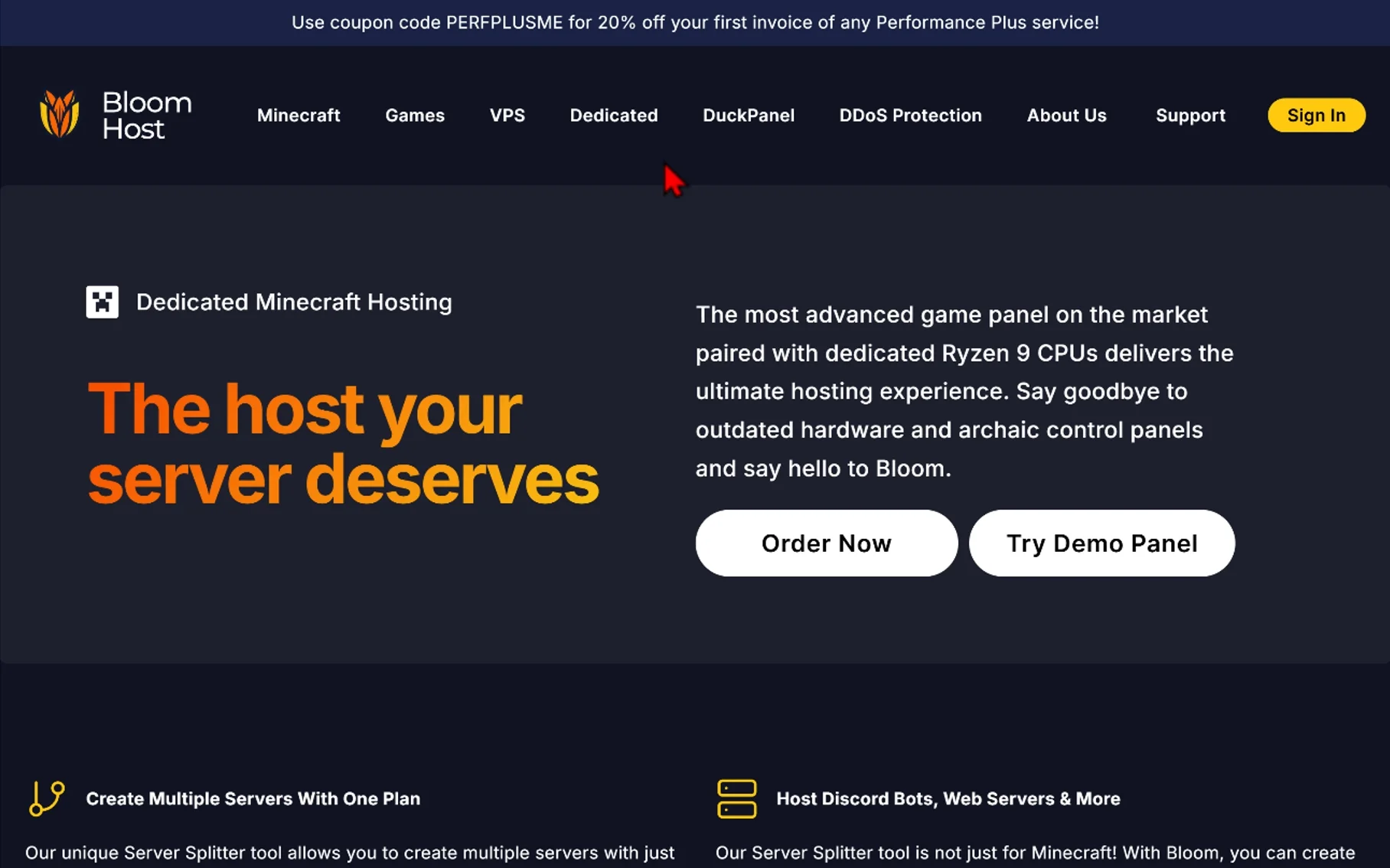
If you’re comparing the best Minecraft server hosting providers, Bloom Host is worth considering for a modded server, especially if you want more control over backups and multiple server instances. Its Minecraft plans include NVMe SSD storage and shared or dedicated logical CPU cores, depending on the plan. Bloom Host also offers modpack and server jar installers, MySQL database support, and tools for managing server files.
A key feature is DuckPanel, Bloom Host’s custom control panel. It brings together a web console, file management, a Recycle Bin, and installers for modpacks, plugins, and server jars. This makes common server management tasks accessible from one place.
DuckPanel’s Server Splitter lets you create additional server instances within a single hosting plan. That can be useful if your community wants separate Minecraft servers for different game modes. Each additional instance uses RAM and storage from the main server, however, so you need enough resources to run them all comfortably.
Bloom Host also provides off-site incremental backups. You can mount a backup in the file manager to browse and restore individual files or folders instead of restoring the entire server. Backup limits, including how many you can store and create per day, vary by plan.
Bloom Host is a particularly practical option if you expect to manage multiple instances or want more control over file recovery. Before choosing a plan, compare its CPU, RAM, storage, and backup limits with your modpack’s requirements and expected player count.
Key specifications:
- Storage: NVMe on Minecraft plans
- CPU options: shared or dedicated logical CPU allocations depending on plan
- Control panel: DuckPanel
- Server management: Server Splitter, file management, web console, and Recycle Bin
- Installers: modpack, plugin, and jar installers
- Backups: incremental off-site backups with mounted file browsing
- Customization: custom jars, plugins, and modpacks
- Databases: MySQL databases
- Optimization: Aikar’s optimized flags
- DDoS protection: advanced DDoS protection
Pricing and availability: Check exact hardware, price, and availability against the specific Bloom Host plan and location being tested. Those details can vary by configuration, so avoid treating a generic plan description as a guaranteed specification for every region. Bloom Host’s Minecraft plans provide the current product information, while its locations page can be used when checking regional availability and latency.
Pros:
- NVMe storage with shared or dedicated logical CPU options depending on plan
- DuckPanel combines server management, file tools, a web console, and installers in one interface
- Server Splitter can support multiple server instances on supported plans
- Incremental off-site backups include mounted file browsing for easier access to backup data
- Supports custom jars, plugins, modpacks, MySQL databases, and Aikar’s optimized flags
Cons:
- Features and CPU allocations vary by plan, so the selected package matters
- Exact hardware, pricing, and regional availability should be confirmed before ordering
- Advanced management features such as Server Splitter are tied to supported plans
Best for: Modded Minecraft players, server administrators, and small communities that want a flexible control panel with multiple server-management tools, granular backup access, and support for custom Minecraft configurations.
Visit Bloom Host
2. Apex Hosting
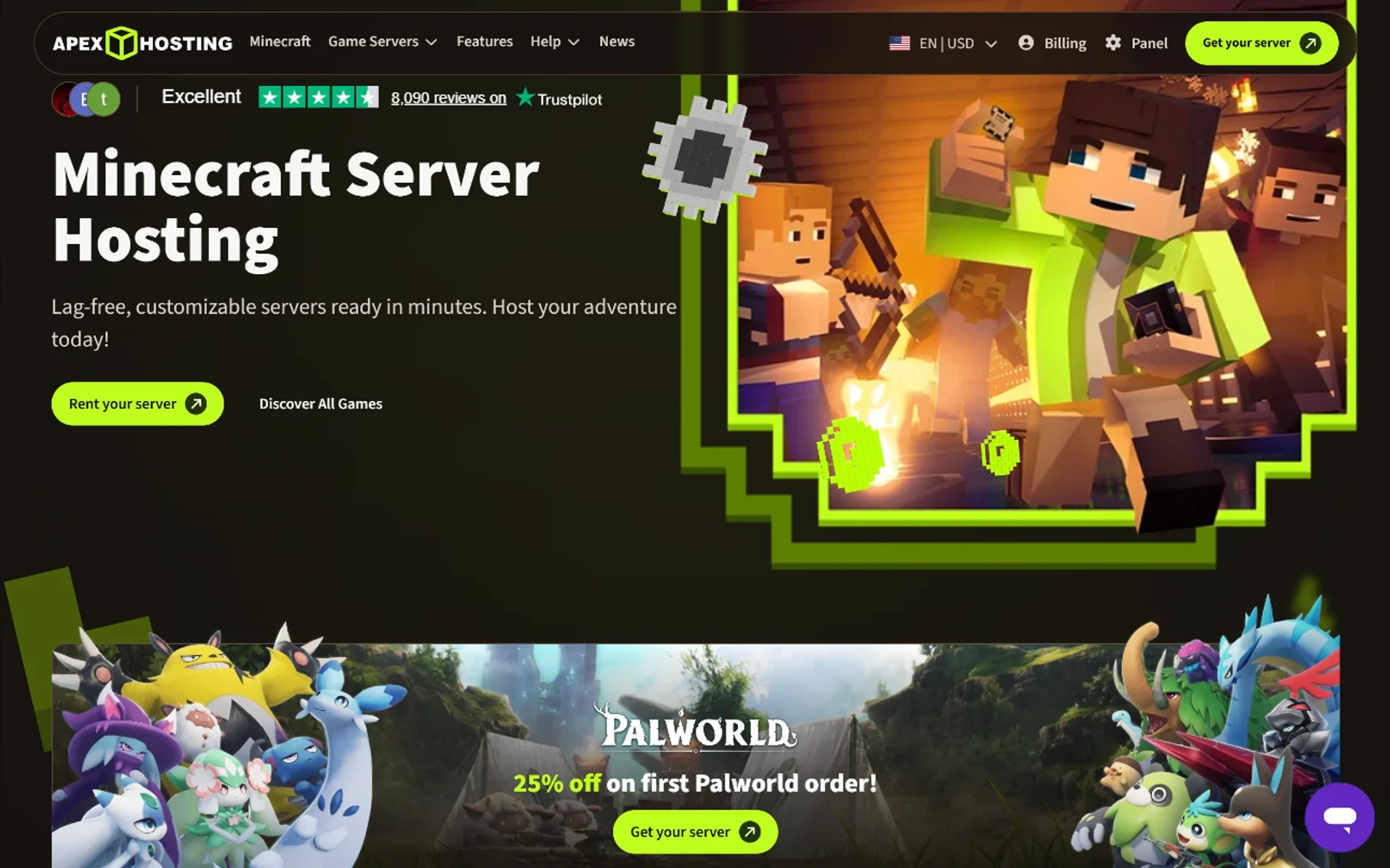
Apex Hosting is worth considering if you want modpack installers and access to 24/7 support while setting up a modded Minecraft server. Founded in 2013, the company offers Minecraft hosting with a web-based control panel, server locations in several regions, and plans ranging from smaller standard servers to a higher-resource EX Series option.
Apex advertises one-click installation for more than 200 modpacks. That can make it easier to get a supported pack running, although you should check whether your specific modpack and version are available before ordering. Its website also advertises live chat and ticket support around the clock; as with any host, the help available for a particular mod or custom configuration may vary.
Key Specifications
- RAM: The standard plans highlighted on Apex’s pricing page include 4 GB, 6 GB, and 8 GB options. Apex describes the 4 GB and 6 GB plans as suitable for basic servers and some modpacks, while it markets the 8 GB plan for more advanced servers. Treat those descriptions as starting points rather than a guarantee that a particular modpack will run well.
- CPU: Apex does not identify a specific CPU model for each standard plan on its pricing cards. Its EX Series is more specific: Apex advertises four exclusive vCores, using a Ryzen 9 5900X in the US and EU or a Ryzen 7 5800X in APAC. Advertised clock speeds are up to 4.8 GHz, depending on the processor and location.
- Storage: Apex advertises NVMe SSD storage for the EX Series. The standard-plan pricing cards do not provide the same clear breakdown of storage hardware and capacity, so check the specifications for the plan you intend to buy.
- Player slots: Apex advertises unlimited player slots. This does not mean unlimited players can join without affecting performance; practical capacity depends on your hardware, modpack, server settings, and player activity.
- Modpack support: Apex advertises 200+ one-click modpack installers, along with tools for installing server software and managing mods and plugins. Confirm support for the exact pack and version you plan to use.
- Control panel: Apex describes its panel as a custom web-based Multicraft 2.0 panel. It provides access to server settings, files, and other management tools.
- Support: Apex advertises 24/7 live chat and ticket support, along with setup guides and other help resources.
- Backups: Apex advertises automated offsite backups. Keep a separate copy of important worlds and files as well, particularly before updating a modpack or changing server configurations.
- Server address: Apex includes a free subdomain, which can be easier to share than a numeric server address.
- Locations: Apex lists test servers across multiple regions, including North America, South America, Europe, and Asia-Pacific. Check its current location and ping-testing options before ordering; a test-server list should not be assumed to describe every available hosting configuration.
EX Series
The EX Series is Apex’s higher-resource option for larger communities or more CPU-intensive setups. Apex advertises 16 GB of RAM, four exclusive vCores, NVMe SSD storage, and a dedicated IP for this plan. Those specifications may make it a better fit than a smaller standard plan for demanding workloads, but actual performance will still depend on the modpack and how the server is used.
Apex Hosting Pricing
The following are the advertised recurring monthly prices in USD for the plans listed below. Introductory discounts, promotional codes, billing terms, and final checkout prices can change, so verify the total before ordering.
| Plan | RAM | Advertised recurring price | Positioning |
|---|---|---|---|
| Standard | 4 GB | $14.99/month | Basic servers and some modpacks |
| Standard | 6 GB | $22.49/month | Basic servers and some modpacks that need more RAM |
| Standard | 8 GB | $27.99/month | More demanding setups, subject to pack requirements |
| EX Series | 16 GB | $71.99/month | Larger communities and CPU-intensive setups |
Apex also offers custom configurations and may advertise introductory discounts. Check the official pricing page and final checkout total for your chosen configuration and billing term.
Apex Hosting Pros and Cons
Pros:
- 200+ advertised one-click modpack installers
- 24/7 live chat and ticket support
- Automated offsite backups
- Free subdomain and advertised unlimited player slots
- EX Series option with 16 GB of RAM and four exclusive vCores
Cons:
- Introductory prices and recurring prices can differ substantially
- Standard-plan pricing cards do not identify the CPU model for each plan
- Storage specifications for standard plans are not as clearly detailed as those for the EX Series
- The EX Series has a substantially higher recurring price than the standard plans listed above
Who Is Apex Hosting Best For?
Apex Hosting may suit server owners who value straightforward modpack installation and readily available support more than the lowest advertised monthly price. Smaller standard plans can be a starting point for less demanding setups; for a large modpack or a growing community, check the pack’s requirements and consider whether a higher-resource plan is warranted.
Before choosing any plan, look beyond its player-slot claim. The Minecraft version, modpack, CPU resources, RAM, and how players use the world will have a greater effect on real-world performance.
Visit Apex Hosting
3. BisectHosting
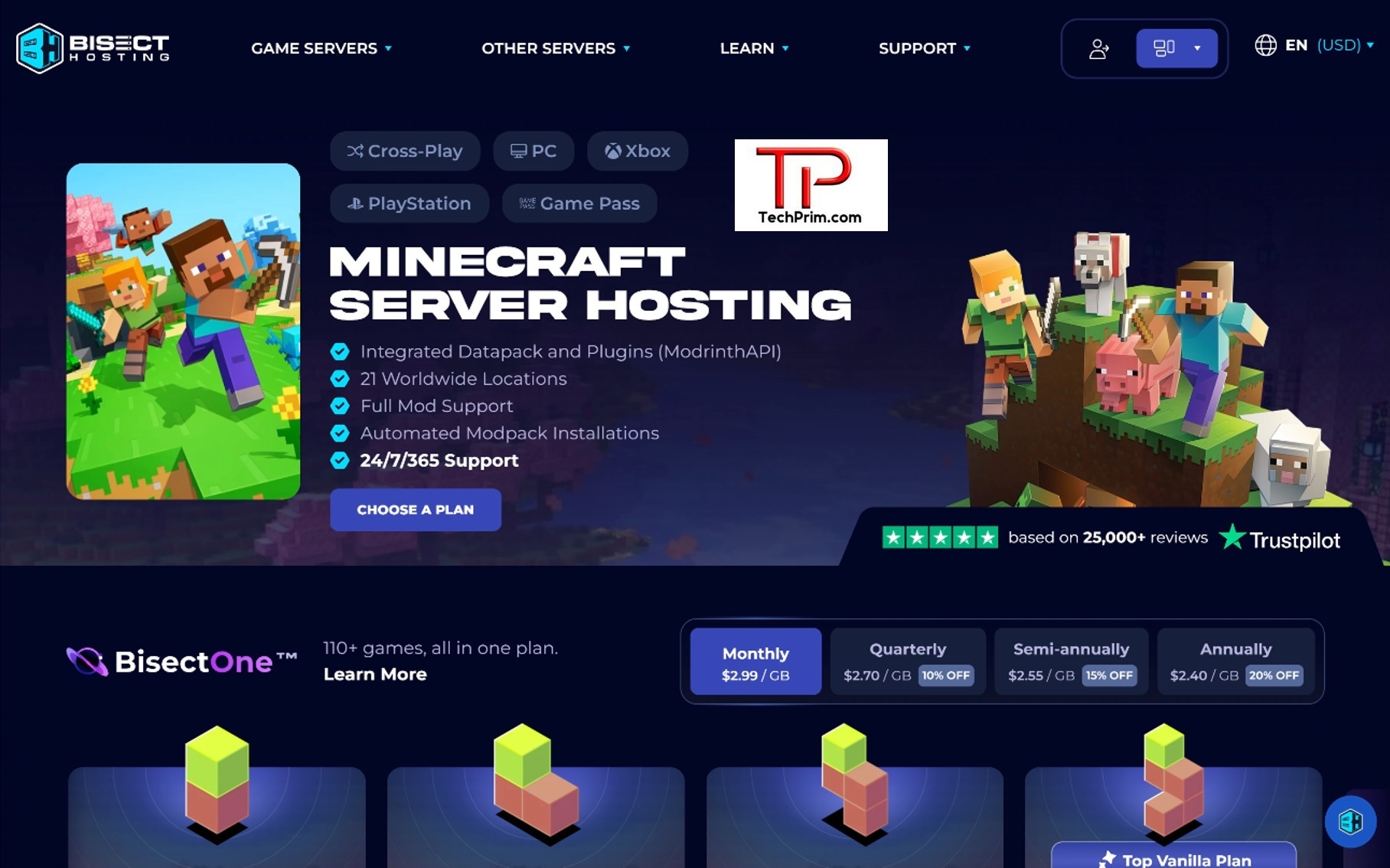
BisectHosting is a strong choice for Minecraft players who want a large selection of modpacks without making server setup complicated. The provider currently lists 2,300+ modpacks with one-click installation, so you can get supported modpacks running without manually uploading and setting up every file.
The Starbase Games Panel also makes day-to-day server management easier. You can use it to manage your server, install supported modpacks, change settings, and handle other common tasks from one place.
BisectHosting also uses a simpler Minecraft pricing system through BisectOne. Instead of choosing between different budget and premium plans, you mainly choose how much RAM your server needs. This makes the plans easier to compare, especially when you are trying to figure out which setup fits your Minecraft world and the number of players you expect.
When comparing the best Minecraft server hosting options, BisectHosting stands out for its large modpack selection, one-click installation, and simple server management. It is a particularly good fit for players who want to spend more time playing Minecraft and less time dealing with server setup.
Key specifications
- RAM: Plans range from 2 GB to 48 GB, giving you options for small servers, large modpacks, and bigger communities.
- Pricing: Starts at $5.99/month for 2 GB, with the lowest monthly rate working out to about $2.99 per GB.
- CPU: Hardware can vary by server location, so check the available location and current hardware information when CPU performance matters for your modpack.
- Player slots: Plans include unlimited player slots, although the number of players you can comfortably support still depends on your RAM, CPU, modpack, and overall server activity.
- Locations: 21 worldwide locations, with the ability to change locations through BisectOne.
- Control panel: Starbase Games Panel, which handles server management, modpack installation, and other settings.
- Support: 24/7/365 live chat and ticket support, with BisectHosting advertising an average response time of around 15 minutes.
- DDoS protection: Included with the Minecraft hosting service.
- Modpack support: More than 2,300 modpacks are available for automated installation.
- Custom modpacks: Supported, so you can upload and run your own modpack as well.
- Backups: Backup storage is included, while additional backup capacity is available through the optional BisectBoost add-on.
- Crossplay: Crossplay is supported for compatible Minecraft setups, including supported PC and console configurations.
Pricing
Pricing (September 2026): BisectHosting is also worth considering if you’re looking for cheap Modded Minecraft Server Hosting, especially for a small group or a lighter modpack. Plans start at $5.99/month for 2 GB RAM, while longer billing periods reduce the effective price per GB.
| RAM | Monthly Price | Best For |
|---|---|---|
| 2 GB | $5.99 | Small or lightweight servers |
| 4 GB | $11.99 | Small modded servers |
| 6 GB | $17.99 | Typical modded servers |
| 8 GB | $23.99 | Larger modpacks |
| 10 GB | $29.99 | Heavier modpacks |
| 12 GB | $35.99 | Larger modded groups |
| 16 GB | $47.99 | Heavy modpacks and bigger groups |
| 24 GB | $71.99 | Large communities |
| 32 GB | $95.99 | Large community servers |
| 48 GB | $143.99 | Very large communities |
BisectHosting’s per-GB pricing drops to $2.70/GB with quarterly billing, $2.55/GB semi-annually, and $2.40/GB annually. The provider currently highlights the 6 GB plan as its Top Modded Plan, while the 28 GB, 32 GB, and 48 GB plans are aimed more at larger community servers.
Pros
- 2,300+ modpacks with one-click installation
- 21 worldwide locations
- 24/7/365 support with an advertised average response time of around 15 minutes
- Easy server management through the Starbase Games Panel
- Unlimited player slots
- RAM options ranging from small servers to large community setups
- Support for custom modpacks
Cons
- Larger RAM plans can become expensive for bigger servers
- Hardware can vary depending on the server location
- Extra backup capacity requires the optional BisectBoost add-on
Best for: Minecraft players who want a large modpack library, simple server management, flexible RAM options, and plenty of server locations. It is especially appealing for players who want an easy way to install popular modpacks without dealing with a complicated control panel.
Visit BisectHosting
4. ScalaCube
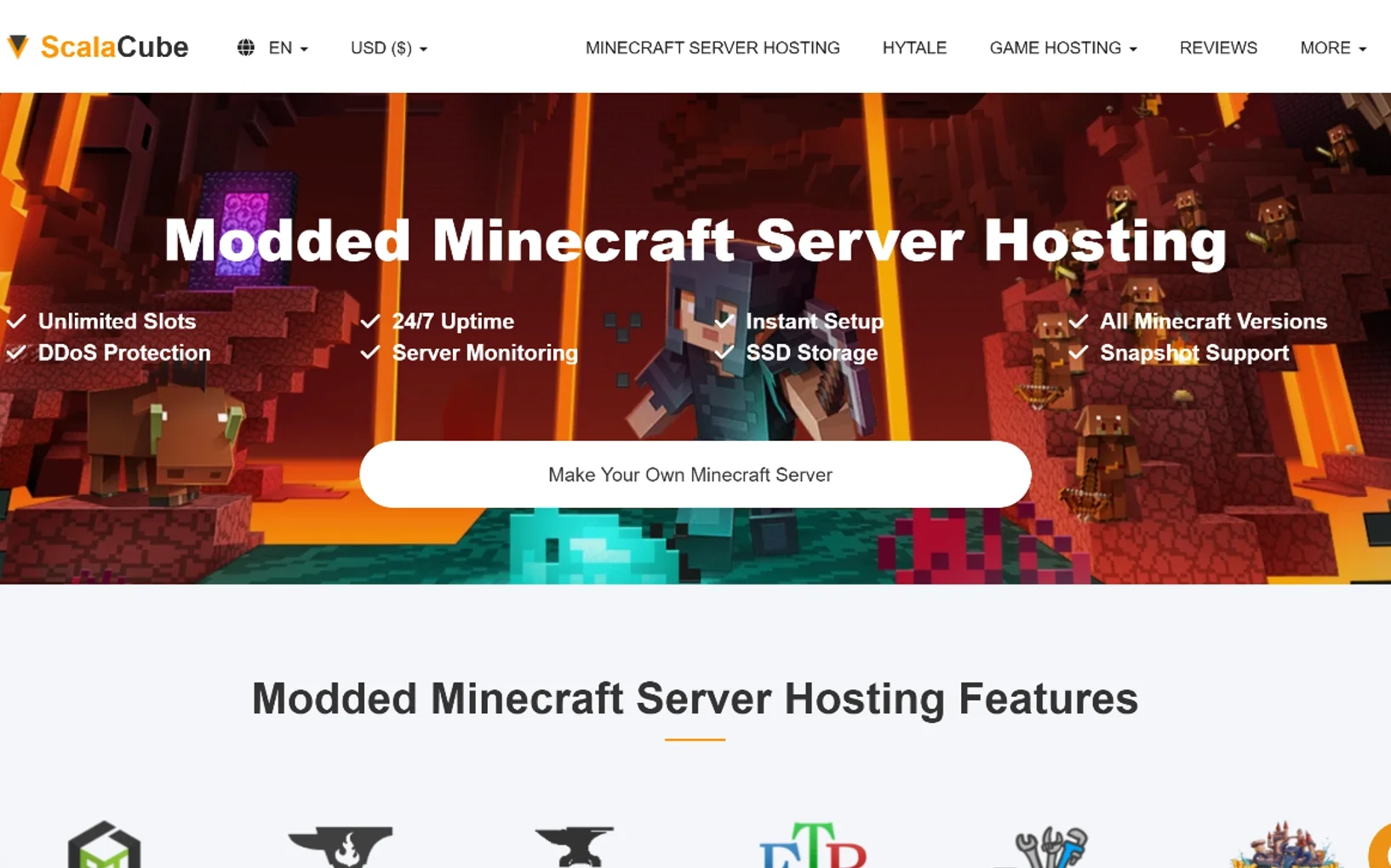
ScalaCube is a solid option for Minecraft players who want an easy way to get a server up and running, especially if you’re planning to play modded Minecraft. One of its biggest selling points is the large modpack library. ScalaCube currently lists 3,298+ unique modpacks that can be installed with one click, with support for popular platforms such as CurseForge, FTB, ATLauncher, Technic, Forge, and Fabric.
The setup is aimed at beginners, so you don’t have to install every mod manually or spend hours configuring the server yourself. If you like trying different modpacks with friends, that can save quite a bit of time.
ScalaCube also has a free Minecraft server option, although there are some important catches. The free Java server comes with 6 GB of RAM and supports up to 2 players. It doesn’t support modpacks or plugins, so I see it as a better fit for testing the service or running a basic vanilla server rather than hosting a modded world.
Key Specifications
- RAM: Paid plans range from 768 MB to 64 GB, with higher configurations available for more demanding servers.
- Free plan: 6 GB of RAM with a 2-player limit, but no modpack or plugin support.
- Player slots: Paid plans range from 10 players on the 768 MB plan to 1,000 players on the 64 GB plan. Keep in mind that a slot limit doesn’t guarantee that a server can handle that many players smoothly. Actual performance depends on the workload and modpack.
- Pricing: Paid plans start at $2/month for 768 MB of RAM.
- Modpack support: More than 3,298 unique modpacks are available through one-click installation.
- Supported platforms: CurseForge, FTB, ATLauncher, Technic, Forge, Fabric, and Voids Wrath.
- Server locations: Available locations include the US, Canada, Australia, UK, France, Germany, Poland, Finland, Brazil, Singapore, and India.
- Control panel: ScalaCube uses a web-based control panel for server setup and management.
- Support: Customer support is available through ScalaCube’s support system.
- DDoS protection: Included with the hosting service.
- Storage: SSD storage is available, with faster storage options offered on higher-tier configurations.
- Custom modpacks: Supported on applicable paid plans.
- Setup: Servers can be set up quickly, with supported modpacks installed through the hosting panel.
Pricing
Pricing checked in September 2026: ScalaCube starts at around $2/month for a small 768 MB server. The price goes up as you add more RAM and player capacity.
| RAM | Player Slots | Monthly Price |
|---|---|---|
| 768 MB | 10 | $2 |
| 1.5 GB | 20 | $5 |
| 3 GB | 40 | $10 |
| 4.5 GB | 70 | $13 |
| 6 GB | 100 | $18 |
| 8 GB | 150 | $24 |
| 12 GB | 225 | $36 |
| 16 GB | 300 | $48 |
| 24 GB | 400 | $72 |
| 32 GB | 600 | $96 |
| 48 GB | 800 | $144 |
| 64 GB | 1,000 | $192 |
ScalaCube is also advertising 50% off the first invoice on its Minecraft hosting. The free server is separate from these paid plans and comes with much tighter limits, so don’t confuse it with the paid modded-server options.
Pros
- 3,298+ unique modpacks with one-click installation
- Support for major modding platforms
- Simple setup that works well for beginners
- Paid plans can scale from small servers to much larger communities
- Multiple server locations around the world
- Free server option for basic testing
Cons
- The free server doesn’t support modpacks or plugins
- The free Java server is limited to 2 players
- Higher RAM plans can get expensive for larger communities
- Player limits are tied to individual plans, so don’t assume you get unlimited slots
- Hardware details aren’t presented as clearly as they are by some performance-focused Minecraft hosts
Best for: Beginners and Minecraft players who want an easy way to install a large selection of modpacks. ScalaCube can also make sense if you’d rather start with a smaller server and move to a larger plan as your world or community grows.
Visit ScalaCube
5. Shockbyte
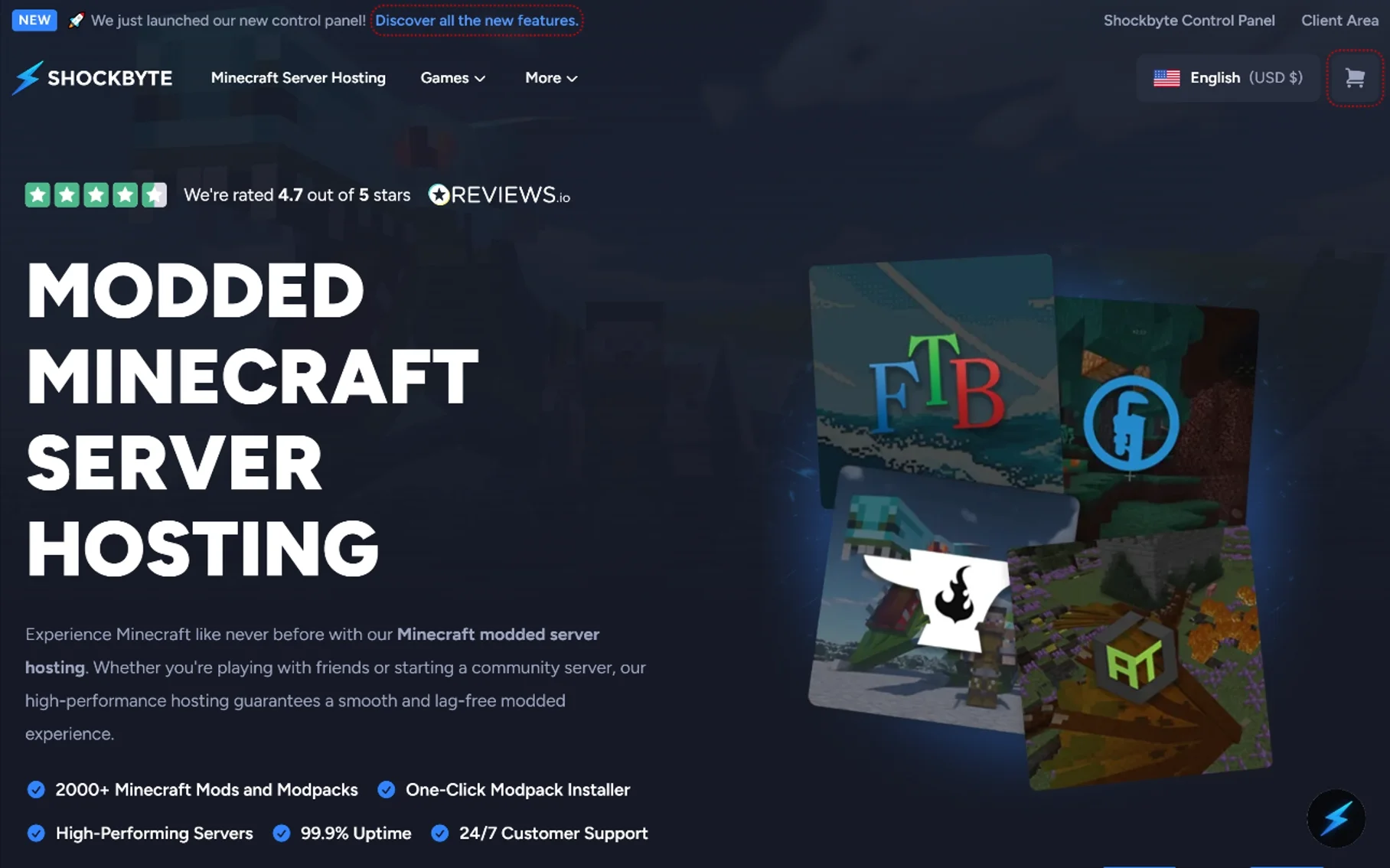
Shockbyte has been hosting Minecraft servers since 2013, and its current modded hosting lineup focuses on making it easy to get a modded server online without having to handle every part of the setup yourself. The provider currently advertises 2,000+ Minecraft mods and modpacks, with one-click installation for platforms such as CurseForge, Feed The Beast, Technic, and ATLauncher.
That large modpack library is one of Shockbyte’s more useful features. You can start with a supported pack instead of manually installing every mod and dependency, while custom modpacks are also supported when you want to run your own setup.
Another feature worth paying attention to is CPU flexibility. The current configurator includes 3 vCores by default, with upgrades to 5 vCores for an additional $4/month or 8 vCores for $10/month. That can be helpful for heavier modpacks where CPU performance becomes a limiting factor as more players, entities, automation, and world activity are added.
Key specifications
- RAM: Current dedicated modded plans include 6 GB, 8 GB, and 9 GB RAM.
- CPU: 3 vCores are included by default, with optional upgrades to 5 or 8 vCores.
- Storage: NVMe SSD storage.
- Player slots: Shockbyte advertises unlimited slots, although the plan cards list recommended capacities of 20+, 25+, and 30+ players. Your actual player capacity will depend on the modpack and server workload.
- Locations: Available across North America, Europe, Asia, Australia, and South America, with specific locations including North America Central, East, and West, Singapore, India, Japan, and Brazil.
- Control panel: Shockbyte Panel for managing the server, files, settings, and other server options.
- Support: 24/7 customer support.
- DDoS protection: Included.
- Modpack support: More than 2,000 mods and modpacks with one-click installation.
- Custom modpacks: Supported.
- Backups: Backup options are available, including a free backup tier with larger storage options available for an additional cost.
- Bandwidth: The current 6 GB configuration lists unlimited bandwidth.
- Disk space: The current 6 GB configuration lists unlimited disk space.
- Uptime: Shockbyte advertises 99.9% uptime for its modded Minecraft hosting.
Pricing
Pricing (September 2026): Shockbyte’s current modded plans start at $23.99/month for 6 GB RAM. The 8 GB Emerald plan costs $31.99/month, while the 9 GB Obsidian plan costs $35.99/month.
| Plan | RAM | Recommended Players | Monthly Price |
|---|---|---|---|
| Redstone | 6 GB | 20+ | $23.99 |
| Emerald | 8 GB | 25+ | $31.99 |
| Obsidian | 9 GB | 30+ | $35.99 |
The player figures above are recommendations shown by Shockbyte, not hard technical limits. A demanding modpack can run into CPU or RAM limitations well before reaching the advertised slot count.
Longer billing periods currently reduce the price, with 10% off for quarterly billing and 25% off for annual billing. You can also add more CPU resources, a dedicated IP, or additional backup capacity when your setup needs them.
Pros
- 2,000+ mods and modpacks with one-click installation
- NVMe SSD storage
- Unlimited advertised player slots
- CPU upgrades up to 8 vCores
- Custom modpack support
- 24/7 customer support
- Multiple international server locations
- DDoS protection included
Cons
- Modded plans are more expensive than some budget-focused competitors
- Performance can vary depending on the location and CPU configuration
- Unlimited player slots do not mean unlimited real-world capacity
- Additional CPU resources increase the overall monthly cost
Best for: Small Minecraft communities that want to get a modded server running quickly and still have the option to add CPU resources later. The configurable CPU options are particularly useful for heavier packs where server simulation becomes more demanding.
Our take: Shockbyte’s strongest combination is its 2,000+ modpack library, NVMe storage, and configurable CPU resources. The 6 GB Redstone plan is a reasonable starting point for a small group, while heavier automation-focused packs may benefit from the 8 GB or 9 GB options or an additional CPU upgrade. The main thing to compare is not the advertised slot count, but how much CPU and RAM your particular modpack is likely to use.
Visit Shockbyte
6. ServerMiner
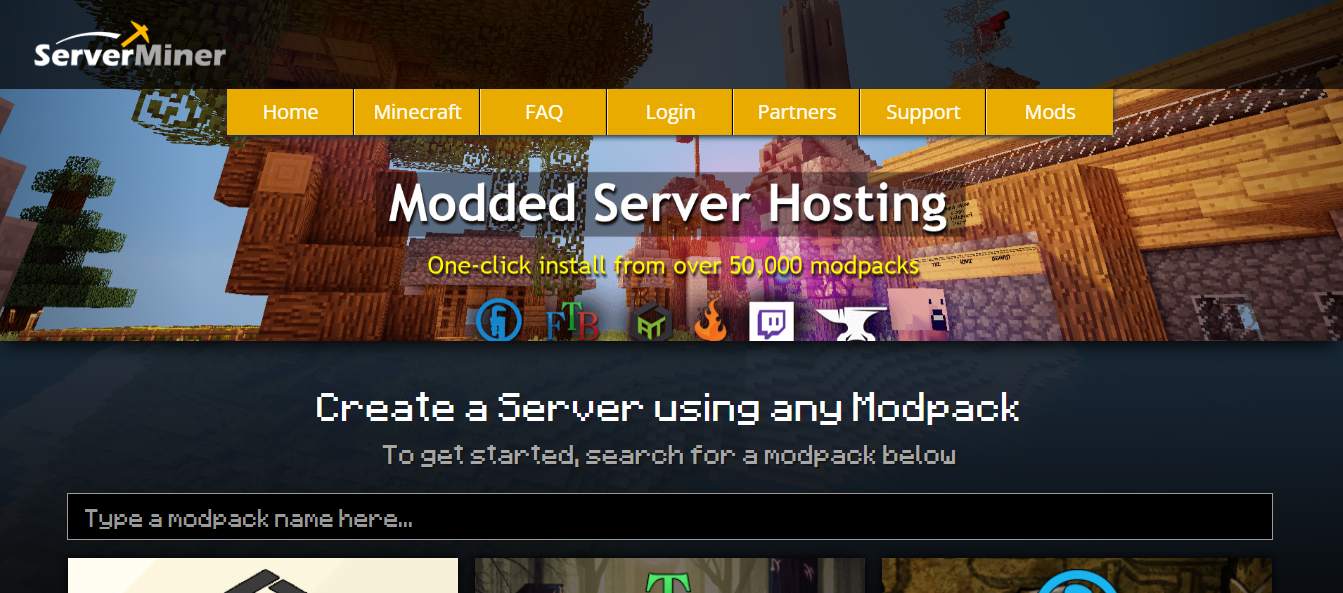
ServerMiner makes a lot of sense for players who like trying different modpacks without having to start over every time. The company says it supports more than 50,000 modpacks from Technic, Feed The Beast (FTB), Overwolf/CurseForge, and ATLauncher, with one-click installation for supported packs.
The modpack library is useful on its own, but the way ServerMiner handles worlds is even more interesting. The company says you can switch between modpacks without deleting your existing worlds, and you can create multiple worlds on the same server. That makes it easier to keep one world for each pack instead of buying a separate server whenever you want to try something new.
You are not limited to the built-in catalog, either. ServerMiner lets you install Forge directly and upload individual mods through its built-in File Manager. You can also create your own custom modpack if you prefer more control over the setup.
ServerMiner says supported modpacks can be installed in roughly 5–10 minutes through the control panel. The server also runs independently on its infrastructure, so your computer does not need to stay online for your friends to keep playing.
Key specifications
- RAM: Current plans range from 1.5 GB to 10 GB.
- Recommended RAM: ServerMiner recommends at least 3 GB of RAM for modded Minecraft servers.
- Player slots: Current plans range from 15 to 100 players.
- Modpack support: ServerMiner says it supports 50,000+ modpacks from Technic, FTB, Overwolf/CurseForge, and ATLauncher.
- Custom modpacks: Supported, with the option to install Forge and upload individual mods through the built-in File Manager.
- World management: You can switch between supported modpacks without deleting your worlds and keep multiple worlds on the same server.
- Setup: Supported modpacks can be installed with one click, with the provider estimating around 5–10 minutes for installation.
- Server availability: Your server runs independently from your own computer and is designed to stay online 24/7.
- Locations: The current order page lists 15 locations: Germany, Finland, Utah, Phoenix, Netherlands, Singapore, Sydney, Montreal, Los Angeles, Ashburn, Texas, Chicago, New York, Florida, and Seattle.
- Cancellation: You can cancel the service at any time and download your world files so you can continue playing elsewhere.
Pricing
Pricing (September 2026): ServerMiner’s current plans start at $7.58/month for 1.5 GB RAM and go up to 10 GB RAM.
| Plan | RAM | Players | Monthly Price |
|---|---|---|---|
| Stone | 1.5 GB | 15 | $7.58 |
| Coal | 2 GB | 20 | $9.89 |
| Lapis | 3 GB | 30 | $14.66 |
| Iron | 4 GB | 40 | $19.37 |
| Gold | 6 GB | 60 | $28.88 |
| Diamond | 8 GB | 80 | $38.32 |
| Bedrock | 10 GB | 100 | $47.74 |
For modded Minecraft, the 3 GB Lapis plan is a more practical starting point because ServerMiner itself recommends at least 3 GB for a modded server. Heavier packs may need more RAM depending on the number of mods, players, loaded chunks, and other server activity.
Pros
- 50,000+ modpacks according to ServerMiner
- One-click installation for Technic, FTB, Overwolf/CurseForge, and ATLauncher
- Custom modpacks and individual mod uploads are supported
- Switch between supported modpacks without deleting existing worlds
- Multiple worlds can be kept on the same server
- 15 currently listed server locations
- Server runs independently from your personal computer
- You can cancel and download your world files
Cons
- The 1.5 GB Stone plan is below ServerMiner’s own 3 GB recommendation for modded servers
- Higher-RAM plans become relatively expensive
- Player capacity is tied to each package
- The current order page tops out at 10 GB RAM, which may not be enough for some especially large modpacks or communities
Best for: Players who like experimenting with different modpacks and want to keep separate worlds without paying for a separate server for each one.
Our take: ServerMiner’s biggest advantage is the combination of a very large modpack catalog and flexible world management. Being able to switch packs without wiping your existing worlds is genuinely useful for players who like to experiment. For a modded server, we’d start at 3 GB or more rather than the entry-level 1.5 GB plan, then increase the RAM as the modpack and player count require.
Visit ServerMiner
7. Nitrado
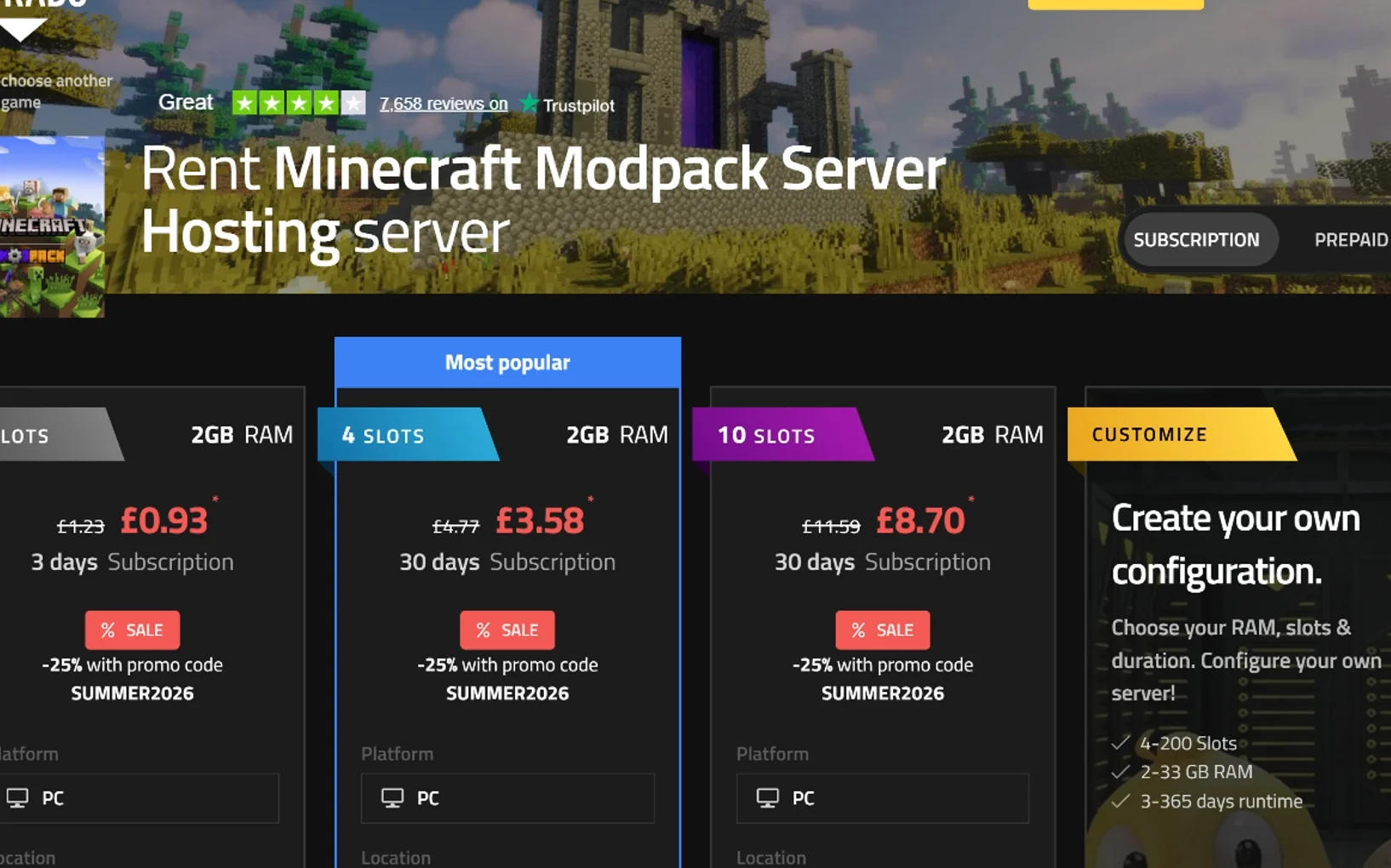
Nitrado is a good option for Minecraft players who want more flexibility than a typical fixed hosting plan provides. Instead of choosing from a small set of standard packages, you can adjust the amount of RAM, player slots, and rental period to match the way you plan to use the server.
For modded Minecraft, Nitrado supports Forge, Fabric, and QuiltMC modpacks directly through its web interface. Supported packs can be installed from the panel without manually building the server from scratch, and you can also upload your own mods if you want to create a custom setup.
Another feature that makes Nitrado different is its game-switching option. Nitrado says you can switch the active game on the same server and choose from a catalog of more than 100 supported games. The service currently allows up to five games on one server, so the same rental can be useful beyond Minecraft.
Key specifications
- RAM: Custom configurations range from 2 GB to 33 GB.
- Player slots: Configurable from 4 to 200 slots.
- Rental period: Choose a runtime from 3 to 365 days.
- Modpack support: Supports Forge, Fabric, and QuiltMC modpacks through the Nitrado web interface.
- Custom modpacks: Supported, including manual uploads of your own mods and files.
- Game switching: You can switch between supported games, with up to 5 games on one server.
- Locations: Current options include Singapore, Tokyo, Germany, London, Los Angeles, Sydney, New York, Miami, and São Paulo.
- Control panel: Nitrado’s web interface provides server management, mod and plugin installation, configuration tools, and file management.
- Support: 24/7 support is available through email and chat, with support offered in several languages.
- Backups: Nitrado advertises automatic daily backups.
- DDoS protection: Included with the server.
- Server availability: Your Minecraft server runs independently from your personal computer, so your PC does not need to stay online for other players to connect.
- Configuration changes: You can upgrade or downgrade the server configuration when your needs change.
Pricing
Pricing (September 2026): Nitrado uses a flexible pricing model based on RAM, player slots, and rental duration rather than one fixed monthly plan. The current Minecraft Modpack page shows configurations starting at 2 GB RAM and 4 slots, while custom setups can go up to 33 GB RAM and 200 slots.
The current prices shown on the Nitrado page include:
| RAM | Player Slots | Rental Period | Price |
|---|---|---|---|
| 2 GB | 4 | 3 days | £0.93* |
| 2 GB | 4 | 30 days | £3.58* |
| 2 GB | 10 | 30 days | £8.70* |
*These are the discounted prices currently shown with the SUMMER2026 promo code. The same page lists regular prices of £4.77 for 2 GB / 4 slots and £11.59 for 2 GB / 10 slots for 30 days.
Because Nitrado lets you choose the rental length, the total cost can vary quite a bit. You can rent a server for as little as 3 days or configure one for up to 365 days, which gives you more flexibility than a standard month-to-month plan.
Pros
- Flexible RAM, player-slot, and rental-duration options
- Supports Forge, Fabric, and QuiltMC
- Custom modpacks are supported
- Automatic daily backups
- DDoS protection included
- 24/7 multilingual support
- Nine currently listed locations covering North America, Europe, Asia, and Australia
- Ability to switch between supported games on the same server
Cons
- Pricing is less straightforward to compare with fixed-price Minecraft hosts
- The smallest configurations may not be suitable for heavier modpacks
- CPU specifications are not clearly published on the current modpack product page
- Promotional prices can vary by region, currency, and offer
Best for: Players who want control over how much RAM, how many player slots, and how long they rent their server. Nitrado is also a good fit for groups that play several different games and want the option to switch the same server between supported titles.
Our take: Nitrado’s main advantage is flexibility rather than raw Minecraft-specific specialization. You can start with a small configuration, adjust the resources later, and even use the same server for other supported games. For modded Minecraft, the key is to choose enough RAM for the pack you’re running rather than focusing only on the number of player slots. The ability to upload custom mods, switch between games, and keep automatic daily backups makes Nitrado a practical choice for players who value convenience and flexibility.
Visit Nitrado
8. Godlike.host

Godlike.host is an option worth considering if you’re looking for affordable modded Minecraft server hosting with modern hardware and a relatively simple setup process. Its Minecraft hosting page is currently promoting a 75% discount, with eligible configurations advertised at around $1 per GB of RAM during the promotion.
The setup is aimed at keeping things straightforward. Instead of manually installing every component of a modpack, you can select a supported pack, choose your server configuration, and deploy it through the hosting panel. Godlike says the server can be ready in under one minute.
The service also includes features such as automatic backups, DDoS protection, 24/7 server operation, and a 99.9% uptime guarantee, according to the provider’s current Minecraft hosting information.
💥 Premium Hosting. Minimal Price. Save 75%
Key specifications
- RAM: Configurations are available from small entry-level plans to larger setups, with custom options available.
- CPU: Godlike currently advertises AMD Ryzen 9 9950X3D processors for Minecraft hosting.
- Storage: NVMe SSD storage.
- Modpack support: Supported modpacks can be selected directly through the Minecraft server configurator.
- Custom mods: Custom mods and configurations can be managed through server file access and configuration tools.
- DDoS protection: Included, with 24/7 protection advertised by Godlike.
- Backups: Automatic backups are included.
- Uptime: 99.9%, according to Godlike’s published hosting information.
- Setup: Godlike says server deployment can take under one minute.
- Support: 24/7 support is advertised.
- Player configuration: The server calculator can recommend a configuration based on the expected number of players.
- RAM scaling: Resources can be increased as your server grows.
How Much RAM Does ATM10 Need?
For players planning to run All the Mods 10 (ATM10), Godlike’s server calculator is more useful than simply looking at the cheapest available plan. It provides a recommended configuration based on the expected number of players.
| Players | RAM | Recommended Plan |
|---|---|---|
| 1–2 | 4 GB | Quadra |
| 3–4 | 6 GB | Ultra |
| 5–6 | 8 GB | Unstoppable |
| 7–8 | 8 GB | Rampage |
| 9–10 | 10 GB | Immortal |
| 11–14 | 12 GB | Legendary |
| 15–20 | 16 GB | Godlike |
| 21–50 | 20 GB | Elder Guardian |
| 50+ | 32 GB | Custom / top-tier configuration |
These figures are Godlike’s recommendations, not fixed ATM10 requirements. Actual resource usage can vary depending on the number of loaded chunks, exploration, automation, entities, dimensions, world size, and how many players are active at the same time.
For a small private server, 4 GB may be a reasonable starting point for 1–2 players. A larger group or a heavily developed world can require more headroom.
Pricing
Pricing (September 2026): Godlike.host is currently offering a 75% discount on eligible Minecraft configurations. For ATM10, the calculator currently shows recommended plans starting at $4/month for 4 GB RAM and going up to $32/month for 32 GB RAM during the promotion.
| Plan | RAM | Recommended Players | Regular Price | Sale Price |
|---|---|---|---|---|
| Quadra | 4 GB | 1–2 | $15.99/month | $4/month |
| Ultra | 6 GB | 3–4 | $23.99/month | $6/month |
| Unstoppable | 8 GB | 5–6 | $31.99/month | $8/month |
| Rampage | 8 GB | 7–8 | — | $8/month |
| Immortal | 10 GB | 9–10 | $39.99/month | $10/month |
| Legendary | 12 GB | 11–14 | — | $12/month |
| Godlike | 16 GB | 15–20 | $63.99/month | $16/month |
| Elder Guardian | 20 GB | 21–50 | $79.99/month | $20/month |
| Custom / Top-tier | 32 GB | 50+ | $127.99/month | $32/month |
For ATM10, the important point is that the cheapest general Minecraft plan isn’t necessarily the right choice for the modpack. Godlike’s own calculator recommends 4 GB for 1–2 players, 8 GB for 5–6 players, and 16 GB for 15–20 players.
The advertised $1/GB figure is best viewed as a promotional pricing benchmark rather than a universal ATM10 requirement. Your actual cost depends on the amount of RAM you choose.
Because the 75% discount is promotional, pricing and renewal rates may change after the offer ends. It’s worth checking the current pricing page before purchasing.
Pros
- Promotional pricing can make modded Minecraft hosting relatively inexpensive.
- ATM10-specific recommendations make choosing a starting configuration easier.
- Modern AMD Ryzen 9 9950X3D hardware is advertised.
- NVMe SSD storage.
- Automatic backups.
- 24/7 DDoS protection.
- 24/7 support is advertised.
- Fast server deployment.
- Direct support for supported modpacks.
- Flexible RAM configurations.
- Resources can be scaled as the server grows.
Cons
- The lowest advertised prices are tied to a temporary promotion.
- The cheapest general Minecraft configuration may not be suitable for large modpacks.
- 2 GB is not the recommended starting point for ATM10 according to Godlike’s calculator.
- Larger ATM10 servers become more expensive as RAM requirements increase.
- Actual performance depends on the server workload and allocated resources.
- Promotional pricing and renewal costs can change.
Best for: Players and small communities looking for relatively affordable modded Minecraft hosting with straightforward modpack deployment and room to scale.
Our take: The headline $1/GB price is attractive, but the more useful part of Godlike’s offering is the combination of pricing and practical server management. For ATM10, starting with the calculator’s recommendation and scaling later is a more sensible approach than choosing a plan purely because it has the lowest price.
Visit GodlikeHost
9. Sparked Host
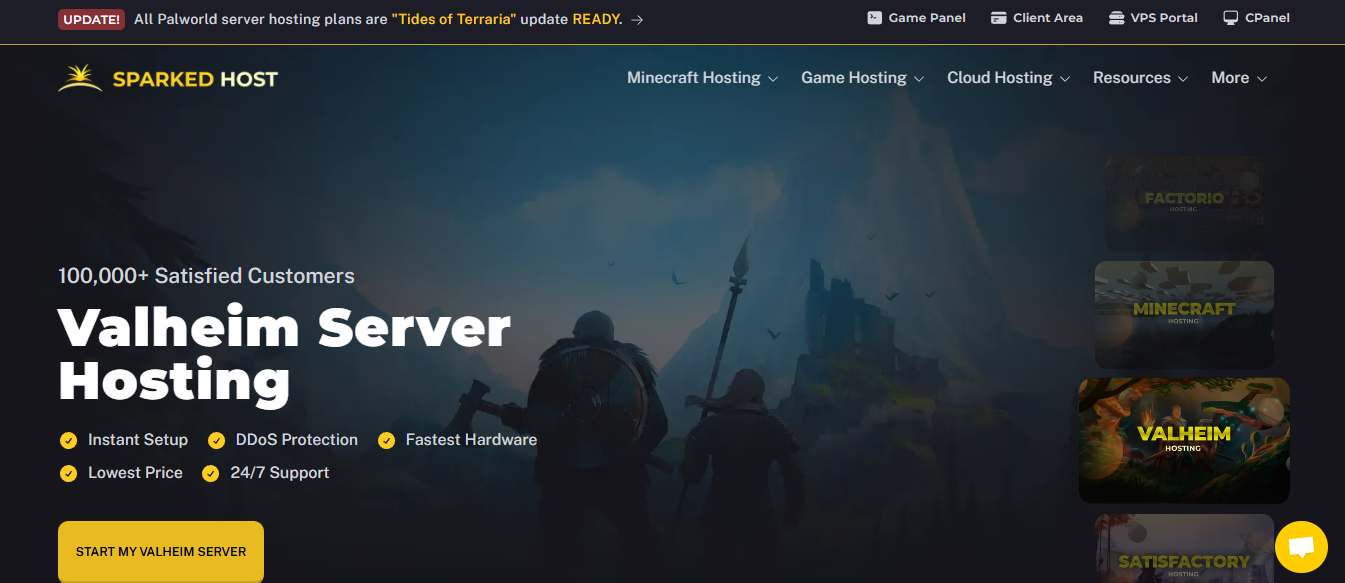
If you’re looking for affordable Minecraft server hosting, Sparked Host is worth a closer look. Its Minecraft plans start at $1.30/month, but the cheapest plan comes with only 512 MB of RAM. That makes the headline price appealing, although it doesn’t mean the entry-level plan is suitable for every Minecraft server.
Sparked Host has offered Minecraft and game server hosting since 2017. The company says it has deployed more than 100,000 servers and has more than 1,700 four- and five-star reviews. Those figures are useful context, but the more important question is what you get for your money: RAM, CPU resources, hardware choices, storage, locations, management tools, and support.
Sparked Host Minecraft Hosting at a Glance
Sparked Host’s Minecraft plans currently range from 512 MB to 26 GB of RAM, with 100 GB of storage included on the listed plans.
Key features include:
- Starting price: $1.30/month
- RAM: 512 MB to 26 GB
- CPU: 2 vCPU on smaller plans, up to 3.5 vCPU on Black Hole
- Storage: 100 GB
- Hardware: Budget, Enterprise, and Extreme tiers
- Player slots: Unlimited player slots are advertised
- Panel: Apollo Panel
- Locations: The site lists locations across North America, Europe, Asia, and Oceania
- Support: 24/7 support is advertised
- DDoS protection: Included, with the provider varying by location
- Backups: Current checkout shows three backup slots with three days of backups
- Modded Minecraft: Forge, Fabric, Spigot, Sponge, and modpacks are supported
- Trial: A 24-hour free trial is advertised
- Dedicated IP/port: Available as a paid add-on
Sparked Host Minecraft Plan Pricing
| Plan | RAM | Price/month |
|---|---|---|
| Asteroid | 512 MB | $1.30 |
| Pluto | 1 GB | $2.59 |
| Triton | 2 GB | $5.18 |
| Moon | 3 GB | $7.77 |
| Mercury | 4 GB | $10.36 |
| Mars | 5 GB | $12.95 |
| Venus | 6 GB | $15.54 |
| Earth | 7 GB | $18.13 |
| Neptune | 8 GB | $20.72 |
| Saturn | 9 GB | $23.31 |
| Jupiter | 10 GB | $25.90 |
| Sun | 12 GB | $31.08 |
| Milky Way | 16 GB | $41.44 |
| Supernova | 20 GB | $51.80 |
| Black Hole | 26 GB | $67.34 |
All listed plans show 100 GB of storage. Neptune is currently marked as a best seller.
If you’re specifically searching for cheap modded Minecraft server hosting, don’t choose a plan based only on the $1.30 starting price. A lightweight server and a large Forge or Fabric modpack can have very different resource requirements.
Hardware Options
Sparked Host offers three main hardware tiers:
- Budget: Dual Xeon E5-2698v4 processors, DDR4 memory, RAID 1/10 SSD storage, and a 1 Gbit multi-blend network.
- Enterprise: AMD Ryzen 9 7900, DDR5-4800 memory, RAID 1 NVMe SSDs, and a 1 Gbit/10 Gbit multi-blend network. Sparked Host positions this tier toward modded servers with larger player counts.
- Extreme: AMD Ryzen 9 9900X with DDR5-4800 memory and RAID 1 NVMe storage. It is positioned as the highest-performance option among the listed tiers.
This distinction is useful because modded describes the Minecraft setup, while Budget, Enterprise, and Extreme describe the underlying hardware tier.
What You Get
Sparked Host includes several features that are useful for Minecraft server owners. The company advertises unlimited player slots, free MySQL databases, NVMe storage, FTP/SFTP access, automatic updates, 24/7 support, and a 99.99%+ uptime claim.
These performance and service figures are vendor-provided claims, not independent measurements.
The Apollo Panel is another notable feature. It provides a server console, file manager, one-click modpack and plugin installers, a server importer, a secure reverse proxy, and a server splitter. For newer server owners, having these tools in one panel can make server management less intimidating.
Locations and Network
Sparked Host’s Minecraft page says the service is available in 10 locations, while its detailed location list currently names 11:
- North America: Miami, Dallas, Salt Lake City, Ashburn
- Europe: Paris, Helsinki, Vienna, London
- Asia: Singapore, Mumbai
- Oceania: Sydney
There is a small inconsistency here. The checkout currently displays 10 selectable locations, while London appears in the detailed location list.
For that reason, I wouldn’t describe Sparked Host as having 11 selectable locations without qualification. It’s safer to say that the site lists 11 locations, while the current checkout shows 10 choices.
Backups, Support, and DDoS Protection
The current checkout shows three backup slots with three days of backups at no additional cost. The site also lists daily backups among its Minecraft features.
Sparked Host advertises 24/7 support and says customers usually receive a response within 30 minutes. That’s a provider claim, so it shouldn’t be interpreted as a guarantee that every support request will be answered within that timeframe.
DDoS protection is included. Sparked Host describes active attack detection, custom protection providers, a large protection network, and one-second mitigation. The protection provider can vary depending on the selected location.
Trial and Refund Policy
The refund information deserves some attention before you buy.
Sparked Host’s FAQ currently contains different refund statements. One section advertises a 48-hour refund guarantee, while the dedicated refund-policy information states that refunds are available within the first 24 hours and only when Sparked Host cannot resolve the issue.
The company separately advertises a 24-hour free trial that customers can cancel.
Because these terms don’t line up perfectly, I wouldn’t describe Sparked Host as simply offering a 48-hour money-back guarantee. Check the current refund policy before ordering.
Pros:
- Low starting price: Plans begin at $1.30/month.
- Wide RAM range: Options go from 512 MB to 26 GB.
- Multiple hardware tiers: Budget, Enterprise, and Extreme are clearly identified.
- 100 GB storage: Included with the listed plans.
- Unlimited player slots: No separate slot pricing is advertised.
- Modded support: Forge, Fabric, Spigot, Sponge, and modpacks are supported.
- Apollo Panel: Provides several useful management tools.
- Backup allocation: Three backup slots are shown at checkout.
- Multiple regions: Locations are available across several major regions.
Cons:
- 512 MB is very limited: The cheapest plan won’t be practical for many modded setups.
- Location information varies: The site and checkout don’t show exactly the same number.
- Refund information is inconsistent: The site references both 48-hour and conditional 24-hour refund terms.
- Some extras cost more: Dedicated IP/port and other add-ons may increase the total price.
Is Sparked Host Worth It?
Sparked Host makes the most sense for users who want a low starting price, multiple hardware options, 100 GB of storage, unlimited advertised player slots, and a feature-rich control panel.
The $1.30 Asteroid plan is attractive if you’re comparing cheap Minecraft hosting, but I wouldn’t treat it as a universal solution for modded Minecraft. RAM requirements depend on the modpack, plugins, world, and player load, so choosing the smallest plan simply because it is the cheapest can be a false economy.
For a lightweight server with a few friends, a smaller allocation may be enough. Larger modpacks, more players, or heavier plugin configurations will usually require more resources.
Bottom line: Sparked Host is an interesting budget-oriented Minecraft hosting option, but its real value depends on choosing the hardware and RAM allocation that match your server rather than focusing only on the $1.30 headline price.
Visit Sparked Host
10. Atomic Networks Minecraft Hosting
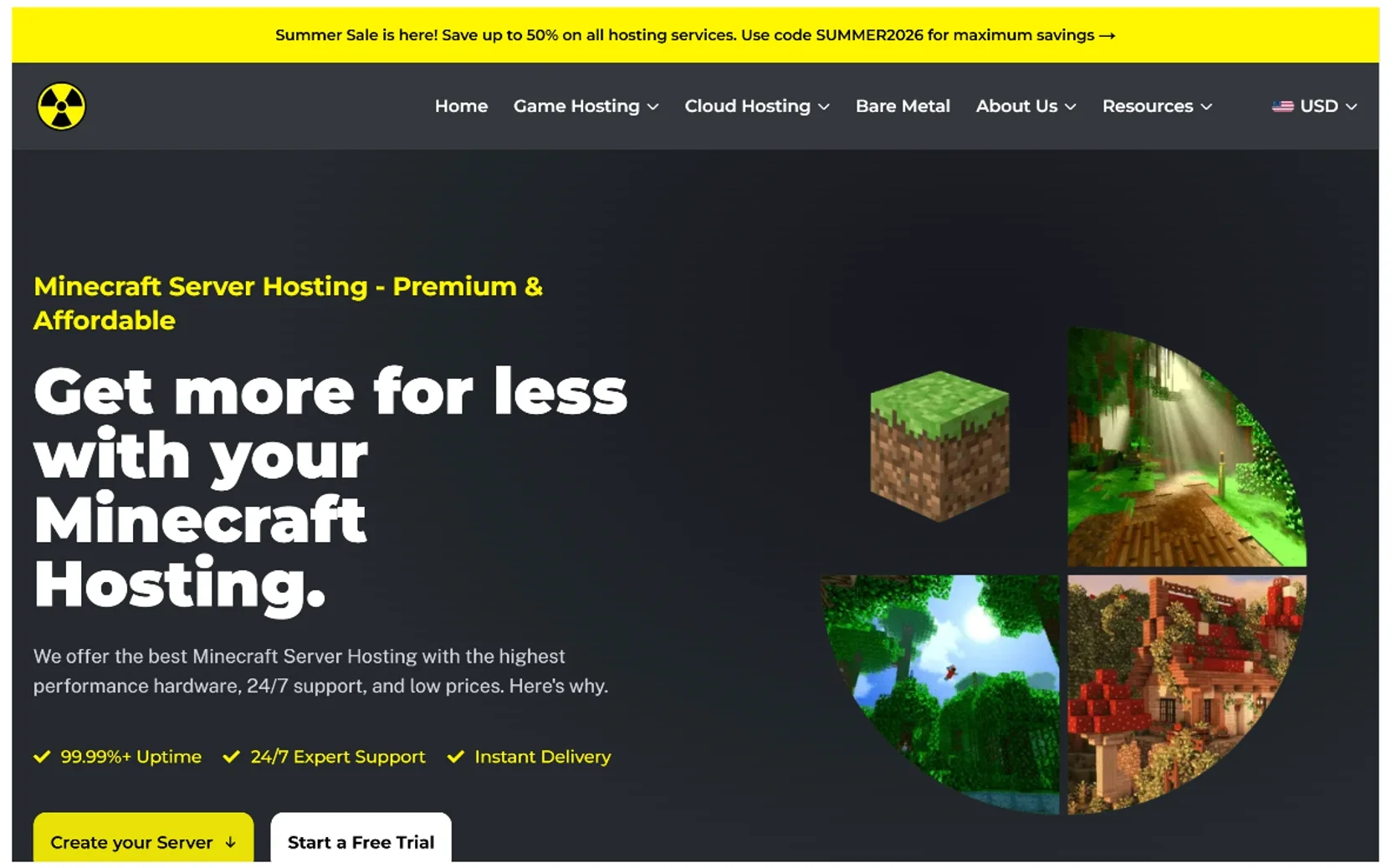
Atomic Networks is one of the more interesting options to consider when looking for budget Minecraft server hosting, especially if you want to keep the initial cost low without locking yourself into a very small upgrade path.
For September 2026, its entry-level Sandstone plan is shown at a promotional $1.13/month for 1 GB of RAM, compared with the listed regular price of $1.50. The offer is currently displayed with the SUMMERSTANDARD2026 promotion. Along with the RAM allocation, the plan includes 50 GB of storage, unlimited advertised players, mod support, and plugin support.
The price gets attention, but the broader hosting setup is what makes Atomic Networks worth a closer look. The provider offers multiple hardware tiers, several locations, daily backups, DDoS protection, instant setup, and its Apollo Panel for server management. There is also plenty of headroom for larger servers, with plans extending to 28 GB of RAM.
Atomic Networks Pricing
The standard Minecraft plans scale gradually as you add more RAM:
| RAM | Regular Monthly Price |
|---|---|
| 1 GB | $1.50 |
| 2 GB | $3.00 |
| 3 GB | $4.50 |
| 4 GB | $6.00 |
| 5 GB | $7.50 |
| 6 GB | $9.00 |
| 7 GB | $10.50 |
| 8 GB | $12.00 |
| 10 GB | $15.00 |
| 12 GB | $18.00 |
| 14 GB | $21.00 |
| 16 GB | $24.00 |
| 20 GB | $30.00 |
| 24 GB | $36.00 |
| 28 GB | $42.00 |
The September promotion currently reduces the Standard plans shown on Atomic Networks’ Minecraft page, so the amount you actually pay can be lower than the regular prices above.
This pricing structure is useful because you do not necessarily have to make a large commitment at the beginning. A small private server can start with a modest configuration, while a growing community can move to a larger plan later.
Is 1 GB Enough for a Minecraft Server?
For a small and relatively simple server, 1 GB can be workable. It is not, however, a universal recommendation.
A few friends running a lightweight vanilla world have very different requirements from a server running a large modpack, several plugins, a busy world, or more demanding settings. CPU performance, view and simulation distances, world activity, Minecraft version, and server software can all affect resource usage.
That makes the entry configuration most appropriate as a starting point for lightweight servers rather than a promise that it will suit every setup.
The useful thing about Atomic Networks is that you can increase the resource allocation later when the original configuration starts to become restrictive.
What Does “Unlimited Players” Actually Mean?
Atomic Networks advertises unlimited players on its Minecraft plans. That removes a fixed player-slot restriction, but it should not be confused with unlimited server capacity.
Every Minecraft server still has a practical performance limit. The number of players you can support comfortably depends on the hardware, server software, mods and plugins, world activity, and what those players are doing.
This distinction matters when comparing hosting providers because an “unlimited” slot policy tells you how the plan is sold, not how many players the hardware can reliably handle.
Is Atomic Networks Good for Modded Minecraft?
Atomic Networks supports mods and plugins and provides several Minecraft server software choices, including Java Edition and multiple Bedrock-oriented options such as Vanilla Bedrock, Nukkit, PocketMine-MP, PowerNukkit, and Endstone. Its FAQ also specifically addresses pre-made modpacks such as FTB and CurseForge.
That makes the service relevant to more than basic vanilla hosting.
The main consideration is still resource usage. A lightweight modded server may have modest requirements, while a large modpack with many active players can put significantly more pressure on CPU and memory.
So the better way to choose a plan is to start with the modpack, expected player count, and workload, rather than choosing based solely on whether the host supports mods.
Hardware Tiers Are Worth Paying Attention To
Atomic Networks separates its Minecraft hosting into three hardware tiers:
- Standard: Dual Xeon E5-2698v4 or equivalent, DDR4 memory, and RAID 1/10 SSD storage
- Enterprise: AMD Ryzen 9 7950X or equivalent, DDR5 memory, and RAID 1 NVMe storage
- Extreme: AMD Ryzen 9 9900X or equivalent, DDR5 memory, and RAID 1 NVMe storage
That is an important distinction because more RAM does not automatically mean better Minecraft performance.
The Standard tier uses older Xeon-based hardware, while the higher tiers move to newer Ryzen platforms and NVMe storage. That difference becomes more relevant for CPU-sensitive workloads and demanding modded servers.
At the same time, paying for the highest tier is not automatically the right choice. A small vanilla server may have little reason to use the fastest available hardware, while a more demanding setup can benefit from it.
Server Locations and Latency
Atomic Networks currently lists Minecraft locations in Miami, Ashburn, Dallas, Salt Lake City, and Paris, and its location selector displays latency figures alongside those options.
The values shown during my check were:
| Location | Observed Latency |
|---|---|
| Miami, Florida | 15 ms |
| Ashburn, Virginia | 18 ms |
| Dallas, Texas | 35 ms |
| Salt Lake City, Utah | 48 ms |
| Paris, France | 108 ms |
These figures should be treated as point-in-time observations, not guarantees of the latency every player will experience. Your actual ping can vary based on geography, ISP, routing, congestion, and network conditions.
For a community server, the most sensible location is usually the one that gives the majority of your players a consistently good connection.
What Features Are Included?
Atomic Networks lists several features as part of its Minecraft hosting, including:
- DDoS protection
- Daily backups
- Instant setup
- Panel access
- 24/7 support
- Mod and plugin support
- Multiple server locations
The company also advertises 99.99%+ uptime. That should be understood as a provider-stated figure rather than a guarantee that every individual server will maintain exactly that availability.
Atomic Networks also offers a free trial, which can be useful when you want to test the setup before committing to a longer hosting arrangement.
Apollo Panel
One of the stronger usability features is Apollo Panel, Atomic Networks’ browser-based control panel.
The panel provides live logs, resource monitoring, server status, console access, command execution, real-time output, command history, and autocomplete. It also includes tools such as a file manager, server importer, splitter, Launch Pad, and reverse proxy.
For beginners, that matters more than it might sound. Common server-management tasks can be handled from a web interface instead of requiring command-line tools for every change.
Dedicated IP and Optional Services
The base plan is not necessarily the final cost for every server.
Atomic Networks currently lists the following add-ons:
- Dedicated IP/Port: +$4.00/month
- Bedrock and Java Bundled Dedicated IP: +$6.75/month
- Server Management: +$20.00/month
The standard dedicated option provides either the default Java port or the Bedrock port, while the bundled option provides both. Server Management includes services such as plugin installation and configuration, permission setup, map uploads, and domain setup within the provider’s stated limits.
These extras are easy to overlook when comparing providers, so it is worth looking at the total monthly cost for your actual setup, rather than comparing headline prices alone.
Who Is Atomic Networks Best For?
Atomic Networks makes the most sense for players who want budget Minecraft server hosting with room to scale.
It is particularly well suited to:
Small private servers: A lightweight server for friends can start with a relatively modest resource allocation.
Beginners: The low entry point makes paid hosting less intimidating for someone creating their first server.
Modded Minecraft players: The combination of mod and plugin support gives you more freedom to customize the server, provided you choose enough resources for the workload.
Growing communities: The range of configurations makes it possible to move to a larger setup without immediately looking for a different provider.
Pros
- Low promotional entry price
- 50 GB of storage on the Sandstone plan
- Unlimited advertised players
- Mod and plugin support
- Java and Bedrock-related server options
- Multiple locations
- Three hardware tiers
- Apollo Panel
- Daily backups and DDoS protection
- Configurations up to 28 GB of RAM
Cons
- The smallest configuration may be restrictive for demanding servers
- Unlimited player slots do not guarantee unlimited performance
- Higher hardware tiers can increase the total cost
- Optional services add to the monthly bill
- Actual latency varies by player location and network route
- The lowest advertised price is promotional rather than the regular rate
Is Atomic Networks Worth It?
For the right type of server, yes, Atomic Networks is a compelling budget-focused option.
Its main advantage is not simply having an inexpensive entry plan. The more interesting part is the combination of a low barrier to entry, multiple hardware tiers, several locations, server-management tools, and higher-resource configurations for users who outgrow a basic setup.
That makes it a better fit for someone who wants to start small and scale gradually than for someone choosing a host solely because it has the lowest headline price.
For a small vanilla server, a basic configuration may be all you need. Heavier modpacks, larger communities, or more CPU-intensive workloads should be evaluated based on their actual resource requirements instead.
Overall, Atomic Networks is a strong budget Minecraft server hosting option for players who value affordability without wanting to sacrifice flexibility as their server grows. The September promotion makes the entry point especially attractive right now, but the longer-term value comes from the broader range of plans and infrastructure rather than the promotion alone.
Visit Atomic Networks Minecraft Hosting
Modded Hosting Comparison Tables
Nine provider profiles is a lot to hold in your head, so here is the same data compressed into side-by-side tables — the way you and I actually compare hosts with a dozen checkout tabs open. Every figure below was pulled from each provider’s live pricing pages in September 2026, and where a host’s own pages contradicted each other (it happens more than you’d think), I’ve flagged the contradiction instead of quietly picking the prettier number.
Best For Quick Reference
If you only read one table in this guide, make it this one. These picks are based on comparing the plan pages, control panels, features, and fine print above, rather than simply repeating each host’s marketing labels.
| Use Case | Best Fit | Another Option |
|---|---|---|
| Best overall for beginners | Apex Hosting | BisectHosting |
| Large modpack library | ServerMiner (50,000+) | ScalaCube (3,298+) |
| Free-tier option | ScalaCube (free, though 2-player cap and no modpacks) | GodlikeHost (free 2 GB, renews every ~3 hrs) |
| Budget under $5/month | Sparked Host (Asteroid, $1.30/mo) | ScalaCube ($2/mo paid) / GodlikeHost (Quadra $4/mo promo) |
| Flexible feature set | Bloom Host (DuckPanel, Server Splitter, backup tools) | Shockbyte / Sparked Host |
| Simple pricing model | BisectHosting (BisectOne, one tier for everyone) | Sparked Host |
| Control panel | Sparked Host (Apollo) | Bloom Host (DuckPanel) / BisectHosting (Starbase) |
| European hosting | Nitrado | Sparked Host |
| Backup workflow | Bloom Host (incremental off-site backups, mounted file browsing) | Apex Hosting (automated off-site) |
| Multi-server management | Bloom Host (Server Splitter on supported plans) | ServerMiner |
| Current-gen hardware listed | GodlikeHost (Ryzen 9 9950X3D / EPYC 9474F) | Sparked Host (Ryzen 9 7900 / 9900X, named tiers) |
Hardware Requirements for Modded Servers
Modded Minecraft can use a lot more resources than a basic vanilla server. The tricky part is that there isn’t one hardware setup that works for every modpack, so getting a rough idea of your needs before renting a server can save you from paying for too little or too much.
CPU Specifications
Single-core performance is still important for many Minecraft server workloads in 2026. Modern Minecraft versions and server software can use multiple threads for certain tasks, but server-tick performance can remain sensitive to the speed of individual CPU cores.
That means a newer CPU with strong per-core performance can be a better fit for a demanding Minecraft server than a processor chosen simply because it has more total cores.
Example CPU tiers to consider in 2026:
- Entry level: AMD Ryzen 5 5600 or Intel Core i5-12400
- Higher performance: AMD Ryzen 7 7700X or Intel Core i7-13700K
- High-end example: AMD Ryzen 9 9950X3D-class or Intel Core i9-14900K
- Clock speed: Higher clock speeds can help CPU-sensitive workloads, but clock speed alone doesn’t determine Minecraft server performance.
These should be treated as examples rather than hard minimum or maximum requirements. The right CPU depends on the Minecraft version, server software, mods, plugins, world activity, and number of players.
Memory Requirements
RAM needs can change quite a bit based on the modpack, player count, world size, and what is happening on the server. Below are the rough starting points I’d use when planning a modded server:
Rough RAM allocation starting points:
- Lightweight modpacks (50–100 mods): 4–6 GB
- Medium modpacks (100–200 mods): 6–10 GB
- Heavy modpacks (200–300+ mods): 10–16 GB
- Extreme “kitchen sink” packs (ATM10, Enigmatica 10, BMC5): 12–20 GB
- Large public modded network with 30+ players: 20–32 GB
These are starting points, not fixed requirements. Mod count by itself isn’t a reliable way to predict RAM usage. Two packs with a similar number of mods can behave very differently depending on world generation, automation, entities, dimensions, plugins, player activity, and configuration.
The best approach is to start with a sensible allocation and then watch actual memory usage and server performance.
Storage Considerations
NVMe storage is common on performance-focused Minecraft hosts, particularly for servers that generate lots of chunks or handle frequent world activity. That doesn’t mean a host using SATA SSDs will automatically perform poorly, though. The rest of the hardware and the server’s workload matter too.
Storage recommendations:
- Type: NVMe Gen3 minimum, Gen4 preferred for newer performance-focused setups
- Capacity: 25–500 GB depending on world size, backups, and multi-world setups
- Backup space: Additional storage for retained daily backups. Check whether backup space is bundled or charged separately. Sparked Host, for example, bundles 100 GB of base storage but charges extra for backup slots.
For large, chunk-generation-heavy worlds such as those using Terralith, faster storage can help with file access and world data operations, but it is only one part of overall server performance.
Network Requirements
Latency and bandwidth both matter, but they affect a Minecraft server in different ways. A server with lots of active players, entities, automation, or other modded activity can generate more network traffic than a simple vanilla world.
Network specifications to look for:
- Bandwidth: A reliable connection with enough headroom for your expected player count and workload
- Latency: Under 30 ms to your players is a useful target, while under 50 ms is generally workable
- Uptime: Look for a stated SLA, and check the provider’s actual Terms of Service rather than relying only on marketing copy. Several providers advertise figures such as “99.9%” while their contractual commitments can differ. ScalaCube’s ToS, for example, states 99%.
- DDoS protection: Look for clear information about the protection being provided. A named network or provider can be more informative than vague phrases such as “enterprise-grade protection.” Examples include CosmicGuard, Path.net, and NeoProtect.
For latency, server location usually matters more than raw bandwidth once you have enough capacity for the workload. Putting the server reasonably close to most of your players is one of the simplest ways to avoid unnecessary network delay.
Popular Modpack Categories and Requirements
Different modpacks can have very different resource requirements. Looking at the type of gameplay and the actual workload is usually more useful than judging a pack by its mod count alone.
Technology and Automation Modpacks
Popular technology modpacks (2026):
- All The Mods 10 (ATM10): 10–14 GB RAM
- All The Mods 9 (ATM9): 8–12 GB RAM
- Enigmatica 10: 10–14 GB RAM
- Create: Above and Beyond 2: 6–8 GB RAM
- Mekanism-based custom packs: 6–10 GB RAM
- Feed The Beast Skies Expert: 8–10 GB RAM
These figures are best treated as rough starting allocations, not guarantees. A pack with heavy automation, large item networks, extensive world generation, or many active players can need more resources than a quiet server running the same pack.
Resource considerations for technology packs:
- CPU usage: Automation, machines, entities, and server-side simulations can increase CPU load.
- RAM: Systems such as Applied Energistics and Refined Storage can contribute to memory usage depending on the size and activity of the network.
- Storage: Active world generation and large modded worlds can create significant disk activity, making faster storage useful.
- Network: Multiplayer automation and large numbers of active entities can increase traffic, although exact bandwidth needs vary by workload.
Magic and Adventure Modpacks
Notable magic modpacks (2026):
- Ars Nouveau-based packs: 6–8 GB RAM
- Botania integration packs: 6–10 GB RAM
- Blood Magic + Occultism combos: 8–12 GB RAM
- Mystical Agriculture variants: 6–8 GB RAM
- Iron’s Spells ‘n Spellbooks packs: 6–8 GB RAM
These are also rough starting points. The actual allocation can change significantly depending on the rest of the modpack, number of players, world activity, and configuration.
Adventure and Exploration Modpacks
Popular adventure modpacks (2026):
- RLCraft (v2.9+): 6–8 GB RAM
- DawnCraft: 8–10 GB RAM
- Prominence II: Hasturian Era: 8–12 GB RAM
- Better MC (BMC5): 10–14 GB RAM
- Vault Hunters 3rd Edition: 8–10 GB RAM
- Roguelike Adventures and Dungeons 2: 8–10 GB RAM
- SevTech Ages of the Sky: 8–10 GB RAM
Exploration-heavy packs can create additional load through world generation, structures, mobs, and dimensions. If players spend a lot of time exploring new areas, monitor CPU, RAM, and storage activity rather than assuming the initial allocation will always be enough.
Creature-Collector Modpacks
2026 creature-collector packs:
- Cobblemon (Fabric): 4–6 GB RAM
- Pixelmon Reforged/Modular: 6–8 GB RAM
- Alex’s Mobs Enhanced packs: 6–8 GB RAM
Again, use these numbers as starting points. The number of creatures, loaded chunks, players, and additional mods can all change the actual resource requirements.
Performance Optimization for Modded Servers
Optimizing a modded server isn’t just about throwing more RAM at it. The same server can perform very differently depending on CPU load, world settings, mod behavior, storage performance, and how many players are active.
Let’s look at the changes that can actually make a difference before you spend more money on hosting.
Server Configuration Optimization
JVM arguments have evolved. In 2026, we mostly recommend Aikar’s flags with tweaks for large heaps, and increasingly the ZGC or Shenandoah collectors for heaps over 12 GB. Essential JVM optimizations (G1GC, for heaps up to 12 GB):
-Xms8G -Xmx8G
-XX:+UseG1GC
-XX:+ParallelRefProcEnabled
-XX:MaxGCPauseMillis=200
-XX:+UnlockExperimentalVMOptions
-XX:+DisableExplicitGC
-XX:+AlwaysPreTouch
-XX:G1NewSizePercent=30
-XX:G1MaxNewSizePercent=40
-XX:G1HeapRegionSize=8M
-XX:G1ReservePercent=20
-XX:G1HeapWastePercent=5
-XX:G1MixedGCCountTarget=4
-XX:InitiatingHeapOccupancyPercent=15
-XX:G1MixedGCLiveThresholdPercent=90
-XX:G1RSetUpdatingPauseTimePercent=5
-XX:SurvivorRatio=32
-XX:+PerfDisableSharedMem
-XX:MaxTenuringThreshold=1
Server property adjustments:
- View distance: 6–8 chunks for modded (10 max on very light packs)
- Simulation distance: 4–6 chunks (kept lower than view distance)
- Max tick time: 60000 ms for complex modpacks (or -1 to disable watchdog while testing)
- Network compression threshold: 256 bytes
- Sync chunk writes: false for faster saves on NVMe
Mod-Specific Optimizations
You’ll get outsized gains from bundling performance mods with your pack. In 2026 the community defaults are pretty clear. Performance mods worth installing on modded servers:
- Ferrite Core — reduces memory usage of many mods
- ModernFix — patches memory leaks and startup slowdowns
- Canary / Radium — server-side performance patches
- Krypton — network stack optimization (Fabric)
- Lithium — general server optimization (Fabric)
- Spark — profiling and diagnostics
- ServerCore / Chunky — pre-generation of chunks
Entity and automation optimizations:
- Applied Energistics 2 network channel and idle power tuning
- Mekanism machine cache and pipe consolidation
- Aggressive mob spawn caps in bukkit.yml / spigot.yml / paper-global.yml (for hybrid servers)
- Item entity cleanup timers (5–10 minute lifespans)
Monitoring and Maintenance
I’ve watched too many servers slowly die from unmonitored memory leaks. Set up monitoring on day one. Key monitoring metrics:
- TPS (Ticks Per Second): Target a stable 20.0 TPS; anything under 18 is user-visible lag
- MSPT (Milliseconds Per Tick): Under 50 ms is healthy
- Memory usage: Heap should never sit above 85% after GC
- CPU utilization: Watch the single-core Minecraft thread specifically
- Network latency: Monitor per-player ping and packet loss
Security and Safety Considerations
Modded servers can have more things to worry about than vanilla servers because mods can add new code, features, and network-handling components. That doesn’t mean a modded server is automatically unsafe. It just means there are a few extra areas worth checking.
DDoS Protection and Network Security
Most major Minecraft hosts advertise some form of DDoS protection, but the level of protection and the network behind it can vary. I wouldn’t judge a host only by a badge that says “DDoS protected.” Look at what the provider actually says is included.
DDoS protection features to look for:
- Traffic filtering: Helps block unwanted or abusive traffic
- Rate limiting: Can limit excessive login attempts or packet traffic
- Named mitigation partner: Some providers identify networks such as CosmicGuard, Path.net, NeoProtect, DataForest, or Cloudflare Magic Transit, depending on the location
- Failover systems: Features such as Anycast and traffic rerouting can help keep a service reachable during an attack
You don’t need to understand all of these terms to choose a host. The main thing is to look for clear information instead of vague phrases such as “enterprise-grade protection.”
Mod Security and Validation
Not every mod should be downloaded without checking where it comes from. There have also been real mod-related security incidents, including the fractureiser malware incident in 2023.
A few basic habits can help:
- Use trusted sources: Prefer CurseForge, Modrinth, or the mod author’s official GitHub when available
- Keep mods updated: New releases can include security fixes as well as bug fixes
- Limit permissions: Tools such as LuckPerms or FTB Ranks can help control who has access to powerful server commands
- Keep backups: Automated daily backups are useful, especially when an off-site copy is available. Check whether your host includes this or charges extra
- Use an allowlist for private servers: For public servers, consider appropriate moderation and anti-cheat tools such as Vulcan or Grim.
Player Data Protection
If your server collects personal information from players, privacy requirements may apply depending on where those players live and what information you collect. This matters more for public communities than for a small private server with a few friends.
Useful privacy and security measures include:
- Encrypted connections: Use secure connections for panel and management access where supported
- Access logging: Keep records of important admin commands and file changes when practical
- Encrypted backups: Check whether off-site backups are encrypted while being transferred and stored
- Privacy policies: If you collect information such as email addresses or Discord IDs, clearly explain what you collect and how you use it
- Age-related requirements: If your server or community is specifically aimed at children, check the privacy rules that may apply
Troubleshooting Common Issues
Every modded server admin eventually runs into a problem. The good news is that most troubleshooting becomes much easier once you know where to start.
Performance and Lag Issues
Common performance problems include:
- Memory problems: Some mods or configurations can cause memory usage to grow over time
- Mod conflicts: Two mods can interfere with the same feature, class, or event
- World problems: Damaged chunks or unusual world data can sometimes hurt performance
- Network congestion: A busy connection or limited network capacity can affect multiplayer performance
Here’s how I’d troubleshoot a lag spike:
- Install Spark and profile the server while the problem is happening. This can help show where CPU or other resources are being used.
- Check
latest.loganddebug.logfor repeated warnings and errors. - Test mods in smaller groups if you suspect a conflict. Removing half the mods at a time can make the culprit much easier to find.
- Check memory usage before adding RAM. If the server is actually reaching its memory limit, increase the allocation and see whether performance changes.
- Pre-generate the world with Chunky if generating new chunks while players explore is causing noticeable load.
Mod Compatibility Problems
When a server starts crashing after you add or update a mod, check these first:
- Version matching: Make sure your Forge, Fabric, or other loader version matches the version required by the mod
- Dependencies: Check required library mods such as Kotlin for Fabric, Cloth Config, Architectury, and GeckoLib
- Configuration: Look for conflicting settings, IDs, recipes, or overlapping features
- Gradual installation: Add mods in smaller batches instead of adding everything at once. It makes troubleshooting much easier
Server Connectivity Issues
If players can’t connect, start with the network basics:
- Port configuration: Check that port 25565, or your custom port, is configured correctly
- Firewall rules: Make sure the required Java or server traffic is allowed
- DNS resolution: Check your A and SRV records if you’re using a domain
- External testing: Tools such as mcsrvstat.us and mine.tools can help check whether the server is reachable from outside your network
Frequently Asked Questions
These are some of the questions that come up often when setting up and managing a modded Minecraft server.
Do I need technical knowledge to run a modded Minecraft server?
Not necessarily. Modern hosts such as Apex, BisectHosting, and Sparked Host provide one-click installers and web-based control panels that handle much of the initial setup.
You’ll still benefit from learning a few basics as your server grows. Knowing how to read a crash log, check resource usage, or run a Spark profile can save a lot of time when something goes wrong.
Can I switch between different modpacks on the same server?
Many hosts let you change or reinstall modpacks from the control panel. Before doing it, make a backup of your current world.
Switching to a different pack can cause compatibility problems with existing world data, so starting a new world may sometimes be the safer option. ServerMiner is noted in this guide for supporting multiple worlds per server.
How much RAM do I need for a modded server with 10 players?
For 10 concurrent players, the amount of RAM you need depends heavily on the modpack and how busy the server is.
As rough starting points:
- Lightweight packs such as Cobblemon or simpler Create-focused setups: around 6–8 GB
- Medium packs such as Vault Hunters or DawnCraft: around 8–10 GB
- Heavy packs such as ATM10, BMC5, or Prominence II: around 10–14 GB
These are starting points rather than fixed requirements. Monitor actual memory use and server performance before deciding to add more RAM.
Are modded servers more expensive than vanilla servers?
They often cost more, but there isn’t one fixed price difference. Larger modpacks can need more RAM and stronger CPU resources than a simple vanilla server.
A small vanilla server for a few friends may need far fewer resources than a heavily modded setup. Compare the actual resources included with each plan instead of assuming a specific price multiplier.
Can I upload my own custom modpack?
Many hosts support custom modpack uploads, although the exact process varies. You may be able to use SFTP, a ZIP upload, or the host’s control panel.
The providers in this guide use different installation methods, so check the current documentation if custom-pack support is important to you.
Do modded servers require more maintenance?
Usually, yes, but it doesn’t have to be difficult. You’ll want to keep an eye on mod updates, server performance, and backups.
Spark can help you find performance problems, while automated backups give you a way to recover from mistakes or world issues. Check whether your host includes backups by default. Sparked Host, for example, charges separately for backup slots according to the information covered in this guide.
Managed hosting can also take some of the lower-level maintenance off your plate, depending on the service.
Is it better to host a modded server myself or use a hosting service?
It depends on how comfortable you are managing the technical side.
A hosting service gives you ready-made infrastructure, DDoS protection, support, and a control panel, so you don’t have to manage the underlying hardware yourself.
Self-hosting can make sense if you already have suitable hardware, a reliable connection, and don’t mind handling updates, security, backups, networking, and troubleshooting.
How do I back up my modded server world?
Start by checking what your hosting plan actually includes. Backup policies vary quite a bit between providers.
The providers covered in this guide offer different backup options. BisectHosting and Shockbyte include backup features, while Sparked Host charges separately for backup slots according to the plan information used here.
I also like keeping a second copy myself. A weekly manual backup downloaded to your own computer gives you another layer of protection. Mods such as FTB Backups 2 or Aromabackup can also automate scheduled in-game backups.
Can I run multiple modpacks on one server simultaneously?
Not normally in the same Minecraft server instance. Different modpacks generally need separate server environments.
If you want several packs available at the same time, you can use multiple server instances. Some hosts offer multi-server setups, including Bloom Host’s Server Splitter on supported plans.
Networking tools such as Velocity or BungeeCord can also connect separate servers into one player-facing network.
What happens if my modded server crashes frequently?
Start with the crash log. It often points to a mod, dependency, or configuration problem.
Then check the server logs and review any recent mod or configuration changes. If the issue looks performance-related, use Spark to profile the server.
If memory usage is consistently reaching the limit, increasing the RAM allocation may help. Frequent crashes can also come from incompatible mods, corrupted world data, missing dependencies, Java problems, or configuration errors.
Which mod loader should I use in 2026?
Use the loader required by the modpack. Don’t choose a loader first and then try to force the pack to run on it.
Large modpacks may use Forge or NeoForge, while many lightweight and performance-focused packs use Fabric or another loader. Check the current modpack documentation for the exact loader and version.
Do I need a dedicated IP for a modded server?
Not for most small or private servers. A host-provided address or subdomain is usually enough.
A dedicated IP can be useful for certain setups, including some custom-domain configurations or larger public networks. Whether you need one depends on how you want to configure the server.
Some providers charge separately for dedicated IPs, while some higher-tier plans may include one.
Conclusion
Modded Minecraft hosting in 2026 gives you plenty of choices, but the right plan depends on the server you’re actually trying to run.
Provider features can also change. Pricing, hardware, locations, backups, control panels, and promotions are all things worth checking again before you order.
The hosts covered in this guide take different approaches. Bloom Host, for example, offers a feature-rich DuckPanel environment with tools such as Server Splitter, file management, a web console, installers, and incremental off-site backups with mounted file browsing. BisectHosting has moved to a unified BisectOne plan.
Other providers take a more budget-focused approach. Sparked Host offers a low entry price and different hardware tiers, while ScalaCube has a free tier with tighter limits. Apex Hosting offers higher-end configurations for users looking for more dedicated resources.
Before choosing a host, think about three things:
- How heavy is your modpack?
- How many players will be online at the same time?
- How much server management do you want to handle yourself?
Those answers will usually tell you more than a headline price or an “unlimited players” label.
For a lightweight modded server, 4–8 GB can be a reasonable starting point. Larger packs such as ATM10, Prominence II, and Better MC (BMC5) can need considerably more memory as player activity, world size, and mod complexity increase.
Once your server is running, monitor it with Spark, consider pre-generating large worlds with Chunky, and make sure you have a backup routine you can actually rely on. Also check whether those backups are included in your plan or billed separately.
Whether you’re setting up a small world for a few friends or building a larger public community, the goal isn’t to buy the biggest server you can afford. It’s to give your modpack enough CPU, RAM, storage, and network capacity while keeping the setup easy enough for you to manage.
You May Also Like
 Computers & PC Games
What Is 4K Resolution on a Monitor?
 Computers & PC Games
Is 16GB RAM Enough for Gaming?
 Computers & PC Games
How Old Do You Have to Be to Play Fortnite? Age Rating and Parental Controls
 Computers & PC Games
How to Reduce Ping: 8 Fixes That Actually Help (PC, PS5, and Xbox)
 Computers & PC Games
Is RomsFun Safe and Legit? My Complete Review and Testing Experience
 Computers & PC Games