
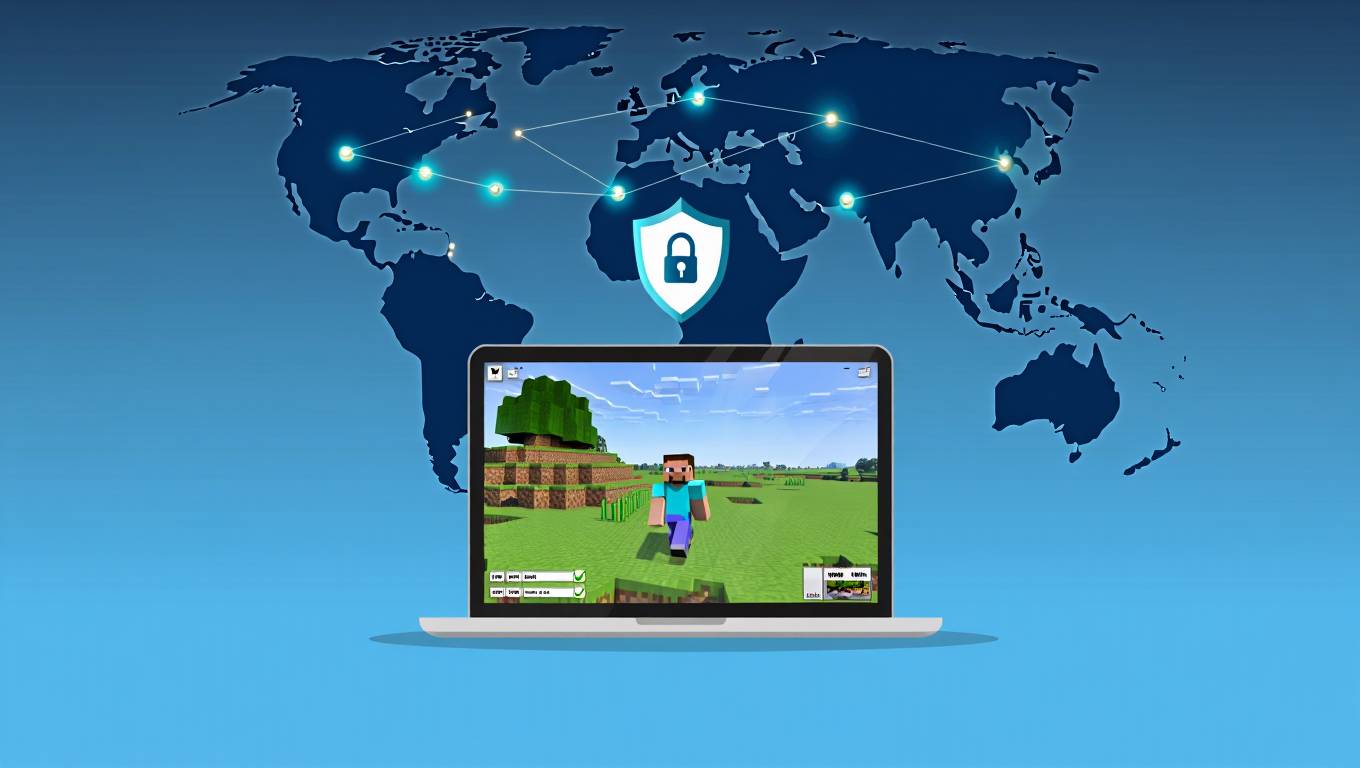
Have you ever been blocked from joining a Minecraft server just because of where you live? Or maybe you’ve experienced frustrating lag that ruins your gameplay? If you’ve faced these issues, you might have wondered if a VPN could help. But then another question pops up: Is using a VPN for Minecraft against the rules?
We’re here to clear up the confusion. Many Minecraft players use VPNs for various reasons, but understanding the rules and potential consequences is crucial before you connect to that server through a virtual private network. In this guide, we’ll walk you through everything you need to know about using VPNs with Minecraft, from the official rules to practical tips for choosing the right service.
What is a VPN and How Does It Work with Minecraft?
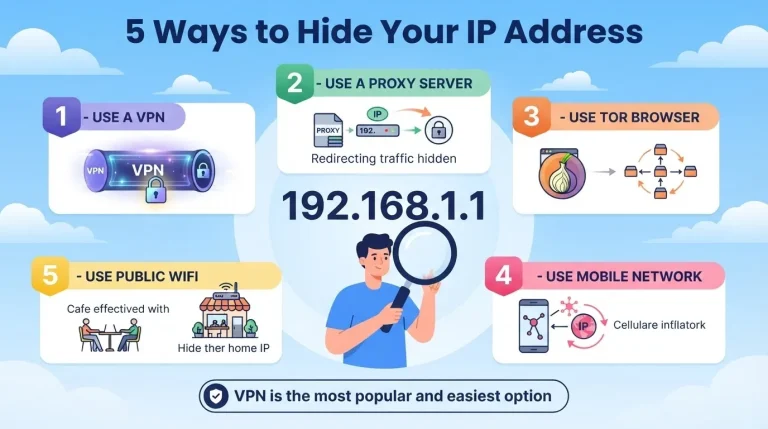
A VPN (Virtual Private Network) is essentially a secure tunnel between your device and the internet. When you connect to a VPN, your internet traffic gets routed through a server in a location of your choice. This process hides your real IP address and makes it appear as if you’re accessing the internet from wherever the VPN server is located.
When it comes to Minecraft, using a VPN changes how you connect to game servers. Instead of connecting directly from your home network, your connection first travels through the VPN server before reaching the Minecraft server. This can help you bypass geographical restrictions and potentially improve your connection stability.
If you’re concerned about your internet speed affecting your Minecraft experience, you might want to check is 1000 mbps good for gaming to understand how your connection impacts gameplay.
Is Using a VPN for Minecraft Against the Rules?
No, using a VPN for Minecraft is not against the official game rules. Mojang Studios, the developers of Minecraft, doesn’t explicitly prohibit VPN usage in their terms of service. However, this doesn’t mean you can use a VPN without any considerations.
While Minecraft’s official policy allows VPN usage, individual server administrators may have their own rules. Many private servers prohibit or restrict VPN connections to prevent banned players from evading bans or to reduce security risks. It’s always best to check a server’s specific rules before connecting with a VPN.
The key distinction here is between Minecraft’s official policy and individual server policies. While the game itself doesn’t forbid VPNs, server owners have the right to set their own rules and may choose to block VPN connections.
Why Would You Want to Use a VPN for Minecraft?
You might want to use a VPN for Minecraft for several important reasons. First, VPNs can help you bypass geographical restrictions that prevent you from accessing certain servers. Some servers limit access to specific regions, and a VPN can make it appear as if you’re connecting from an allowed location.
Another common reason is to improve connection quality. If you’re experiencing high ping or lag, connecting through a VPN server closer to the Minecraft server can potentially reduce latency and improve your overall gaming experience. For more information about internet speeds and gaming, check out what internet speed do I need.
Security is another significant benefit. VPNs encrypt your internet traffic, protecting your personal information and IP address from potential exposure. This is particularly valuable when playing on public networks or if you’re concerned about targeted attacks from other players.
If you’re experiencing lag issues specifically with Minecraft, you might also want to read how to fix lag in minecraft bedrock online worlds for additional solutions.
What Are the Potential Drawbacks of Using a VPN for Minecraft?
Using a VPN for Minecraft does come with some potential drawbacks you should be aware of. One significant issue is that some servers actively block connections from known VPN IP addresses. Even if you can connect initially, server administrators might ban you if they detect VPN usage.
Another concern is connection instability. While some VPNs can improve connection quality, others might introduce additional latency or cause frequent disconnections, particularly if the VPN servers are overcrowded or located far from both you and the game server.
Free VPN services often come with their own set of problems. They typically have limited server locations, slower speeds, and data caps that make them unsuitable for extended gaming sessions. Many also compromise privacy by logging user activity or displaying advertisements.
For a deeper understanding of how VPNs interact with gaming, you might want to read why you should use a vpn for minecraft servers and does a vpn really improve minecraft ping.
How to Choose and Set Up a VPN for Minecraft?
When choosing a VPN for Minecraft, you’ll want to look for specific features that enhance your gaming experience. First, prioritize speed and reliability. Look for VPNs with high-speed servers and unlimited bandwidth to ensure smooth gameplay without interruptions.
Server location is another crucial factor. Choose a VPN with servers in multiple locations, especially near the Minecraft servers you frequently play on. This will help minimize latency and potential connection issues.
Security features are also important. Look for strong encryption protocols, a strict no-logs policy, and additional security features like a kill switch that disconnects you from the internet if the VPN connection drops.
To set up a VPN for Minecraft, follow these simple steps:
- Choose and subscribe to a reputable VPN service
- Download and install the VPN client on your device
- Connect to a server location that’s geographically close to the Minecraft server you want to join
- Launch Minecraft and connect to your desired server
If you’re having trouble with Minecraft performance even with a VPN, you might want to check how to allocate more ram to minecraft for additional optimization tips.
What Are the Best VPNs for Minecraft?
The best VPNs for Minecraft offer fast speeds, reliable connections, strong security features, and servers in multiple locations. Based on our research and user experiences, here are some top recommendations:
NordVPN stands out as an excellent choice for Minecraft players due to its extensive server network (5,500+ servers in 60 countries), fast speeds, and specialized gaming servers. Its NordLynx protocol provides excellent performance with minimal speed loss, making it ideal for latency-sensitive gaming.
ExpressVPN offers another premium option with 3,000+ servers in 94 countries and consistently fast speeds across its network. Its proprietary Lightway protocol is optimized for speed and reliability, making it well-suited for Minecraft gaming.
CyberGhost provides a user-friendly interface with specialized gaming servers optimized for low latency and stable connections. Its extensive network of 7,000+ servers in 91 countries ensures you can find a server close to any Minecraft server you want to join.
Surfshark offers unlimited simultaneous connections, making it an economical choice for households with multiple Minecraft players. Its 3,200+ servers in 65 countries provide good coverage for most gaming needs.
For those using satellite internet, you might be interested in starlink vpn the ultimate guide to understand how VPNs work with satellite connections.
How to Troubleshoot Common VPN Issues with Minecraft?
If you’re experiencing problems with your VPN while playing Minecraft, there are several troubleshooting steps you can take. Connection timeouts are a common issue that can often be resolved by switching to a different VPN server location. Choose a server that’s geographically closer to both you and the Minecraft server you’re trying to join.
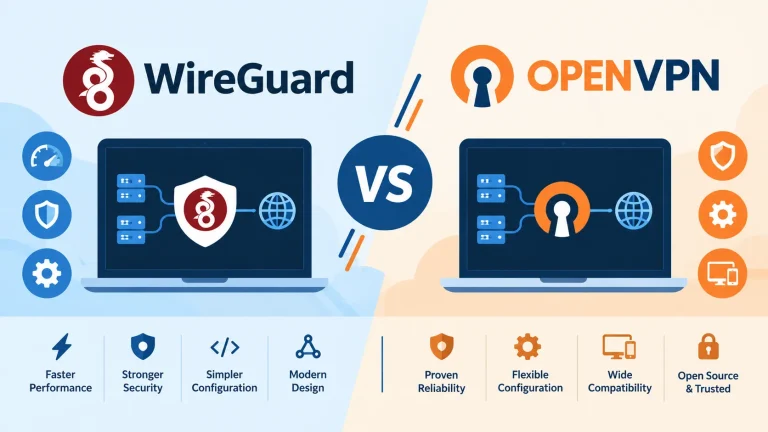
High latency or lag might be improved by selecting a VPN protocol optimized for speed, such as NordLynx, Lightway, or WireGuard. These protocols typically offer better performance than older options like OpenVPN or IKEv2.
Authentication failures sometimes occur when Minecraft servers block certain VPN IP ranges. In this case, try connecting to a different server or using a dedicated IP address offered by some premium VPN providers.
If you’re still experiencing issues, it might be worth checking if your computer’s resources are being taxed elsewhere. Our guide on how to reduce cpu usage while gaming might help identify and resolve performance issues.
Conclusion
Using a VPN for Minecraft exists in a gray area where official policies don’t explicitly prohibit it, but individual server rules may vary. While VPNs can enhance security, bypass restrictions, and potentially improve connection stability, they also carry risks including potential bans from certain servers and possible performance impacts.
The decision to use a VPN for Minecraft should be based on your specific needs and circumstances. If you’re concerned about privacy, need to bypass network restrictions, or want to protect against potential attacks, a quality VPN service can be a valuable tool. However, always respect individual server policies regarding VPN usage to avoid potential conflicts or bans.
For those who decide to use a VPN, selecting a reputable provider with gaming-optimized features will provide the best experience. Services like NordVPN, ExpressVPN, CyberGhost, and Surfshark offer the performance and reliability needed for smooth Minecraft gameplay while maintaining privacy and security.
Ultimately, the key is to balance the benefits of VPN usage with respect for Minecraft’s community guidelines and individual server policies. By making informed decisions and using VPNs responsibly, you can enhance your Minecraft experience while maintaining positive relationships within the Minecraft community.
FAQ Section
Is using a VPN for Minecraft against the official game rules?
No, Minecraft’s official terms of service do not explicitly prohibit VPN usage for playing the game. Mojang Studios has not implemented specific rules that ban players from using VPNs when connecting to official Minecraft servers.
Can I get banned from Minecraft for using a VPN?
Yes, you can potentially get banned from specific Minecraft servers for using a VPN, but this depends on the individual server’s policies rather than Minecraft’s official stance. While Mojang doesn’t prohibit VPNs, private server administrators may enforce their own rules.
Will a VPN reduce lag in Minecraft?
A VPN might reduce lag in certain situations by providing more stable routing to game servers, but it can also increase latency due to the additional connection through the VPN server. The impact depends on your network quality, the VPN service, and server locations.
Are free VPNs safe to use with Minecraft?
No, free VPNs are generally not recommended for Minecraft due to limitations including slower speeds, data caps, potential security risks, and unreliable connections that can negatively impact your gaming experience and potentially compromise your privacy.
Can I use a VPN to access Minecraft servers in other countries?
Yes, a VPN can help you access Minecraft servers in other countries by making it appear as though you’re connecting from that region. However, always respect the server’s rules regarding VPN usage to avoid potential bans.
Will using a VPN protect me from DDoS attacks while playing Minecraft?
Yes, using a VPN can help protect you from DDoS attacks while playing Minecraft by hiding your real IP address. This makes it much more difficult for malicious players to target your connection with DDoS attacks.
Do all Minecraft servers allow VPN usage?
No, not all Minecraft servers allow VPN usage. While some servers permit it without restrictions, others explicitly prohibit VPN connections and may ban players who attempt to connect through them. Always check a server’s specific rules before using a VPN.
How much does a good VPN for Minecraft typically cost?
A quality VPN suitable for Minecraft typically costs between $3 to $12 per month, depending on the provider and subscription length. Premium services like NordVPN, ExpressVPN, and CyberGhost often offer discounts for longer subscription periods.
Can using a VPN improve my Minecraft performance beyond reducing lag?
Yes, besides potentially reducing lag, a VPN can improve your Minecraft experience by providing access to geo-restricted servers, protecting against DDoS attacks, and securing your connection on public networks. Some players also report more stable connections when using quality VPN services.
Will a VPN affect my ability to use Minecraft mods or join modded servers?
Generally, a VPN shouldn’t affect your ability to use Minecraft mods or join modded servers. However, some modded servers might have stricter security policies that could potentially block VPN connections. If you’re having trouble with modded Minecraft, our guide on guide to modded minecraft server hosting might provide additional insights.
You May Also Like
 Computers & PC Games
Does a VPN Really Improve Minecraft Ping and Performance?
 VPNs & Proxies
Why You Should Use a VPN for Minecraft Servers
 VPNs & Proxies
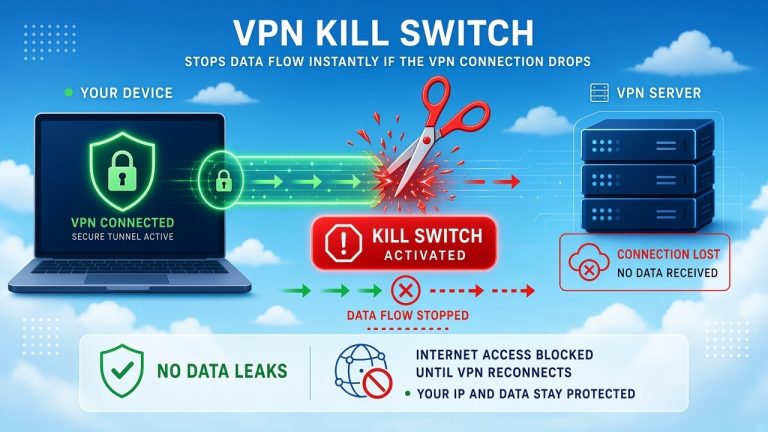
What Is a VPN Kill Switch and Why Is It Important?
 Computers & PC Games
Is RomsFun Safe and Legit? My Complete Review and Testing Experience
 VPNs & Proxies
How to Hide Your IP Address and Protect It: 5 Best Ways
 VPNs & Proxies