

Lag is the worst. You’re one shot away from a win, and then… freeze. Rubber-banding. A spinning wheel on your video call while your coworker’s face turns into a pixelated mess. That delay has a name: latency. It’s the time it takes for data to travel from your device to a server and back.
I’ll be honest, I used to just blame my ISP for everything. Turns out, that’s only part of the story. I’ve spent a lot of late nights (and a few frustrated afternoons) testing routers, cables, and settings just to shave off a few milliseconds. Some fixes made a real difference. Others were basically a waste of time. Below is what actually worked for me, in plain, simple steps you can try today.
Start With a Speed Test
Before you change anything, know your numbers. Run a free speed test online. Look at three things:
- Download speed
- Upload speed
- Ping (this is your latency number)
When I tested my own home network, my ping sat around 45ms on Wi-Fi. That’s fine for browsing or checking email. It’s not great when you’re trying to land a headshot in a fast-paced shooter.
If your internet plan can’t keep up with what you actually do online, no amount of tweaking will fully fix it. I learned this the hard way after chasing router settings for a week, only to realize my plan itself was the bottleneck the whole time. Sometimes the honest answer is: it’s time to upgrade. And if you’re shopping around, it’s worth comparing providers known for lower latency before you sign a new contract.
Plug In. Seriously, Just Plug In.
This is the single biggest fix I’ve found, and it’s almost too simple to believe.
Wi-Fi is convenient. It’s also less stable than a wired connection. Walls, microwaves, baby monitors, even your neighbor’s router can all get in the way of your signal.
An Ethernet cable skips all of that. Plug your gaming console, PC, or streaming box straight into the router, and you cut out the guesswork. My brother-in-law rolled his eyes when I told him this, until he tried it himself and texted me “okay, that actually worked” twenty minutes later.
When I switched my desktop from Wi-Fi to a wired connection, my ping dropped from 45ms to 12ms. Same room. Same router. Just a $10 cable I already had lying in a drawer.
If a cable isn’t realistic in your setup — say you’re gaming on a laptop across the house — good router placement becomes even more important.
Move Your Router to a Better Spot
Your router isn’t just a box you shove behind the TV or hide inside a cabinet because it looks ugly. Trust me, I did that for two years. Where it sits matters more than most people think.
Try this:
- Put it in a central spot in your home, not a corner
- Keep it off the floor and away from thick walls
- Keep it away from microwaves, baby monitors, and other electronics
- Give it open space to “breathe”
I moved my router from a closet to an open shelf in the hallway, and my Wi-Fi signal in the back bedroom jumped noticeably. No new equipment. Just a better spot.
For bigger homes, a single router often can’t reach every room well. That’s when it helps to look into ways to stretch your Wi-Fi coverage instead of just cranking up the router and hoping.
Update Your Router’s Firmware
This one gets skipped constantly, and I get why. Firmware updates sound boring. Nobody wants to spend their Saturday clicking through router menus. But it’s worth the five minutes.
Firmware is the software running inside your router. Manufacturers release updates to fix bugs, patch security holes, and — this is the part that matters here — improve performance.
Log into your router’s settings (usually through a browser or an app) and look for a firmware update option. It usually takes less than five minutes.
I’ve tested routers that were sluggish for months, only to find a pending firmware update sitting there the whole time. After updating, connection drops became far less frequent.
Don’t Let Every Device Fight Over Your Bandwidth
Every phone, tablet, smart TV, and game console on your network is competing for the same bandwidth, whether you realize it or not. I didn’t think much about this until I counted 14 devices connected to my home Wi-Fi at once. Fourteen. Half of them I forgot even existed. The more devices pulling data at once, the more strain on your connection.
A few habits that help:
- Disconnect devices you’re not using
- Pause large downloads while gaming or on a video call
- Spread out heavy tasks like backups or big updates to off-peak hours
- Avoid streaming 4K video in one room while gaming in another
None of this means unplugging your whole house. It just means being a little more mindful about when things happen.
Turn On Quality of Service (QoS)
Most routers made in the last several years have a setting called QoS, or Quality of Service. It sounds technical, but it’s really just a way of telling your router what matters most to you.
Want your gaming console to get first dibs on bandwidth over your smart TV? QoS can do that. Want video calls to stay smooth even if someone else is streaming? Same idea.
You’ll usually find this setting inside your router’s web interface or app, often under “Advanced Settings” or “Traffic Management.”
When I turned on QoS and prioritized gaming traffic, my matches stayed smooth even while someone else in the house was streaming a show. Small setting, noticeable payoff.
Consider a Router Upgrade
If your router is more than four or five years old, it might genuinely be holding you back. Older routers weren’t built for how many connected devices the average home has today.
Newer routers support faster, more efficient Wi-Fi standards, including Wi-Fi 5, Wi-Fi 6, and the newer Wi-Fi 7. These handle multiple devices better and move data faster, which can lower latency across your whole network.
A few extra ideas worth trying:
- Set up a second router just for gaming or streaming devices
- Look into a mesh Wi-Fi system if you have a larger home
- Keep track of your connection over time, not just once
Watch Out for VPN Slowdowns
VPNs are great for privacy. They’re not always great for speed.
Since a VPN routes your traffic through an extra server, it can add latency, sometimes a little, sometimes a lot. If you use a VPN for gaming or streaming, try a few different servers or providers to see which one adds the least delay.
When speed matters more than privacy for a specific task, it’s fine to just turn the VPN off temporarily.
Track Your Progress
Don’t just fix things once and forget about it. Run a speed test every so often and jot down your ping. Over a few weeks, you’ll start to notice patterns, like slower speeds every evening around 8 PM when everyone in your area is streaming at once.
That kind of pattern tells you a lot. It might point to network congestion on your ISP’s end rather than anything wrong with your own setup.
Why Latency Happens in the First Place
It helps to understand what’s actually going on behind the scenes.
Distance matters. Every request you send has to travel through routers and servers, sometimes across the country or further. The farther the trip, the longer the delay.
Congestion matters. Think of your internet connection like a road. During rush hour, that road gets clogged. Evenings are the internet’s version of rush hour, since that’s when most people are home streaming, gaming, or browsing.
Your hardware matters. An outdated router, a shaky Wi-Fi signal, or a cheap cable can all add unnecessary delay before your data even leaves the house.
Your plan matters. Some internet plans quietly cap or slow your speed after you hit a certain amount of data use. If your connection tanks partway through the month, this could be why.
Quick Recap
Here’s the short version if you’re in a hurry:
- Test your speed and ping before making changes
- Use a wired connection when you can
- Move your router to a central, open spot
- Keep firmware updated
- Limit how many devices are active at once
- Turn on QoS and prioritize what matters most
- Upgrade your router if it’s several years old
- Watch for VPN slowdowns
- Check your speed regularly, not just once
Final Thoughts
None of these fixes require special skills or a tech degree. Most take less than fifteen minutes, and a few — like plugging in an Ethernet cable or moving your router — can make a difference the same day you try them. I wish someone had told me that years ago instead of letting me blame my ISP for every laggy match.
Latency issues are rarely about just one thing. It’s usually a mix of distance, congestion, hardware, and habits stacking up together. Chip away at each one, and the lag that used to ruin your gaming sessions or video calls starts to fade into the background, right where it belongs. Give it a weekend, try two or three of these, and see what changes. It probably won’t be everything, but it’ll be something.
You May Also Like
 Computers & PC Games
What Internet Speed Do I Need For Gaming and Streaming?
 Internet
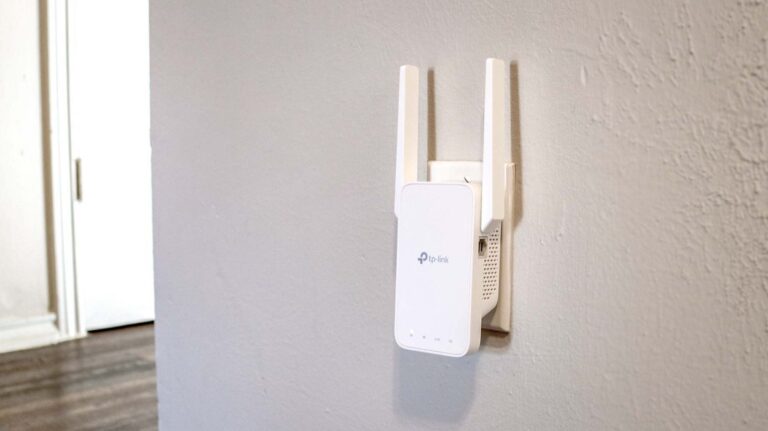
The Best Places to Put a WiFi Extender in a 2-Story House
 Internet
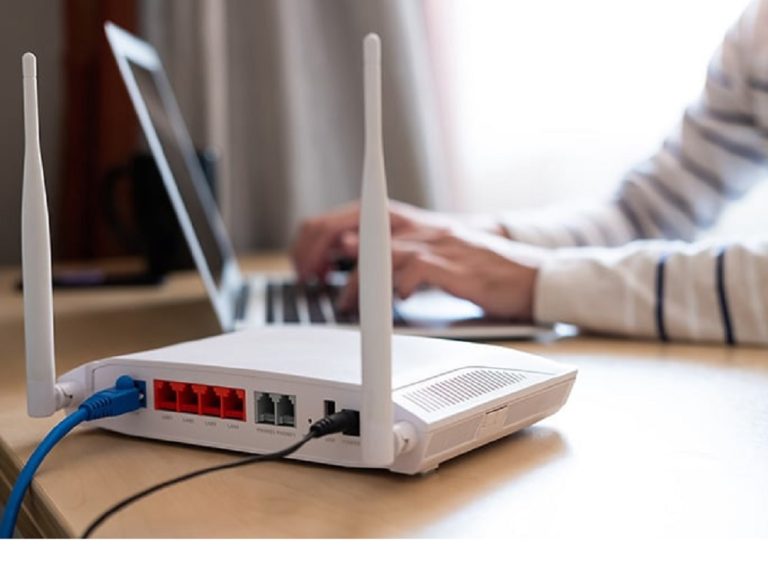
How to Fix Slow Internet: 15+ Things That Actually Work
 Internet
Why Is My Xfinity Internet So Slow All of a Sudden
 Internet
3 Cheap Satellite Internet Providers: Plans, Pros and Cons, Ratings, and Rural Coverage
 Internet