
Pick the loader your modpack needs, not the one with the best reputation. Fabric is the lightest and adds almost nothing to vanilla, which makes it the right call for performance mods and vanilla-plus setups. NeoForge is where most new large modpacks live from 1.20.2 onward, and it has the cleanest codebase of the three. Forge still matters more than people admit: it shipped a Minecraft 26.3 build on November 12, 2026, four days after that version dropped, and it is the correct answer for 1.20.1 packs and older. If you want a single recommendation: Fabric for performance and vanilla-plus, NeoForge for new modded worlds, Forge for anything still sitting on 1.20.1.
I see this argument turn into a team sport every few months. Someone says Forge is dead, someone else points at a pack that still runs on it, and nobody mentions which Minecraft version they are actually talking about.
That last part is the whole question. These loaders do not compete in a vacuum. They compete on specific game versions, and the winner changes depending on whether you are building a 1.20.1 kitchen-sink pack or a fresh 26.3 world with performance mods.
So let me give you the version numbers first, then the opinions.
Understanding Fabric vs Forge vs NeoForge
Quick definitions before the details, since the names get thrown around loosely.
- Fabric describes itself as a modular, lightweight mod loader for Minecraft. The loader is deliberately minimal, and Fabric API is a separate download you drop in your mods folder to get the hooks most mods actually use. Its toolchain includes Yarn for open mappings, Loom as a Gradle plugin, and Intermediary for cross-version mods.
- Forge is the original big modding platform. It has been around far longer than either alternative, and it still publishes regular builds. The current release is 66.1.8 for Minecraft 26.3
- NeoForge is a fork of Forge announced on July 12, 2023. According to its own retrospective, nearly everyone from the original Forge team joined the fork, with one exception: LexManos. It has its own builds, its own API changes, and its own release cadence.
One thing that trips people up immediately: these are Java Edition loaders. If you are on Bedrock, none of this applies to you, and the lag guide you want is how to fix lag in Minecraft Bedrock online worlds instead.
Why NeoForge Exists
The fork was not a personal feud, though it is often reported that way. NeoForge’s own 2023 retrospective is unusually candid about it.
Their stated reasons:
- Disagreements between the team, particularly the triage team, and management.
- Freedom to refactor the internals, from the modding API down to the modloading system.
- Forge had historically held strict positions against changes in certain areas and against larger reworks, so starting from a cleaner slate was easier than negotiating each change.
What they actually shipped in the first six months tells you more than the politics. The registry system got a significant overhaul in 1.20.2. MixinExtras started shipping by default from 1.20.2 so modders could write more compatible mixins. Capabilities were reworked in 1.20.3, split into data attachments and API providers, which fixed a long-standing gap where blocks could not use capabilities. A test framework landed in 1.20.4. ModLauncher got performance work, including startup time reductions.
They also owned their mistakes in writing. They apologized for a disorganized Discord rebrand, and for failing to deliver the stable 1.20.1 environment they promised. Their exact words: development efforts on 1.20.1 are better spent on Forge rather than NeoForge.
That single sentence settles the 1.20.1 question for you. If your pack is on 1.20.1, use Forge.
Fabric vs Forge vs NeoForge Side by Side: Version Support Right Now
This is where most comparison articles go stale, so here is what each project’s own site shows as of November 13, 2026.
| Fabric | Forge | NeoForge | |
|---|---|---|---|
| Latest Minecraft version supported | 26.3, announced September 15, 2026 | 26.3, build 66.1.8 on November 12, 2026 | 26.1, per its most recent release announcement |
| First build after the 26.3 drop | Same day, September 15, 2026 | September 19, 2026 (version 66.0.0) | Not confirmed for 26.3 |
| Version numbering | Loader and API versioned separately | Build number tracks the game version | 21.x for 1.21.x, 26.x for 26.x |
| Dev tooling | Yarn mappings, Loom Gradle plugin, template generator, CLI | MDK plus Gradle | Mod generator, NeoGradle, Parchment mappings by default |
| Launcher support | CurseForge, Modrinth, Prism, FTB | CurseForge, Modrinth, Prism, FTB | CurseForge, Modrinth, Prism, FTB |
Two bits of that table are worth pausing on.
Fabric was ready on day one. Its Minecraft 26.3 post is dated September 15, 2026, the same day the Wilderness Bound game drop landed. The post asks players to be patient with mod developers, which is a fair request, but the loader itself was already there.
Forge was barely behind. Build 66.0.0 shipped September 19, 2026, four days after the drop, and the line has been patched steadily since. If you have been told Forge is abandoned, that belief does not survive contact with its own file listing. Whatever you think of its codebase, it is actively maintained.
NeoForge appears to be trailing on the newest drop. Its most recent release announcement covers Minecraft 26.1, and I could not confirm a 26.3 release in the material I reviewed. That is not proof it does not exist, and it may simply be further along than the news feed shows. Check the version list on neoforged.net before you plan a 26.3 server around it.
Fabric: The Lightweight Option
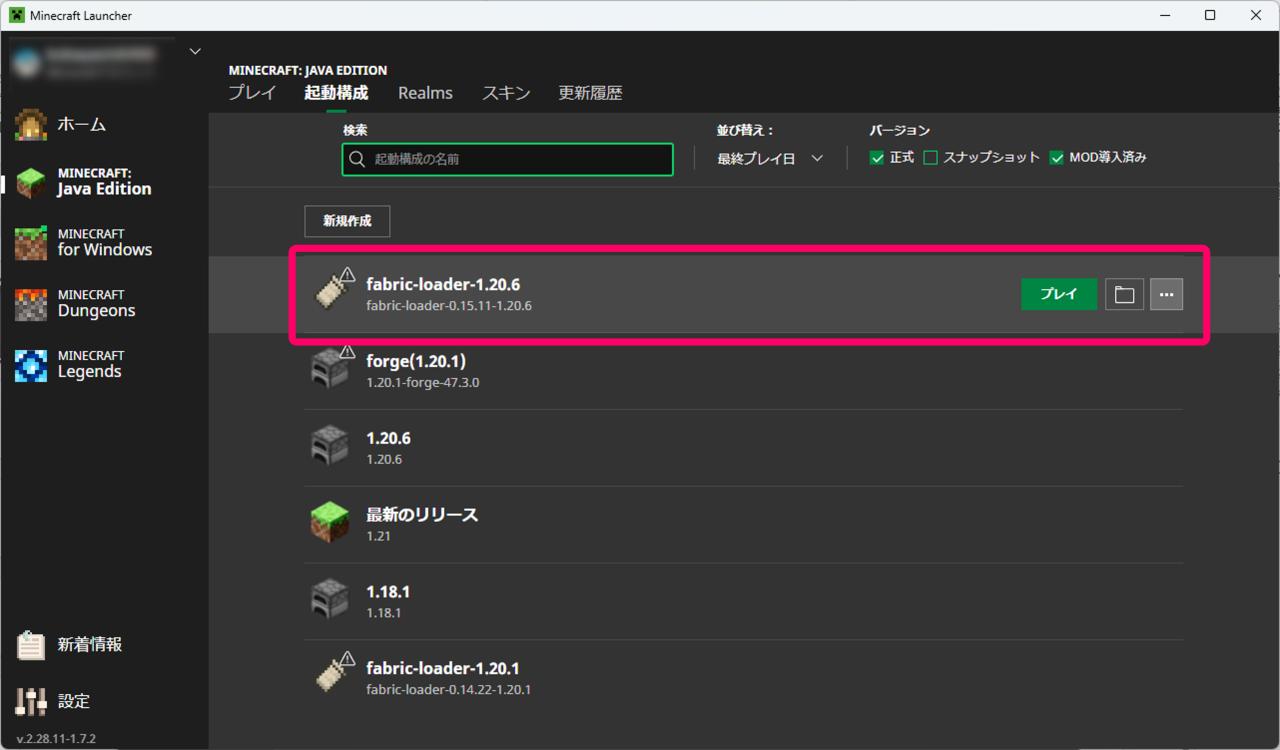
Best for: performance mods, vanilla-plus, and servers that need to feel like vanilla with extras.
Fabric’s design philosophy is minimalism. The loader does as little as possible, and Fabric API supplies the hooks. That means a Fabric install with a handful of mods boots fast and behaves close to vanilla, which is exactly what people building a lightly modded survival world or a competitive SMP want.
It is also the easiest loader to learn. Yarn gives you open mappings under CC0, Loom handles development as a Gradle plugin, and there is a template generator and CLI if you do not want to hand-write a build script. The documentation is genuinely better than Forge’s has ever been.
Pros:
- Fastest update turnaround of the three, ready the same day 26.3 dropped
- Lightest footprint, so FPS and server tick rates stay close to vanilla
- Strong performance mod ecosystem for client-side gains
- Clean developer tooling with open mappings
- Great for servers, since there is less overhead per player
Cons:
- Does not natively read Forge or NeoForge mods, so the giant kitchen-sink packs are out
- Fabric API is a separate install that new players forget
- Load order and mod conflicts are on you, with less framework protection
- Fewer deep tech and magic mods than the Forge lineage
If you are chasing frames rather than content, how to show FPS in Minecraft comes first so you can actually measure whether the change helped.
Forge: Still the Safest Bet for Older Packs
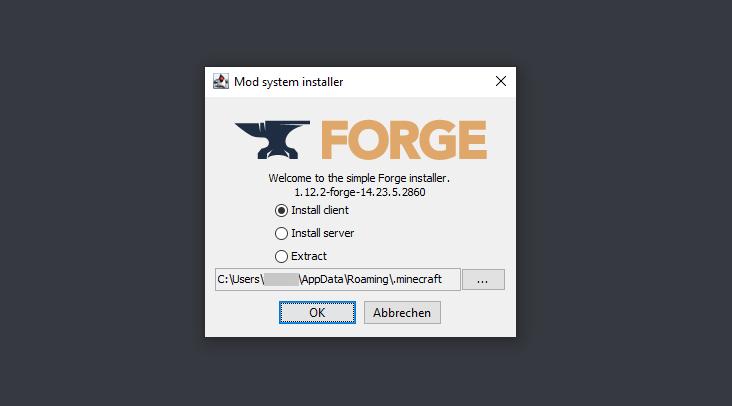
Best for: 1.20.1 packs, older worlds, and the huge back catalogue of tech and magic mods.
Forge has earned its position over a decade. Most of the modpacks that defined modded Minecraft were built on it, and a large share still are, because porting a five-year-old pack to a new loader is not a weekend job.
Its current status is more active than the memes suggest. Forge published build 66.0.0 for Minecraft 26.3 on September 19, 2026, and the latest build is 66.1.8 from November 12, 2026. That is a maintained project with a steady patch cadence, not an abandoned one.
Pros:
- Enormous existing mod catalogue, especially for older versions
- Minecraft Forge mod loader supporting older Minecraft modpacks
- Forge is the correct choice for anything on 1.20.1, per NeoForge’s own advice
- Still receiving regular builds, with 66.1.8 shipped November 12, 2026
- Every launcher supports it, so distribution is never a problem
- Deep tech, magic and dimension mods that never made the jump
Cons:
- Heavier than Fabric, with noticeably slower startup on big packs
- Historically resistant to internal reworks, which is why the fork happened
- Documentation has always been thinner than Fabric’s
- Some newer modpacks now target NeoForge instead
NeoForge: The Modern Forge Lineage
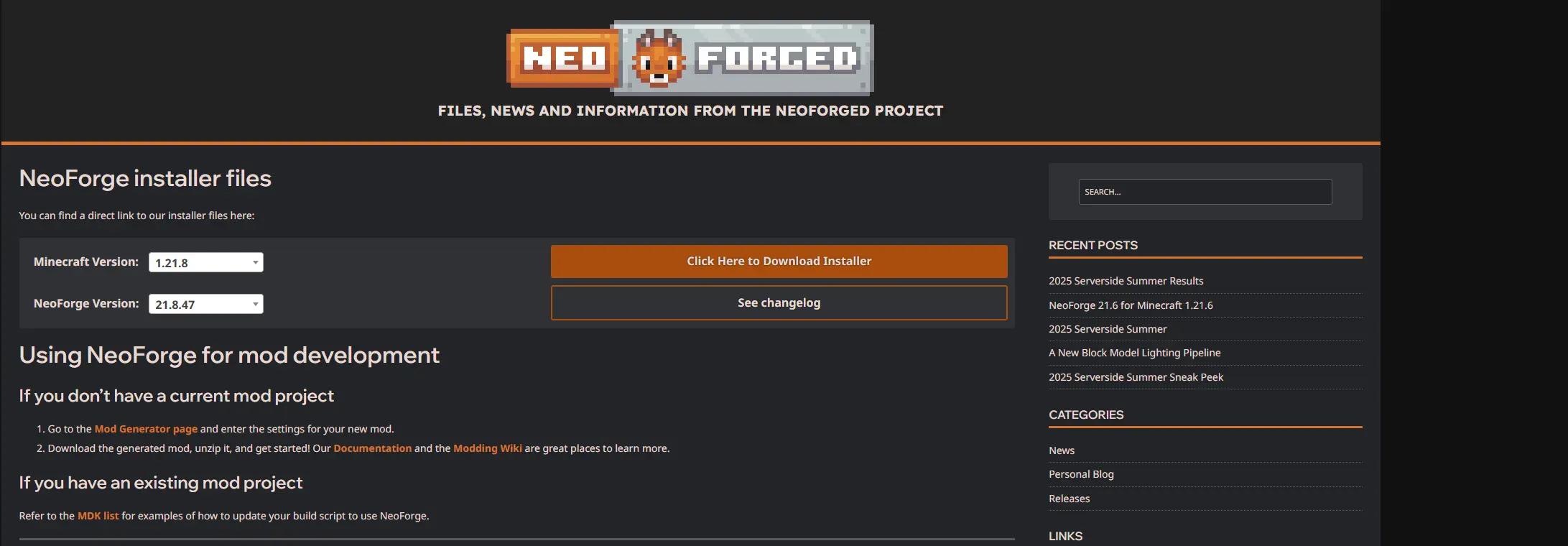
Best for: new large modpacks on 1.20.2 and newer, and modders who want a cleaner API.
NeoForge took the Forge ecosystem and rewrote parts of it that had been stuck for years. The registry overhaul, the Capabilities rework into data attachments and API providers, default MixinExtras, a proper test framework, and a networking refactor all landed in quick succession during 1.20.2 through 1.20.4.
The results are visible in adoption. CurseForge, Modrinth, Prism and FTB all added NeoForge support to their launchers, and the retrospective noted more mods using NeoForge starting with 1.20.4. Their own numbers from the first 173 days are not trivial: about a terabyte of Maven artifacts served per month, 10 million requests in December alone, over 200 pull requests merged.
Pros:
- Cleaner, more modern API than Forge on 1.20.2 and newer
- Registry, capabilities and networking all reworked rather than patched
- MixinExtras ships by default, which makes mods more compatible with each other
- Parchment mappings supported out of the box through NeoGradle
- Where new large modpacks are being built
Cons:
- Version lag on the newest game drops, with its latest release post covering 26.1
- Forge and NeoForge mod files are not interchangeable from 1.20.2 onward
- Documentation is thin, which the team has admitted publicly
- 1.20.1 was explicitly deprioritized, so do not build there
Performance: What the Loader Actually Changes
Here is the part where people over-attribute. The loader itself is not the bottleneck. What you install on top of it is.
Fabric feels faster mainly because a Fabric setup usually contains fewer mods, and the popular Fabric performance mods are extremely good at their job. A NeoForge pack with two hundred mods will run worse than a Fabric pack with fifteen, and that is a content difference, not a loader difference.
What actually costs you frames and ticks:
- Mod count and complexity. Every mod adds hooks, and every hook costs something.
- Heap allocation. Too little RAM causes constant garbage collection. Too much causes long pauses. See how to allocate more RAM to Minecraft before you blame the loader.
- Server-side tick load. The main game tick runs on one thread, so single-core clock speed matters more than core count.
- Client CPU contention. If your CPU sits at 100% before the game is even doing much, the problem started earlier. Start with reducing CPU usage while gaming and why your CPU sits at 100% when nothing is running.
On the server side, the fundamentals do not change by loader. If your world is stuttering with four players, work through the different types of Minecraft server lag first, because most of it is chunk loading, entity count or a plugin loop. Then look at reducing CPU usage on a Minecraft server.
One loader-specific note that does hold up: NeoForge’s work on ModLauncher and startup times is real, and big NeoForge packs tend to boot faster than equivalent Forge packs on the same content. Not dramatically, but measurably.
Can You Mix Loaders?
Sort of, and only in one direction.
Sinytra Connector is a translation layer that lets you run Fabric mods on NeoForge. Per its Modrinth page, the goal is to bring the two platforms closer, save developers from maintaining multiple builds, and let players run their favorite mods in a single pack. Installation is simple: install NeoForge, download Connector and its dependencies, then drop Fabric mods into your mods folder as normal.
Two practical details matter.
- Forgified Fabric API is the companion piece, a port of Fabric API to NeoForge. You will usually need it.
- Connector Extras is recommended for better compatibility with third-party APIs and libraries like REI, EMI and TR Energy.
It is MIT licensed and actively used, but treat it as a convenience rather than a guarantee. Mods that hook deep into rendering or mixin internals are the ones that break, and you will spend an evening reading a crash log. I would not build a production server on it.
Note the direction: Fabric mods on NeoForge. There is no equivalent for running Forge or NeoForge mods on Fabric, which is why the content asymmetry exists.
Which Should You Use?
| Your situation | Pick | Why |
|---|---|---|
| Want better FPS with a light mod list | Fabric | Smallest overhead, and the performance mod ecosystem lives here |
| Vanilla-plus survival with friends | Fabric | Behaves closest to vanilla, easiest server to run |
| Playing a 1.20.1 modpack | Forge | NeoForge explicitly deprioritized 1.20.1 and says to use Forge |
| New large modpack on 1.20.2 or newer | NeoForge | That is where new packs are being built |
| Want deep tech and magic mods | Forge or NeoForge | That content lineage never moved to Fabric |
| Building mods and want clean tooling | Fabric, then NeoForge | Yarn and Loom are the friendliest starting point |
| On Minecraft 26.3 today | Fabric or Forge | Both have confirmed 26.3 builds. Confirm NeoForge first |
| Want one pack with everything | NeoForge plus Connector | Connector runs Fabric mods on NeoForge, not the reverse |
| Running a public SMP | Fabric | Lower per-player overhead and simpler troubleshooting |
By player type
If you just want the game to run better, go Fabric. Install a modest set of client-side performance mods, keep the count low, and measure the result rather than trusting a video. Check how much RAM is good for gaming before you buy anything, because a modded client has different needs than a vanilla one.
If you want a big adventure pack, check what the pack author shipped. Nearly every pack publishes its loader on the download page, and overriding that choice is how people break their installs.
If you run a server, match the loader to the pack and then spend your time on the server itself. This guide to modded Minecraft server hosting covers what to look for beyond the installer, and how much RAM a Minecraft server actually needs stops you from overbuying the wrong plan. If you are choosing a host as well, I compared three of the big ones in Apex Hosting vs Shockbyte vs BisectHosting, and reviewed Apex separately to see whether Apex Hosting is good.
If you are developing mods, learn Fabric first. Yarn mappings are open, Loom is a standard Gradle plugin, and the documentation is better. Porting to NeoForge afterward is mostly mechanical, and NeoForge’s own tooling now supports Parchment mappings by default.
Frequently Asked Questions
Is NeoForge better than Forge?
On 1.20.2 and newer, generally yes. The API is cleaner, capabilities were reworked into data attachments and API providers, MixinExtras ships by default, and there is a proper test framework. But Forge is still actively maintained, with build 66.1.8 released November 12, 2026 for Minecraft 26.3, so “better” does not mean Forge is unusable.
Do Forge mods work on NeoForge?
Not reliably from 1.20.2 onward. The two projects share a lineage and code up to around 1.20.1, but they ship separate mod files now. Always check the mod’s download page for which loader the file targets. Installing a Forge jar on NeoForge usually fails at load time with a dependency error.
Can I run Fabric mods on Forge or NeoForge?
On NeoForge, yes, through Sinytra Connector plus Forgified Fabric API, with Connector Extras for better compatibility with REI, EMI and TR Energy. There is no comparable solution for running Forge or NeoForge mods on Fabric.
Which loader is fastest?
The loader itself is not the main variable. Content is. A Fabric pack with fifteen mods beats a NeoForge pack with two hundred every time, and that is a mod count difference rather than a loader difference. Where the loader does matter, Fabric has the smallest baseline overhead and NeoForge has made real startup time improvements to ModLauncher.
Which loader updates fastest after a Minecraft release?
Fabric, based on current evidence. Its Minecraft 26.3 post is dated September 15, 2026, the same day that the game drop was released. Forge followed four days later with build 66.0.0 on September 19, 2026. NeoForge’s most recent release announcement covers Minecraft 26.1, so check its version list if you need 26.3.
Is Quilt still an option?
Quilt is a Fabric-derived loader, but I could not verify its current maintenance status or release cadence in this review, so I will not make claims about it. If you are considering it, check quiltmc.org directly rather than trusting a comparison table, because its status has shifted over time.
Does my loader affect server lag?
Less than you think. Most server lag comes from chunk loading, entity counts, redstone and plugin loops rather than the loader. Start with the different types of Minecraft server lag, and remember that network issues can look like server lag. Internet jitter and high ping cause stutter that no mod loader will fix.
What if I play with friends far away?
That is a latency problem, not a mod loader problem. Pick the closest server location first, then look at reducing internet latency. A VPN will usually add a hop rather than remove one, though the best Minecraft VPNs cover the narrow cases where it helps.
The Short Version
The internet’s conventional wisdom on this is about a year stale. Forge is not dead. It shipped a 26.3 build four days after the game did and patched it again on November 12, 2026. NeoForge is the better codebase and where new big packs live, but it appears to be trailing on the latest game version. Fabric is the fastest to update and the lightest to run, which makes it the default for performance and vanilla-plus.
So the honest answer to “which should you use” is a question back: which Minecraft version are you playing, and what pack are you trying to run?
If you cannot answer that yet, start with Fabric. It is the easiest to install, the hardest to break, and the least likely to leave you reading a crash log at midnight.
You May Also Like
 Computers & PC Games
Apex Hosting vs Shockbyte vs BisectHosting: Which One Should You Pick?
 Computers & PC Games
Is Apex Hosting Good? Honest Pros and Cons
 Computers & PC Games
What Is FiveM? The Difference Between GTA Online and GTA Roleplay
 Computers & PC Games
How to Allocate More RAM to Minecraft: Complete Guide for Better Performance
 Computers & PC Games
What Does Breach Do in Minecraft? Mace Armor Piercing Explained
 Computers & PC Games
