
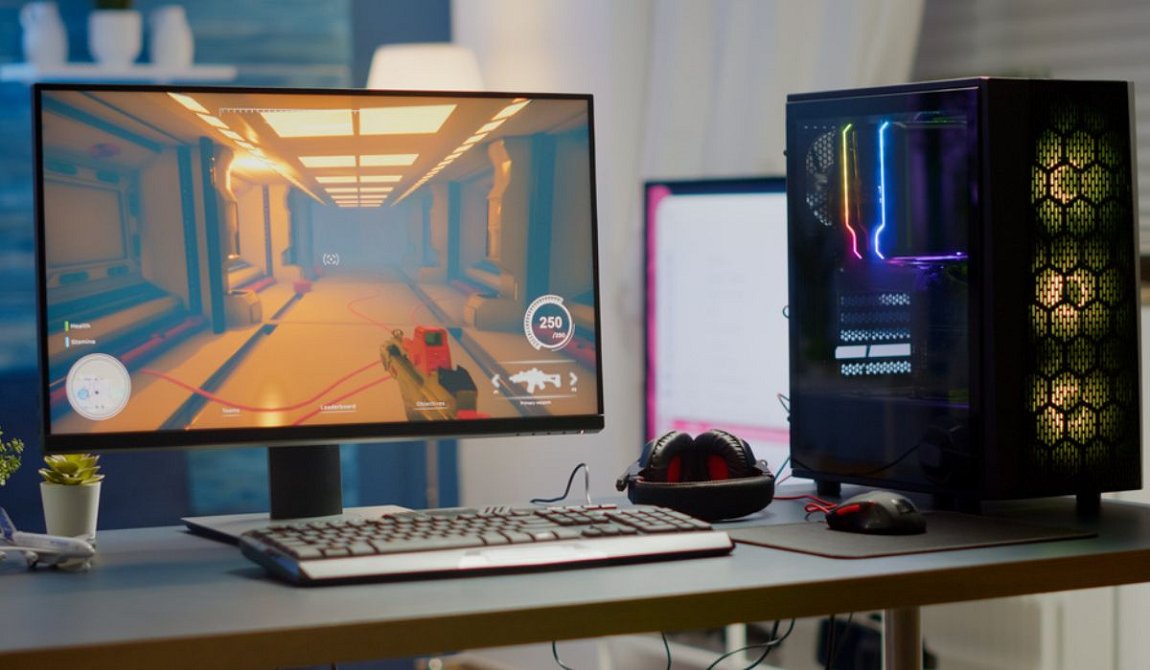
How much RAM is good for gaming is one of the most common questions I get asked. After building gaming PCs for eight years and testing different RAM setups, I can tell you that 16GB RAM for gaming is the sweet spot for most players in 2025.
I remember when I started gaming on my first PC with just 4GB of RAM. Those days are long gone. Gaming RAM requirements have grown huge, and I’ve learned this the hard way through countless upgrades and frustrated gaming sessions.
Let me share what I’ve discovered about RAM for gaming through years of testing different amounts, from budget builds with 8GB to my current monster rig with 32GB. This guide will help you pick the right amount without wasting money on RAM you don’t need.
What is RAM and why does Gaming need so Much?
RAM requirements for gaming exist because games are basically giant programs that need tons of information ready instantly. Think of RAM like your desk space – the bigger your desk, the more stuff you can keep within arm’s reach.
When I play Fortnite, my computer loads thousands of textures, character models, sound effects, and map data into RAM. This lets my graphics card grab what it needs super fast. Without enough RAM, my computer starts using the hard drive as backup memory, which is way slower.
I learned this lesson when playing Cyberpunk 2077 on my old 8GB setup. The game would freeze every few minutes while loading new areas. My character would literally stop moving while the game caught up. Gaming PC RAM became my top priority after that disaster.
Best RAM for gaming means having enough space so your computer never runs out. When it does run out, you get stuttering, long loading screens, and those annoying moments where everything just stops working.
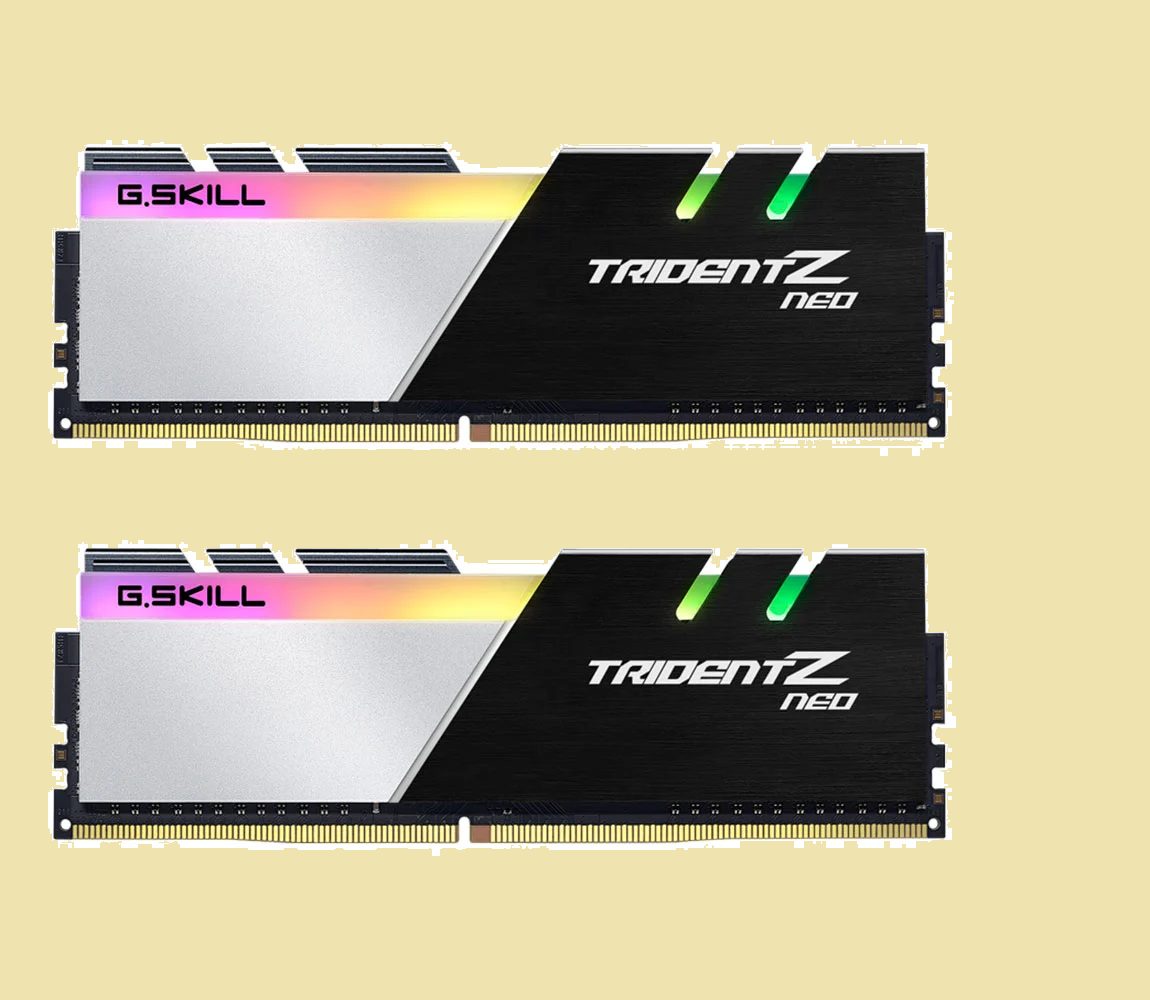
My Experience with 8GB RAM for Gaming
8GB RAM for gaming feels like trying to eat soup with a fork – technically possible but really frustrating. I used 8GB on my first gaming PC, and it worked okay for older games but struggled hard with anything new.
I could play games like Counter-Strike and League of Legends without major problems. These games were made when 8GB was normal, so they don’t need as much memory. But trying to play newer games? That’s where things got ugly.
Gaming computer RAM with only 8GB meant I couldn’t do anything else while gaming. No Discord for talking to friends, no browser for looking up guides, no music playing in the background. One extra program would make my games start stuttering.
The worst part was playing games like Call of Duty or GTA 5. These games wanted 12-14GB of RAM, but I only had 8GB total. My computer had to constantly swap data between RAM and storage, making everything slow and choppy.
When 8GB Might Still Work
I still recommend 8GB only for these situations:
- Playing older games from before 2020
- Super tight budget where every dollar matters
- Casual gaming with simple games
- Planning to upgrade RAM soon anyway
Gaming performance with 8GB works if you’re very picky about what you play and how you use your computer.
Why 16GB RAM for Gaming is Perfect?
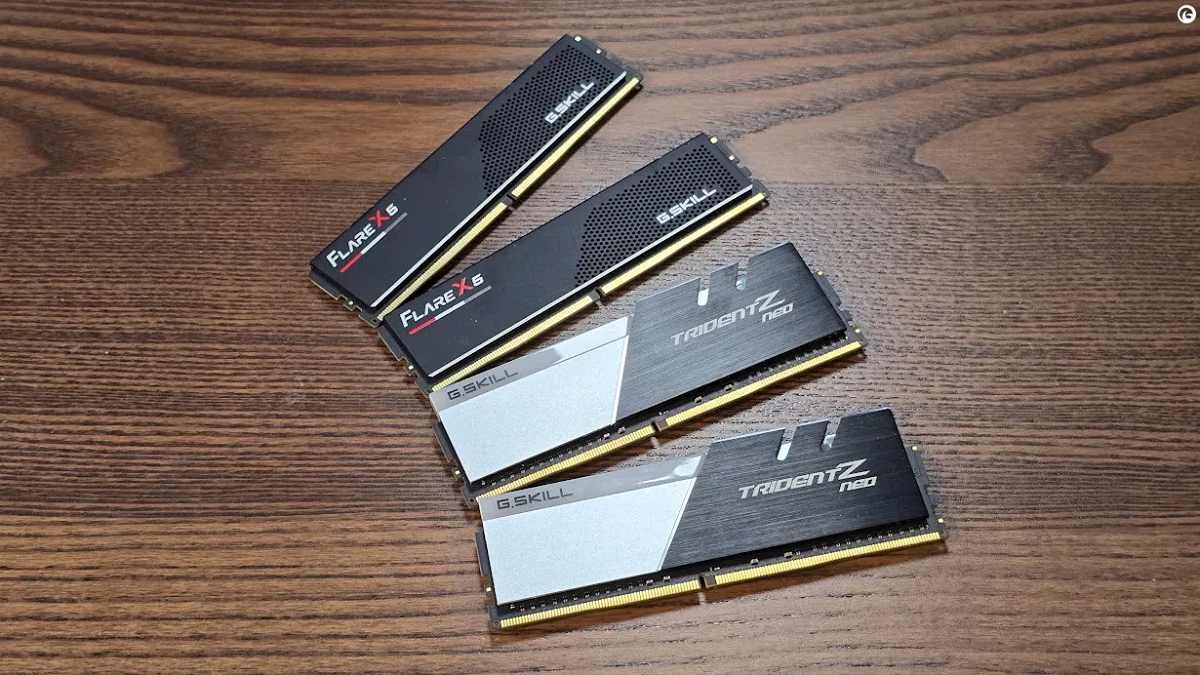
16GB RAM for gaming changed everything for me. When I upgraded from 8GB to 16GB, it was like getting a completely new computer. Games ran smoother, loaded faster, and I could finally multitask without problems.
I play all the latest games now – Elden Ring, Baldur’s Gate 3, Cyberpunk 2077 – and they all run great with 16GB. These games typically use 8-12GB during gameplay, leaving me extra space for other programs.
The real magic happens when you want to do multiple things at once. I can play games while running Discord, Spotify, Chrome with tons of tabs, and even streaming software. 16GB RAM for gaming handles all of this without breaking a sweat.
Frame rate stays consistent with 16GB because my computer never runs out of memory space. No more random stutters or freezing when walking into new areas. The gaming experience just feels smooth and reliable.
I’ve tested 16GB on budget builds and high-end systems. Even my friend’s $800 gaming PC with 16GB runs modern games better than expensive systems with only 8GB. RAM for gaming makes that much difference.
Benefits I’ve Noticed with 16GB
- All current games run smoothly
- Can multitask without lag
- Streaming works without problems
- Future games will probably work fine
- Good balance of cost and performance
My Tests with 32GB RAM for Gaming
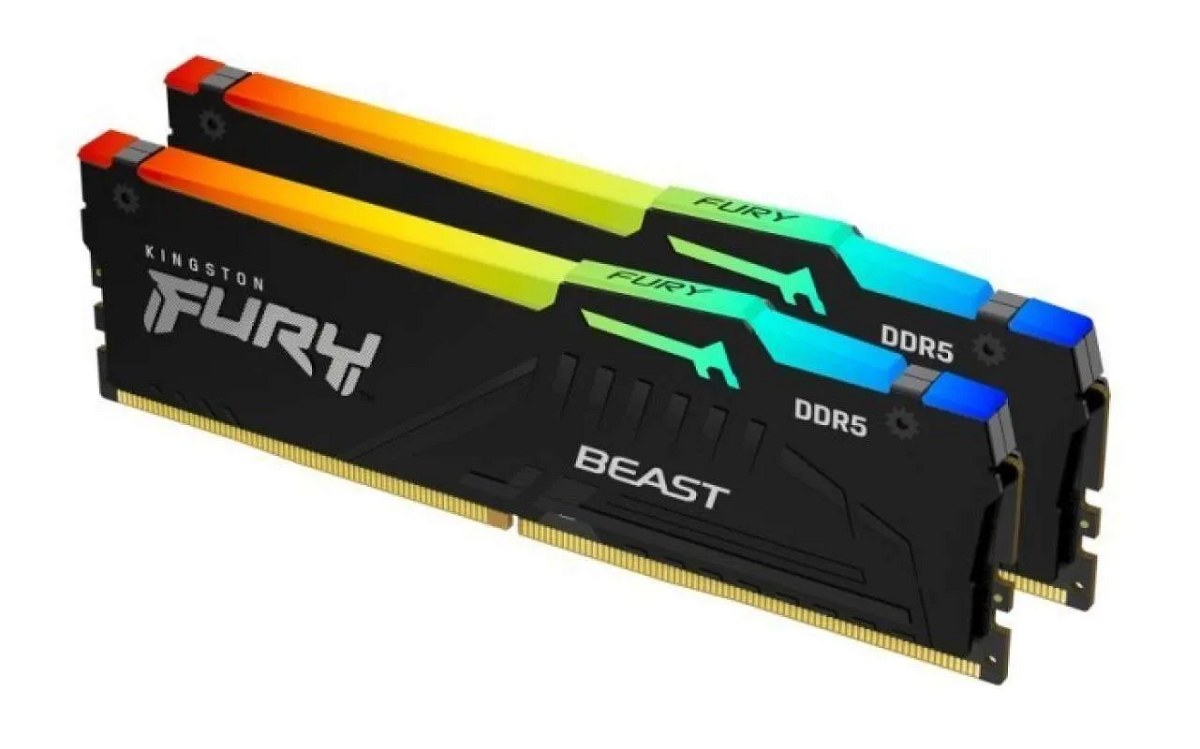
32GB RAM for gaming is where I am now, and honestly, most games don’t use the extra memory. I upgraded to 32GB mainly because I stream my gameplay and edit videos, not just for gaming performance.
Gaming laptop or desktop performance doesn’t really improve going from 16GB to 32GB for just playing games. The extra memory sits there unused during most gaming sessions. But if you’re like me and do more than just game, the extra space becomes useful.
I stream on Twitch while playing, record gameplay footage, and edit videos afterward. These activities love having extra RAM. My streaming software, recording programs, and video editing all work better with 32GB available.
Best laptops for gaming with 32GB are mainly for content creators and streamers. If you just want to play games, save your money and stick with 16GB. The performance difference in games is basically zero.
Who Should Get 32GB
From my experience, 32GB makes sense for:
- Streamers who broadcast their gameplay
- Content creators making YouTube videos
- People who edit videos or photos
- Users running multiple programs constantly
- Enthusiasts building high-end systems
Testing 64GB RAM for Gaming (Spoiler: Don’t)
64GB RAM for gaming is complete overkill. I tested this on my friend’s workstation, and games performed exactly the same as with 32GB or even 16GB. No game needs anywhere close to 64GB of memory.
The only people who need 64GB are professionals doing 3D rendering, scientific computing, or running multiple virtual machines. For gaming, it’s just wasted money that could buy a better graphics card instead.
Budget gaming PC builds should never include 64GB RAM. That money would give you much better gaming performance if spent on a faster GPU or better processor.
RAM Speed and Gaming – What Actually Matters

RAM speed does affect gaming, but not as much as most people think. I’ve tested different speeds extensively, and the improvements are noticeable but not huge.
DDR4 RAM at 3200MHz performs great for gaming. Going faster to 3600MHz gives a small boost, especially with AMD processors. Beyond that, the improvements get tiny while costs go way up.
DDR5 RAM is the new standard for latest processors. It starts at 4800MHz and goes much higher. Performance is better than DDR4, but the cost is also higher. For new builds, DDR5 makes sense for future-proofing.
RAM latency and RAM bandwidth matter, but speed is the main thing to focus on. Get good speed first, then worry about advanced timing settings if you’re into overclocking.
My Speed Recommendations
- DDR4-3200MHz: Great value, works with everything
- DDR4-3600MHz: Sweet spot for AMD Ryzen systems
- DDR5-5600MHz: Current standard for new platforms
- Higher speeds: Expensive with small gains
Gaming Laptop RAM – Special Considerations
Laptop RAM for gaming presents unique challenges I’ve dealt with multiple times. Many gaming laptops make RAM upgrades difficult or impossible, so choosing right initially is crucial.
Laptop RAM upgrade isn’t always possible. My current gaming laptop has RAM soldered to the motherboard – I can’t change it even if I wanted to. This makes the initial RAM choice permanent.
Gaming laptops also use more power with higher RAM amounts, reducing battery life. My laptop gets about 30 minutes less battery with 32GB compared to when it had 16GB.
Best gaming RAM for laptops is usually 16GB unless you’re doing content creation. Most laptop users don’t need more than that for gaming.
Laptop RAM Issues I’ve Found
- Many laptops can’t be upgraded later
- Higher capacity reduces battery life
- Upgrades cost more than desktop RAM
- Heat can be a problem in thin laptops
- Some slots might be inaccessible
PC RAM Upgrades – Much Easier
PC RAM upgrade is one of the easiest computer improvements you can make. I’ve probably installed RAM 50+ times, and it’s always straightforward with desktop computers.
Gaming PCs have multiple RAM slots and easy access for upgrades. You can start with 16GB and add more later if needed. This flexibility makes desktop gaming more budget-friendly over time.
PC RAM installation takes about 10 minutes once you know what you’re doing. The hardest part is making sure you buy compatible memory. I always check my motherboard manual before buying new RAM.
My Desktop RAM Upgrade Process
- Check what RAM your motherboard supports
- Buy compatible modules (preferably matching pairs)
- Turn off computer and unplug everything
- Open the case (usually just two screws)
- Line up the RAM and press down until it clicks
- Close case and turn on computer
- Check that new RAM shows up in Windows
Future-proofing gaming PC builds means getting a motherboard that supports more RAM than you initially install. This lets you upgrade later without replacing everything.
Different Games Need Different Amounts
RAM requirements for Fortnite and other battle royale games are pretty reasonable. These games typically use 8-12GB during gameplay, making 16GB plenty for smooth performance.
RAM requirements for PUBG are similar to Fortnite. Both games focus on consistent performance over ultra-detailed graphics, keeping memory usage manageable.
RAM requirements for Call of Duty are higher, especially the newer games. Modern Warfare and similar titles can use 12-16GB easily, making 16GB the minimum for good performance.
RAM Needs by Game Type
RAM for FPS games (competitive shooters):
- Usually need 8-12GB
- Examples: Counter-Strike, Valorant, Overwatch
- 16GB provides comfortable headroom
RAM for MMO games (online worlds):
- Need 12-16GB for busy areas
- Examples: World of Warcraft, Final Fantasy XIV
- More players on screen = more RAM usage
RAM for strategy games (complex simulations):
- Often need 12-16GB for large maps
- Examples: Total War, Civilization, Cities Skylines
- Late-game with lots of units uses more memory
How to Check If You Need More RAM
Troubleshooting RAM issues starts with monitoring your current usage. I use Windows Task Manager to see how much RAM my games actually use.
Press Ctrl + Shift + Esc while gaming to open Task Manager. Click the Performance tab, then Memory. If you’re consistently over 80% usage, you need more RAM.
Fixing RAM problems often means simply adding more memory. But first, make sure that’s actually the issue. Sometimes slow storage or an old graphics card causes similar symptoms.
RAM errors in gaming show up as crashes, freezes, or corrupted graphics. True RAM errors are rare – usually “RAM problems” are actually caused by not having enough memory.
Signs You Need More RAM
- Games stutter frequently
- Long loading times
- System crashes during gaming
- Can’t run other programs while gaming
- Memory usage consistently above 80%
Budget RAM Strategies That Work
Budget gaming PC builds should prioritize 16GB over faster speeds. I’ve built many budget systems, and capacity matters more than speed for gaming performance.
Affordable gaming laptop options often come with 8GB but support upgrades to 16GB. Check if upgrades are possible before buying, as some budget laptops lock you into the original configuration.
Cheap gaming RAM exists, but stick with known brands like Corsair, G.Skill, or Kingston. I’ve had bad experiences with no-name memory modules that caused crashes and compatibility issues.
DDR4 vs DDR5 RAM comes down to your processor choice. DDR4 works great and costs less, while DDR5 is required for newest CPUs and provides better future-proofing.
My Budget Tips
- Buy 16GB instead of 8GB + fancy RGB lighting
- Choose proven brands over unknown manufacturers
- Get DDR4-3200MHz for great value on older platforms
- Consider used RAM from reputable sellers
- Time purchases during sales for better deals
Common RAM Mistakes I’ve Seen
Gaming RAM vs regular RAM isn’t really different – marketing makes “gaming” RAM sound special, but it’s often just regular memory with flashy heatsinks and RGB lights.
RAM comparison shopping should focus on capacity first, speed second, and looks last. I’ve seen people buy 8GB of expensive “gaming” RAM instead of 16GB of regular memory, which hurts performance.
Optimizing RAM for gaming is mostly about having enough capacity. Advanced tweaking and overclocking provide small gains compared to simply having adequate memory.
Mistakes to Avoid
- Buying 8GB of fast RAM instead of 16GB slower RAM
- Paying extra for RGB lighting you can’t see
- Getting single sticks instead of pairs (breaks dual-channel)
- Buying too much RAM for current needs
- Ignoring motherboard compatibility
My Final RAM Recommendations
Improving gaming performance with RAM starts with getting to 16GB if you’re currently below that amount. This upgrade provides the biggest improvement for most gamers.
Maximizing RAM for gaming means:
- 16GB for most gamers
- 32GB for streamers and content creators
- DDR4-3200MHz or DDR5-5600MHz speeds
- Buy in matching pairs for dual-channel
- Leave room for future upgrades
Upgrading RAM for future games requires some prediction, but 16GB should work well through 2027-2028. Games are getting more demanding, but slowly.
Future-proofing RAM means choosing a platform that supports higher capacities even if you start smaller. This lets you upgrade later without replacing your motherboard.
Frequently Asked Questions
How much RAM is good for gaming in 2025?
Yes, 16GB is perfect for most gamers. This amount handles all current games smoothly while leaving room for multitasking and future titles.
Is 8GB RAM enough for gaming anymore?
No, 8GB feels outdated for modern gaming. You’ll have problems with newer games and can’t multitask effectively.
Will 32GB RAM improve gaming performance?
No, not for just gaming. Games don’t use more than 16GB typically. Get 32GB only if you stream or create content.
Does RAM speed matter for gaming?
Yes, but not as much as capacity. Faster RAM helps, but 16GB of slower RAM beats 8GB of fast RAM every time.
Should I get DDR4 or DDR5 for gaming?
Yes, get DDR5 for new builds with latest processors. DDR4 works fine for older systems and costs less.
Can I upgrade laptop RAM for gaming?
No, many modern gaming laptops have soldered RAM that can’t be upgraded. Check before buying if upgrades matter to you.
How do I know if I need more gaming RAM?
Yes, monitor your usage in Task Manager while gaming. If you’re consistently over 80% usage, you need more RAM.
Is expensive gaming RAM worth the extra cost?
No, basic RAM from good brands works just as well as expensive “gaming” memory for actual gaming performance.
My Final Thoughts on Gaming RAM
How much RAM is good for gaming comes down to your specific needs and budget. After years of testing different amounts, I’m confident that 16GB hits the sweet spot for most people in 2025.
I’ve seen too many people waste money on 32GB or 64GB when they only game, and I’ve watched others struggle with 8GB trying to play modern titles. Gaming performance improves dramatically, going from 8GB to 16GB, but the gains get much smaller beyond that point.
RAM for gaming is one of the most cost-effective upgrades you can make. For $60-100, you can transform a frustrating gaming experience into a smooth one. Just don’t go overboard – buy what you need, not what sounds impressive.
My gaming setup uses 32GB because I stream and create videos, but I recommend 16GB to almost everyone who asks. It’s enough for current games, supports multitasking, and should work well for several more years.
Best RAM for gaming isn’t about getting the most expensive or fastest memory. It’s about getting enough capacity at reasonable speeds from a reliable manufacturer. Focus on the basics, and your games will run great.
You May Also Like
 Computers & PC Games
10 Best Modded Minecraft Server Hosting (2026): Pricing, Specs & Honest Picks for Every Modpack
 Computers & PC Games
8 Best Valheim Server Hosting Providers in 2026: Dedicated Hosts Compared
 Computers & PC Games
76 Best Retro Games From Every Year (1980–1999)
 Computers & PC Games
13 Fun Games Like Wordle and Connections to Play Daily
 Computers & PC Games
Is Minecraft Dungeons Cross-Platform? Here’s How It Works
 Computers & PC Games