
All three will run a Minecraft server fine. The differences show up in price per gigabyte, hardware consistency, and what happens when something breaks. Apex is the most beginner-friendly and has the best live chat, but it costs around $3.75 per GB. Shockbyte is the cheapest path to a 2GB or 4GB server, and its panel supports nearly every server type, yet its support reputation is the weakest of the three. BisectHosting sits in the middle on price and wins on modpacks, with over 2,300 one-click installs, 21 locations, and 7 days of free backups. If you want help, pick Apex. If you want cheap, pick Shockbyte. If you want modpacks, pick Bisect.
I get this question a lot, and the honest answer is that there is no single winner. These three hosts are solving three slightly different problems.
So instead of ranking them, let me show you what each one actually costs and what you get for it. Every price below comes from that provider’s own site. Where a provider does not publish something, I say so instead of filling the gap.
Pricing Comparison: Same Money, Different Server
Feature lists are easy to match. Price per gigabyte is where these three separate.
| Plan size | Apex Hosting | Shockbyte | BisectHosting |
|---|---|---|---|
| 1GB | Not listed as a standalone tier | Dirt, $3.99 | Entry plans from $2.99 |
| 2GB | $7.99 recurring ($5.99 first month) | Sand, $7.99 | From $2.99 tier upward, exact RAM not confirmed |
| 3GB | Not listed | Cobblestone, $11.99 | Available in ladder, price not confirmed |
| 4GB | $14.99 | Iron, $15.99 | Available in ladder, price not confirmed |
| 5GB | Not listed | Gold, $19.99 | Available in ladder, price not confirmed |
| 6GB | $22.49 | Custom tiers above 5GB | Available in ladder, price not confirmed |
| 8GB | $27.99 | Custom tiers available | Available in ladder, price not confirmed |
| 16GB | EX Series, $71.99 recurring ($53.99 first month) | Custom tiers available | Available in ladder, price not confirmed |
A few things worth pulling out of that table.
- At 2GB, Apex and Shockbyte are the same price. $7.99 either way. Apex throws in a first-month discount, but the recurring rate is identical.
- At 4GB, Apex is a dollar cheaper. $14.99 against $15.99. That works out to $3.75 per GB versus $4.00.
- Shockbyte is cheaper below 2GB. Apex does not sell a 1GB or 3GB server, so if you want a tiny box, Shockbyte is the only one of the two with an option.
- Bisect’s stated floor is the lowest of the three at $2.99 per month. I could not confirm its full RAM ladder from the crawl, because the pricing page loads through a plan selector rather than a published table. Check the configurator before budgeting.
- Apex’s EX plan is a different product. $71.99 recurring buys 16GB with 4 dedicated vCores and a free dedicated IP, not shared resources. Do not compare it to a shared 16GB tier.
One warning that applies to all three. Promotional first-month pricing is common in this market, and Apex is explicit about it on the EX plan. Always find the renewal line before you choose an annual term.
Apex Hosting: The Beginner-Friendly Option
Best for: your first server, especially in the US or EU.
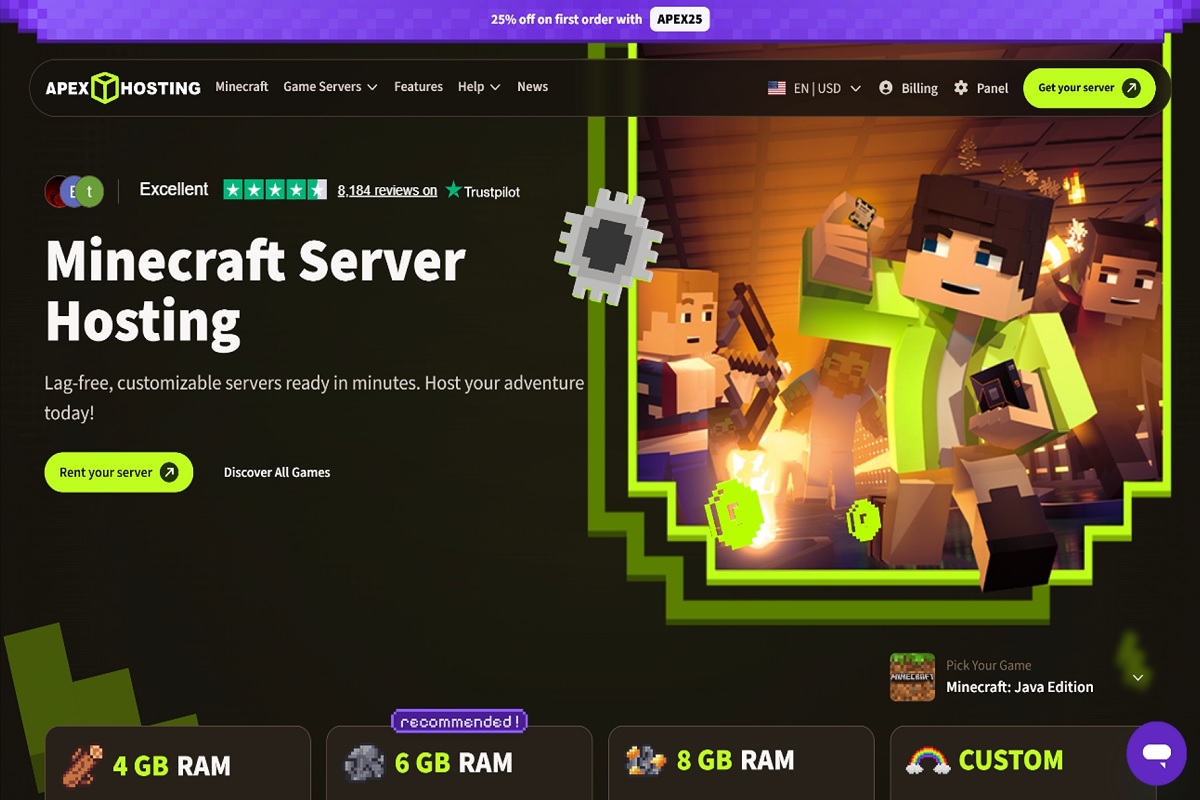
What every plan includes: unlimited player slots with no cap and no extra fee, a free subdomain, offsite automatic backups, DDoS protection, 24/7 live chat staffed by server admins, and one-click installs for most games.
Hardware. Apex publishes its full per-location hardware list, which is more transparency than either competitor offers. Most US and EU nodes run a Ryzen 9 7950X at 4.5GHz with DDR5 memory and NVMe RAID1 storage. A few do not. Sydney runs ani7-7700K with four cores. Tel Aviv runs DDR3-era E5 v2 Xeons. If you are in either region, ask support which node you will land on before you commit.
Reviews. Trustpilot shows 404 reviews, with the large majority positive, and the repeated theme is knowledgeable, patient staff. Reddit is more mixed over the years, which is normal for any host of this size.
Pros:
- Support answers fast, and it is the thing reviewers praise most
- Unlimited slots on every plan, so your group can grow without an upgrade
- Offsite backups included rather than sold as an add-on
- Modern Ryzen hardware across most US and EU locations
- Wide game list, so ARK, Rust and Valheim live on the same account
Cons:
- Roughly $3.75 per GB, which is above the budget end of the market
- Hardware quality depends on your location
- First-month promos make comparison shopping harder than it should be
- No uptime guarantee published on the pages I checked
- No 1GB or 3GB option if you want something small
I went deeper on this host in my full Apex Hosting pros and cons breakdown, including the per-location hardware table.
Shockbyte: The Cheapest Way In
Best for: a small server on a tight budget where you already know what you are doing.
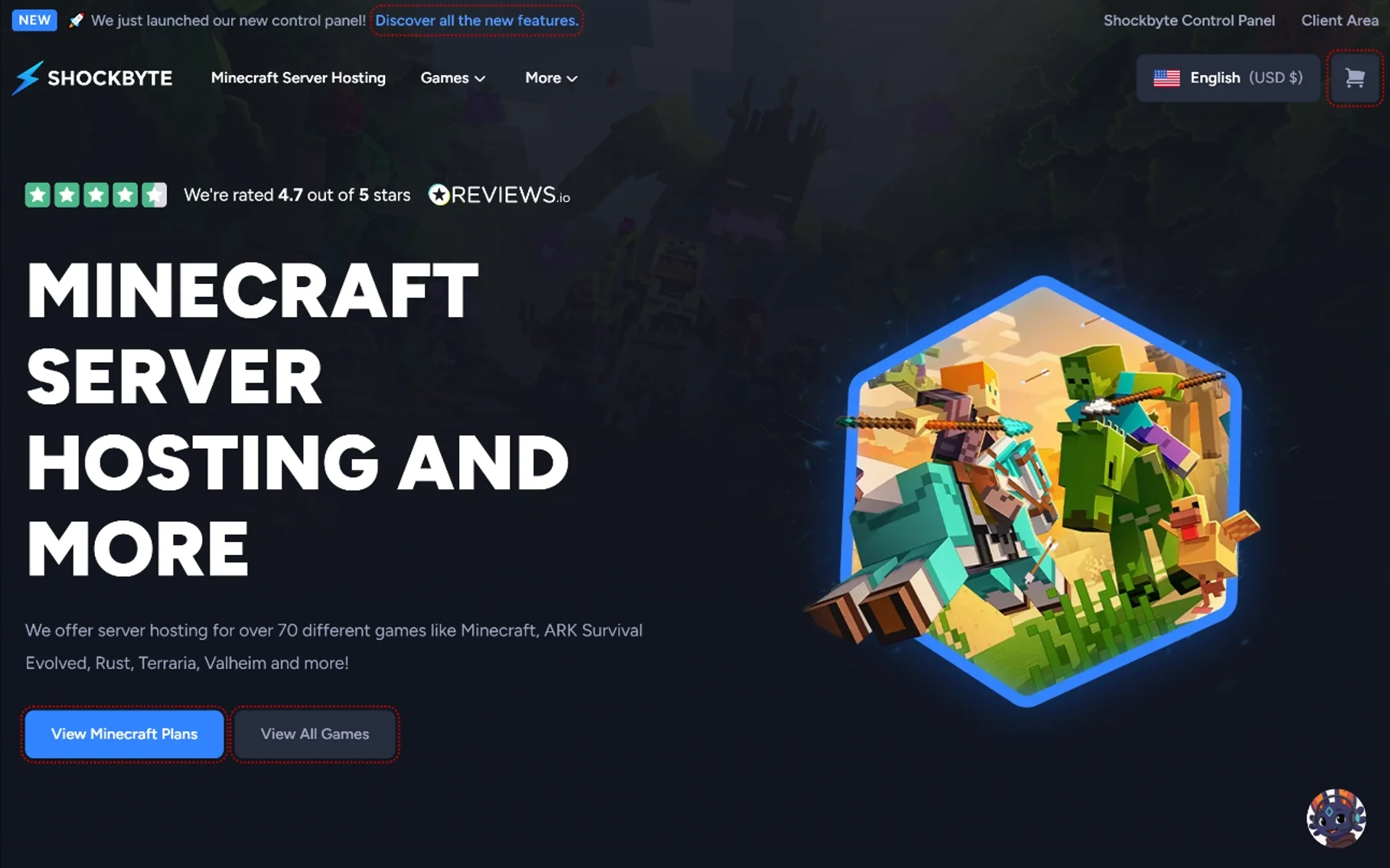
What every plan includes: support for both Java and Bedrock Edition with automatic version updates, one-click installs for Paper, CraftBukkit, Spigot, Forge, Vanilla, Bedrock Dedicated Server and PocketMine-MP, plus modded support for CurseForge, Feed The Beast, Technic and ATLauncher. Shockbyte rates itself 4.7 out of 5 and runs a newer control panel.
Hardware. Shockbyte does not publish a per-location CPU table the way Apex does, so I cannot give you a like-for-like hardware comparison. That absence is itself information. If you care which CPU you land on, you will have to ask.
Reviews. Trustpilot shows a 4-star rating from 10,417 reviews. Third-party trackers put the actual score closer to 4.1 out of 5 from over 10,000 reviews. Reddit is where the picture darkens. Threads going back years describe overloaded nodes, TPS drops, a slow panel, and support waits measured in weeks rather than hours.
Pros:
- Cheapest entry point of the three, with a working 1GB server at $3.99
- Widest server type support, including Bedrock and most modpack launchers
- 4GB at $15.99 is competitive with Apex on raw price
- Simple RAM-based ladder that is easy to understand
- Over 70 supported games
Cons:
- Support reputation is the weakest here, with repeated complaints about response times
- Reports of node oversubscription causing TPS and lag issues
- No published per-location hardware specs
- Panel performance complaints appear across multiple threads
Treat the Reddit threads as anecdotes, not data. They are a useful signal about what can go wrong, not a measured failure rate. Still, the volume and consistency of the support complaints is hard to ignore.
BisectHosting: The Modpack Specialist
Best for: groups running heavy modpacks, or anyone who wants multiple server instances.
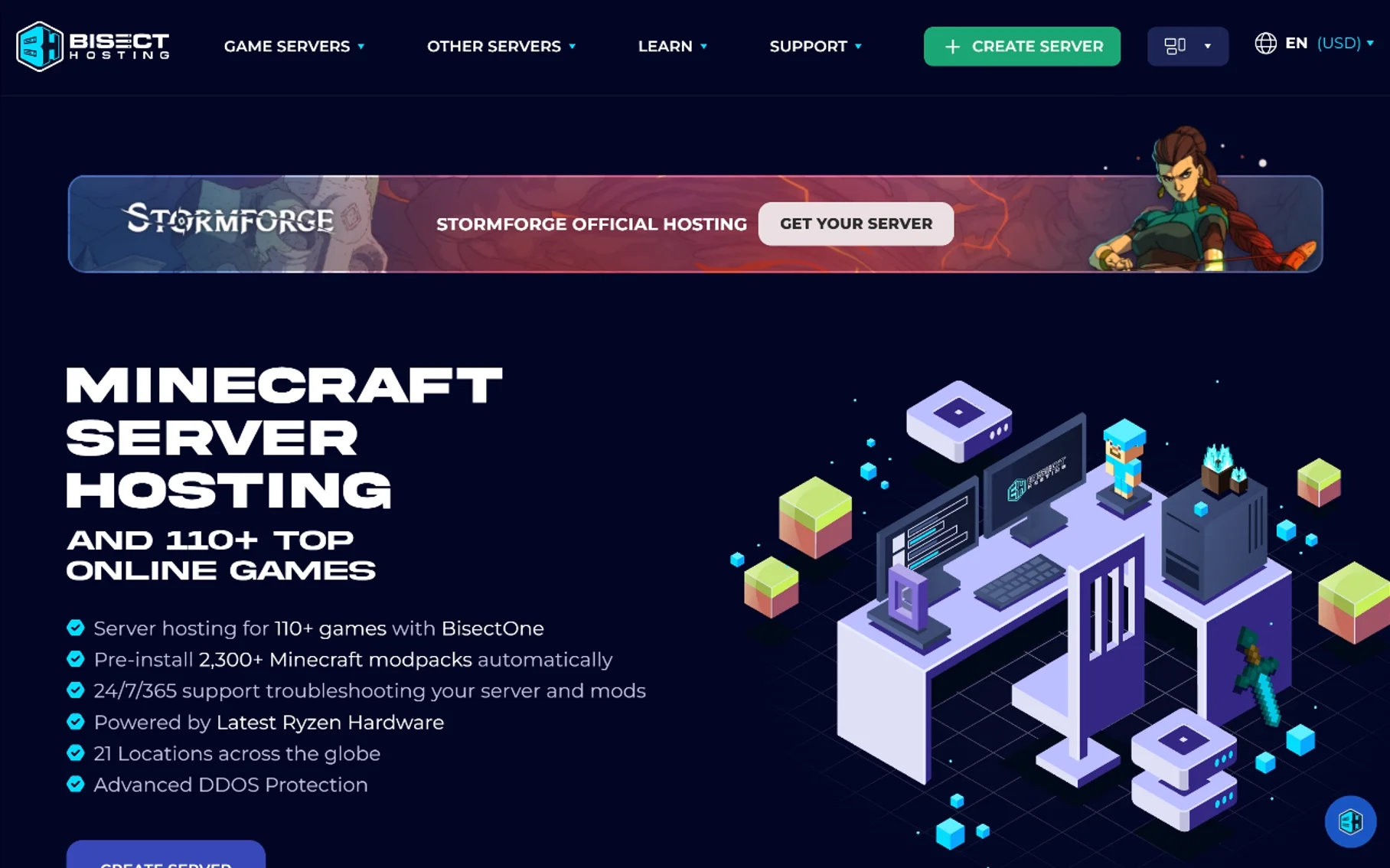
What every plan includes: unlimited slots, DDoS protection on all plans, 7 days of free backups through a Backups Manager, full console and file access, instance management so you can run multiple configurations and swap between them with one click, instant setup after payment, and access to 110+ game titles.
The modpack library is the real feature. Bisect advertises over 2,300 mods and modpacks available as one-click installs. Apex and Shockbyte both offer modpack installers, but neither publishes a library of that size. If your group lives on ATM, Better Minecraft or Pixelmon, this is the reason to pick Bisect.
Locations. 21 server locations, which is more than either competitor. For a group spread across time zones, that flexibility matters more than a slightly faster CPU.
Hardware. Bisect markets its hardware but does not publish a per-location CPU table in the material I reviewed. Same caveat as Shockbyte: ask before you commit to a long term.
Reviews. Trustpilot shows a 4-star rating from 27,424 reviews, the largest sample of the three. Community feedback is generally positive on value and support responsiveness, with some recent reports of occasional lag spikes and uneven uptime.
Pros:
- 2,300+ one-click modpacks, the strongest library in this comparison
- 21 locations, the widest choice of the three
- 7 days of free backups with a proper restore manager
- Instance swapping lets one plan cover several server setups
- Lowest advertised entry price at $2.99 per month
- Largest review base, so the rating is more statistically meaningful
Cons:
- Full RAM ladder is not published as a simple table, so budgeting takes an extra step
- No per-location CPU specs published
- Some recent reports of lag spikes and inconsistent uptime
- Only 7 days of backups, where longer retention would suit a big world
If modpacks are your plan, this guide to modded Minecraft server hosting covers what to look for beyond the installer.
Support and Reliability
This is the section that decides long-term happiness, and it is the hardest to measure honestly.
Apex runs 24/7 live chat with staff who administer servers. That is a structural advantage over ticket queues, and it is why reviewers keep mentioning it by name.
Shockbyte has the most vocal complaints. The recurring ones are slow ticket responses and nodes that feel oversubscribed under load.
Bisect sits in the middle, with quick ticket responses reported and a small number of recent uptime grumbles.
Before you buy from any of them, do one thing. Open a support chat and ask a specific technical question, like how to restore a backup or which Java flags they recommend for your modpack. The specificity of that answer tells you more than a hundred reviews.
Also be realistic about what a host can fix. A lot of “the host is bad” tickets turn out to be a modpack over its RAM budget, a plugin loop, or a view-distance setting nobody touched. Work through the different types of Minecraft server lag before you open a ticket, and check how much RAM a Minecraft server actually needs so you are not paying for a plan that cannot do the job.
Performance: What Actually Matters for Minecraft
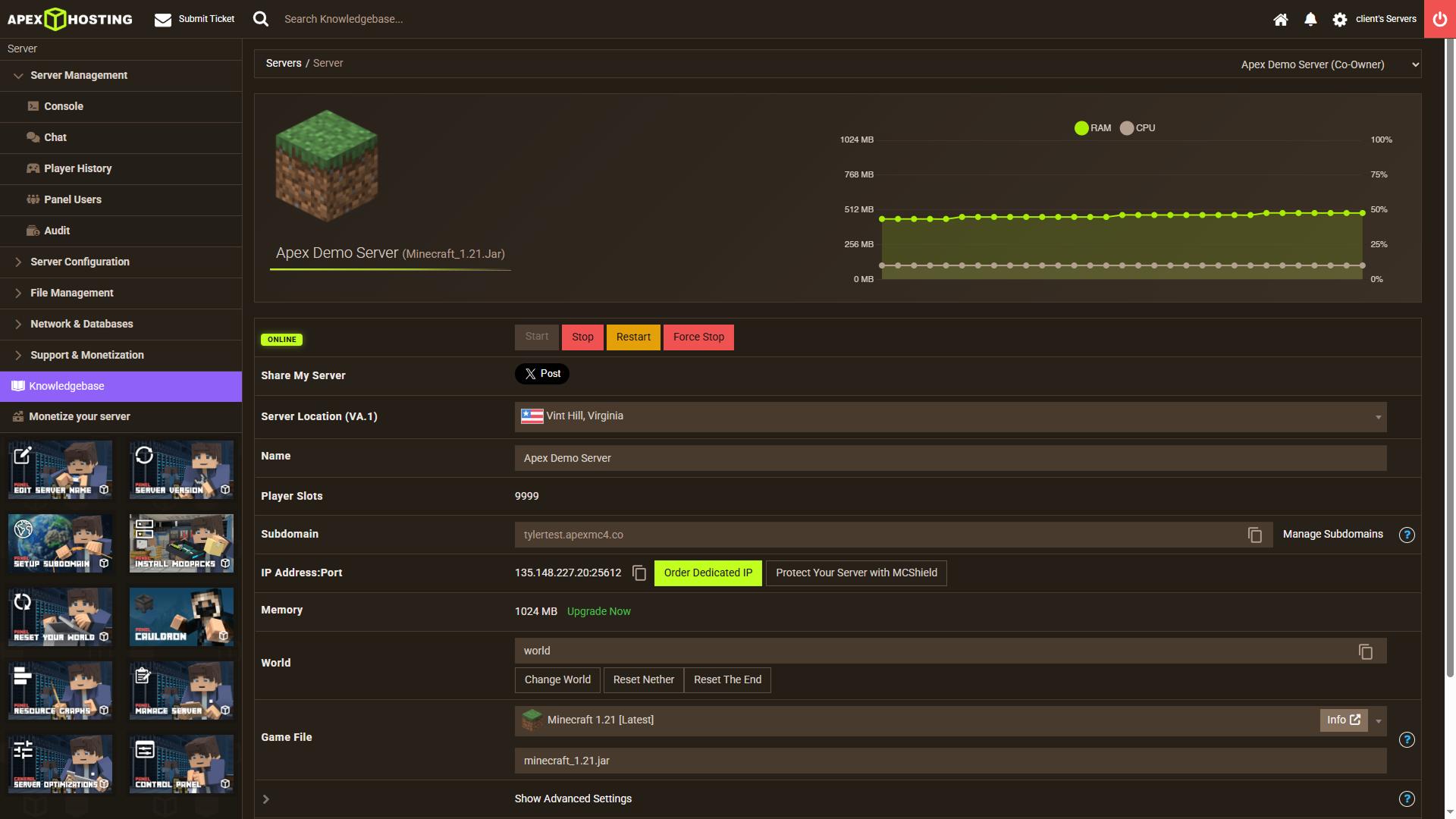
Minecraft is not a well-threaded game. The main tick runs on one thread, so single-core clock speed matters more than core count.
That is why an Apex node running a Ryzen 9 7950X at 4.5GHz will usually beat a node running a 28-core Xeon at 3.5GHz, even though the Xeon looks bigger on paper. It is also why Shockbyte’s node oversubscription complaints are believable. Sharing a fast CPU with too many neighbors is worse than owning a slower one outright.
Three practical rules:
- Never buy the smallest plan for a modpack. A 2GB server running 150 mods will lag regardless of who hosts it.
- Location beats specs for latency. Pick the closest node, then check the hardware.
- Java flags matter. Aikar’s flags and a sensible heap allocation will do more for TPS than an upgrade in many cases. See how to allocate more RAM to Minecraft before you spend money.
If your CPU is pinned at 100% and the server is only using half its RAM, the problem is not memory. Start with reducing CPU usage on a Minecraft server.
On the client side, if the server feels fine but your own game stutters, that is a different problem. Reducing lag in online games and how to reduce ping cover the client and network half of the equation.
Which One Should You Pick?
| Your situation | Pick | Why |
|---|---|---|
| First server, want help when it breaks | Apex | 24/7 admin-staffed live chat and a beginner-friendly panel |
| Tight budget, small server | Shockbyte | 1GB at $3.99 is the cheapest working option here |
| Heavy modpack group | Bisect | 2,300+ one-click modpacks and instance swapping |
| Players spread across regions | Bisect | 21 locations to choose from |
| Need a written uptime guarantee | None of these three | Look at Hostinger, which publishes 99.9% |
| Running a large public server | Apex EX or dedicated | 4 dedicated vCores and a free dedicated IP at $71.99 |
| Do not want to think about backups | Apex | Offsite backups included rather than upsold |
If I had to give one answer to “which is best”, I would say Bisect for modpacks and Apex for everything else. Shockbyte only wins when price is the deciding factor, and that is usually true for a first small server that you may abandon in a month anyway.
One more angle worth considering: these hosts also run other games. If you are weighing a Valheim box instead of Minecraft, this Valheim server hosting comparison and Valheim’s server requirements are a better starting point, because the memory profile is different from Minecraft’s. And if you eventually want to run a FiveM city, FiveM server requirements are a different animal entirely.
FAQ
Which is cheaper, Apex Hosting or Shockbyte?
It depends on the tier. At 2GB both cost $7.99 per month, though Apex offers a $5.99 first month. At 4GB Apex is a dollar cheaper at $14.99 against Shockbyte’s $15.99. Below 2GB Shockbyte is the only option, with a 1GB server at $3.99.
Is BisectHosting better than Apex Hosting?
Better at modpacks and locations, not clearly better overall. Bisect publishes over 2,300 one-click modpacks and runs 21 locations. Apex publishes its per-location CPU specs and staffs live chat around the clock. If you want transparency and fast help, Apex. If you want the biggest modpack library, Bisect.
Does Shockbyte have bad support?
That is the most common complaint in community threads, with reports of slow ticket responses and nodes that feel oversubscribed. Trustpilot still shows a 4-star rating from over 10,000 reviews, so the picture is mixed rather than uniformly negative. Test support before you commit to a long term.
Which host has the best hardware?
Apex is the only one of the three that publishes a per-location CPU table, and most of its US and EU nodes run a Ryzen 9 7950X with DDR5 memory and NVMe RAID1. That is genuinely modern. Its weak spots are Sydney on an i7-7700K and Tel Aviv on DDR3 Xeons. Neither Shockbyte nor Bisect publishes comparable specs.
Do any of these hosts offer a free trial or refund?
I could not confirm a stated refund window for Apex or Bisect on the pages I reviewed, so I will not quote one for either. Ask support in writing before you pay. Hostinger publishes a 30-day money-back guarantee if that matters to you, and ScalaCube offers a free hosting option for testing.
How much RAM do I actually need?
For vanilla with a few plugins and under ten players, 4GB is comfortable. For a large modpack, start at 6GB to 8GB. If you are unsure, this breakdown of Minecraft server RAM needs is more useful than a host’s marketing page, because hosts benefit from selling you an upgrade you do not need.
Can I use a VPN with my Minecraft server?
You can, but it is not the fix people hope for. A VPN adds a hop, which usually adds latency rather than removing it. If you are hosting, a VPN on the server machine will not help players connect faster. If you are playing, the best Minecraft VPNs covers what actually works and what gets you flagged.
The Short Version
Three hosts, three personalities. Apex charges a little more for support you can actually reach, unlimited slots and modern Ryzen hardware in most locations. Shockbyte competes on the cheapest entry point and the widest server type support, with a support reputation that needs testing before you trust it. BisectHosting wins on modpacks, locations and review volume, at a price that starts low and climbs with RAM.
My advice: pick your plan size first, then your host. Most people overbuy RAM and underbuy support, then blame the host when a modpack runs out of heap at 3am.
You May Also Like
 Computers & PC Games
Fabric vs Forge vs NeoForge Minecraft mod loaders comparison
 Computers & PC Games
Is Apex Hosting Good? Honest Pros and Cons
 Computers & PC Games
What Is FiveM? The Difference Between GTA Online and GTA Roleplay
 Computers & PC Games
How to Allocate More RAM to Minecraft: Complete Guide for Better Performance
 Computers & PC Games
What Does Breach Do in Minecraft? Mace Armor Piercing Explained
 Computers & PC Games
