

Canceling Xfinity Internet is usually straightforward, but it helps to check a few things before you contact the company: whether your account has a term agreement, which rented devices must be returned, and whether canceling internet will affect other services on your account.
You can generally request cancellation at any time. If your plan does not have a term agreement, you generally should not have an early termination fee. If you are still under an agreement, an early termination fee may apply based on the terms of your specific plan. Outstanding balances, unreturned-equipment charges, and changes to linked services such as Xfinity Mobile may also affect your final bill.
Last verified: August 30, 2026. Xfinity policies, fees, and account options may vary by plan, location, and account. Confirm the details for your specific account with Xfinity before setting your cancellation date.
Can You Cancel Xfinity at Any Time?
Yes. You can ask Xfinity to cancel your service at any time, but the financial impact depends on your plan and account status.
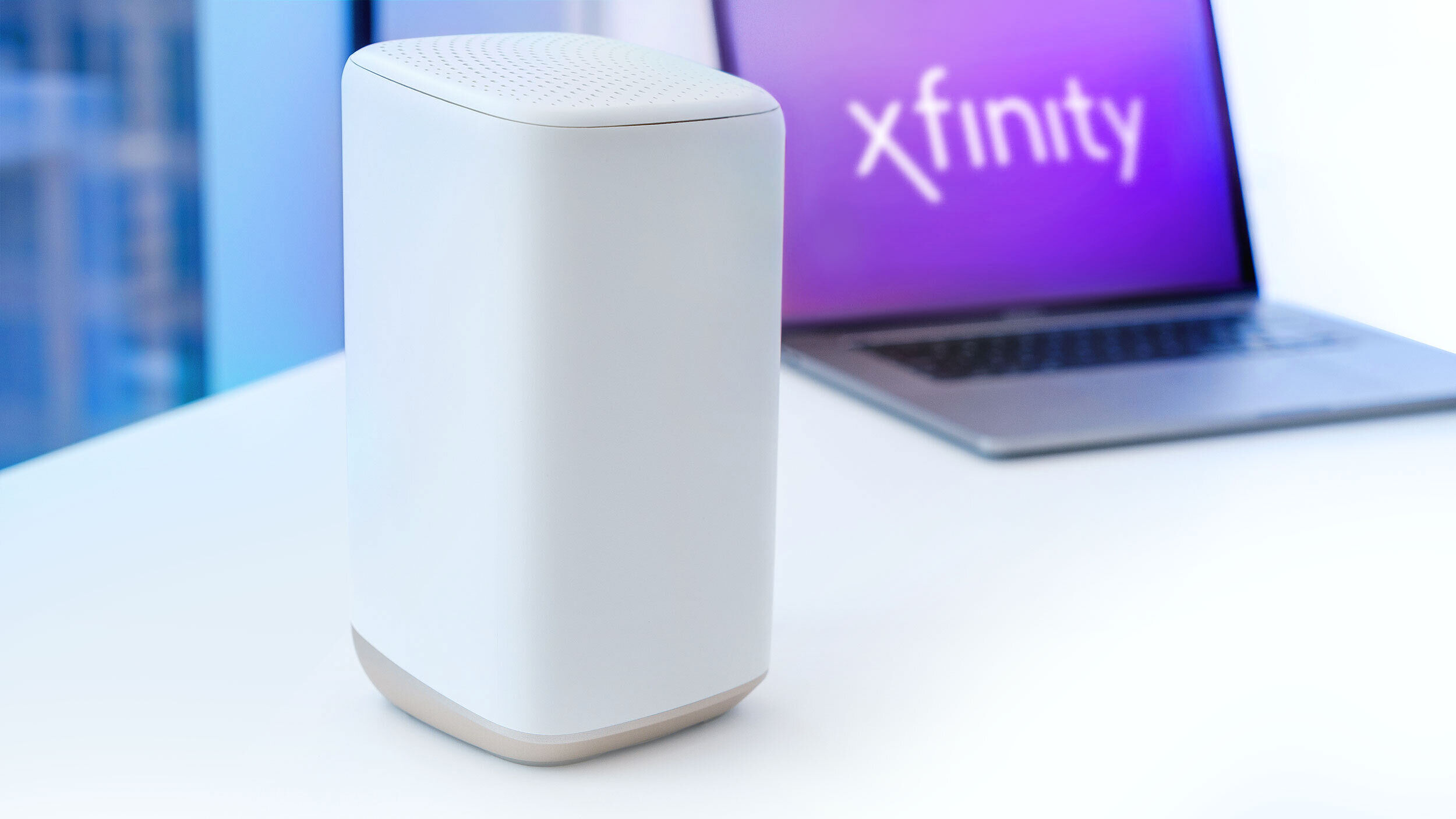
Contract vs. No-Contract Cancellation
No-contract plans: If your plan has no term agreement, you generally should not be charged an early termination fee. However, this does not necessarily mean your final bill will be zero. You may still owe an outstanding balance, equipment charges, or charges related to other services on the account.
For example, Xfinity’s current 5-Year Price Guarantee offers are advertised without an annual contract. Customers on one of these plans can generally cancel without an early termination penalty, subject to the terms of the specific offer.
Plans with a term agreement: You can still request cancellation, but an early termination fee may apply. Some Xfinity agreements have used a declining fee based on the number of months remaining, but the calculation is not necessarily identical for every customer.
Before canceling, check the agreement attached to your account or ask Xfinity for a written estimate. Avoid relying solely on a general fee quoted online because your plan, promotion, location, and contract date can affect the amount.
Ways to Cancel Xfinity Internet
Xfinity currently directs residential customers to cancel through one of the following channels:
- By phone: Call 1-800-934-6489 (1-800-XFINITY). When prompted, say “cancel service” or ask to speak with an agent about disconnecting your account.
- By scheduled callback: Sign in through Xfinity support and request a callback if that option is available for your account.
- At an Xfinity Store: Visit a nearby store and ask a representative to process the cancellation. If you also return equipment, request a receipt showing the devices and serial numbers received.
Xfinity does not currently advertise a universal self-service button that lets every residential customer complete an Internet cancellation entirely online. Options can vary by account, so check the support tools available after you sign in, but be prepared to speak with an agent or visit a store.
What to Check Before You Cancel
- Term agreement: Confirm whether your account has a contract and ask for an estimate of any early termination fee.
- Effective cancellation date: Ask whether service will end immediately, on a date you choose, or at the end of the billing period.
- Rented equipment: Identify every gateway, modem, TV box, or other rented device listed on the account.
- Linked services: Ask how canceling Internet will affect Xfinity Mobile, TV, Voice, Home, or promotional discounts.
- Written confirmation: Keep the cancellation confirmation, equipment-return receipt, and any tracking numbers until the final balance is settled.
What If You Are Moving?
If Xfinity is available at your new address, transferring service may help you avoid an early termination fee. Xfinity states that it does not charge a termination or transfer fee when an eligible customer moves service to a new address, although installation charges may still apply.
Moving outside Xfinity’s service area does not necessarily guarantee that an early termination fee will be waived. Limited exceptions or credits may be available in certain situations, including some qualifying military moves, but eligibility depends on the agreement and account circumstances.
Before canceling because of a move, ask Xfinity to confirm the following in writing:
- Whether your new address is serviceable
- Whether transferring service would avoid the fee
- Whether your situation qualifies for a waiver or credit
- What documentation, if any, is required
Bottom line: A no-contract plan generally makes cancellation simpler, but you should still review the final bill and equipment status. If you have a term agreement, compare the estimated cancellation fee with the cost of keeping the service until the agreement ends.
How to Cancel Xfinity Internet: Step-by-Step
Step 1: Review Your Account and Agreement
Sign in to your Xfinity account and review your current plan, promotional terms, and any term agreement. Look for the contract end date and information about early termination.
If you can’t find the agreement, ask an Xfinity representative to confirm whether an early termination fee applies and how it would be calculated. Request the estimate in writing when possible.
Step 2: Choose Your Cancellation Date
Decide when you want the service to end. If you are switching providers, consider activating and testing the new connection before disconnecting Xfinity. A short overlap can help you avoid being without internet if the new installation is delayed.
Ask whether Xfinity will prorate your service through the cancellation date. Billing treatment can depend on your account and local terms, so do not assume the final month will always be handled the same way.
Step 3: Prepare Your Account Information
Have the following information ready:
- Account holder’s name
- Xfinity account number
- Service address
- Requested cancellation date
- Account PIN or other verification information
- A list of rented equipment
You may need your password to sign in to your own account, but you should not share the password with anyone. An agent may ask you to verify your identity using an account PIN, a security code, or another approved method.
Step 4: Contact Xfinity
Call 1-800-934-6489, schedule a callback through Xfinity support, or visit an Xfinity Store. Clearly state that you want to cancel Xfinity Internet and provide your preferred end date.
You may be offered a different plan or promotional price. You can review the offer if you are interested, but you do not have to accept it to proceed with the cancellation.
A simple script can make the conversation easier:
“I’d like to cancel my Xfinity Internet service effective [date]. Before you process the request, please confirm whether my account has an early termination fee, which devices I need to return, how canceling will affect my other Xfinity services, and how I will receive written confirmation.”
Step 5: Confirm the Details Before Ending the Call or Visit
Ask the representative to confirm:
- The effective cancellation date
- The estimated early termination fee, if applicable
- The rented devices that must be returned
- The deadline for returning equipment
- Any effect on Xfinity Mobile or bundled services
- Your cancellation confirmation number
- How and when the final bill will be delivered
If possible, request an email or account notification confirming the cancellation.
Step 6: Return Your Xfinity Equipment
Return any rented equipment associated with the canceled service. Depending on your setup, this may include an Xfinity Gateway, modem, router, TV box, remote, or other device.
Xfinity offers several return options:
- Xfinity Store: Return the equipment at a retail location. Ask for a receipt listing each returned device and keep it until the equipment has been removed from your account.
- UPS Store: Eligible equipment can generally be returned through a participating UPS Store. Keep the receipt and tracking number.
- Prepaid shipment: Use Xfinity’s Digital Return Center to select the equipment and generate the available shipping instructions.
Xfinity may add unreturned-equipment charges if a rented device is not received. The amount can vary by device, so keep your receipt or tracking information until the return appears correctly on your account.
Step 7: Review Your Final Bill
Your final bill may include items that did not appear on previous statements, such as:
- Charges or credits through the effective cancellation date
- An early termination fee, if required by your agreement
- Outstanding balances
- Unreturned-equipment charges
- Remaining Xfinity Home equipment-installment balances
- Changes to discounts or linked services
If Xfinity owes you a refund after the account is closed and the equipment is returned, the company says processing can typically take approximately four to six weeks. Timing may vary according to the payment method and account status.
Step 8: Verify That the Account Is Closed
Check your email and Xfinity account for confirmation. If you do not receive it within the expected time, contact Xfinity and provide the cancellation confirmation number.
Continue monitoring your account until:
- The service is shown as disconnected
- Returned equipment no longer appears as outstanding
- The final bill or refund has been processed
- Automatic payments have been handled correctly
Do not discard your equipment receipt or tracking information immediately after the return. Keep those records until the account shows a zero balance or the expected refund has arrived.
What Happens to Xfinity Mobile After You Cancel Internet?
Canceling Xfinity Internet does not necessarily cancel Xfinity Mobile, but it may change your mobile pricing.
The result depends on when you joined or last changed your mobile plan:
- Customers on newer plans may lose a multi-product discount if they no longer maintain an eligible Xfinity Internet plan.
- Customers on certain older plans may be charged a standalone mobile fee. Depending on the plan generation, that fee may apply per account or per line.
Because these rules have changed over time, check the terms shown in your Xfinity Mobile account rather than assuming a single fee applies to everyone. Ask the cancellation representative to estimate your new mobile bill before disconnecting Internet service.
Can You Keep Your Comcast.net Email Address?
Former customers may be able to continue using a comcast.net email address if they accessed it through the Xfinity Email website during the 90 days before service was disconnected.
Xfinity says former customers should access the mailbox through the Xfinity Email website at least once every nine months to keep it active. Each primary or secondary mailbox must meet the eligibility requirements separately.
If the email address is important, sign in before canceling and make sure your recovery phone number and alternate email address are current. It is also sensible to back up important messages and gradually move essential accounts to an email address that is not tied to an internet provider.
Alternatives to Xfinity Internet
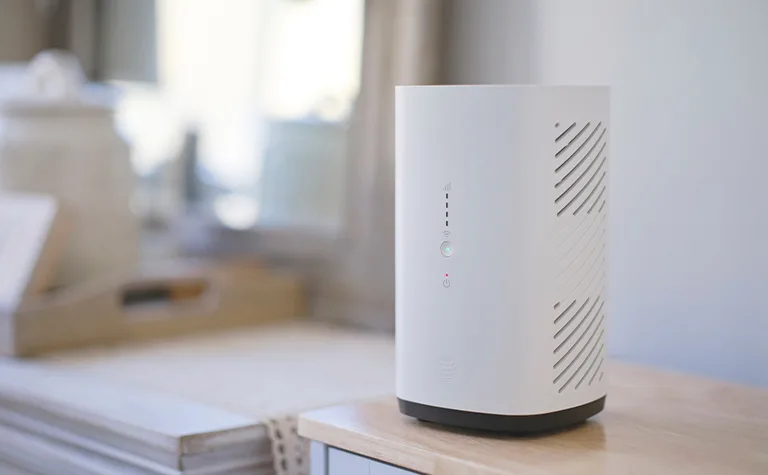
Before canceling, check which internet providers serve your exact address. Availability, pricing, speeds, and promotional terms can vary even within the same city.
Instead of comparing only the advertised download speed, review the provider’s Broadband Consumer Label and consider:
- The regular monthly price after promotions end
- Download and upload speeds
- Data limits or priority-data policies
- Equipment and installation charges
- Contract requirements and early termination fees
- Network reliability at your specific address
- Customer support and repair options
Fiber Internet
Fiber can be a strong option for remote work, large uploads, gaming, streaming, and homes with many connected devices. It commonly provides faster upload speeds than cable, although availability remains limited in many areas.
Depending on your address, options may include Verizon Fios, Google Fiber, AT&T Fiber, Quantum Fiber, or a regional provider. If Tachus operates in your area, our Tachus Internet provider review covers factors worth considering before signing up.
Cable Internet
Cable internet is widely available and can offer fast download speeds. Alternatives to Xfinity may include Spectrum, Cox, Optimum, or a local cable provider, depending on your location.
When comparing cable plans, pay attention to upload speeds, equipment charges, promotional expiration dates, and whether the price requires automatic payments or paperless billing.
5G or Fixed-Wireless Home Internet
Providers such as T-Mobile, Verizon, and AT&T may offer home internet over a fixed-wireless or 5G connection. These plans can be convenient because they usually require less installation work than a wired connection.
However, performance can vary based on signal quality, network congestion, building materials, and gateway placement. Check the return or trial policy before relying on fixed wireless as your primary connection.
Satellite Internet
Satellite internet may be practical in rural locations where cable, fiber, or fixed wireless is unavailable. Options can include Starlink, Hughesnet, and Viasat.
Compare equipment costs, latency, plan management policies, and priority-data allowances. If you are considering Starlink, see our explanations of Starlink Residential Lite and the Starlink Mini price and use cases. Travelers can also review these RV satellite internet options.
Other Regional and International Providers
Smaller regional ISPs sometimes offer competitive service or more localized support, but coverage is usually address-specific. EarthLink may also appear as an option in some markets; households that prioritize online play can review our discussion of whether EarthLink Internet is suitable for gaming.
Xfinity is a U.S. provider, so international broadband comparisons should be treated separately. For example, readers in the United Kingdom can consult our Gigaclear broadband review rather than comparing its plans directly with Xfinity’s U.S. offers.
Set Up Your New Connection Before Disconnecting Xfinity
If possible, install and test the replacement service before your Xfinity cancellation date. Check the connection in the rooms where you work, stream, or play games—not just next to the router.
A coverage problem does not always mean the new provider is unsuitable. Router placement, building layout, and interference can affect Wi-Fi performance. If your home has multiple floors, this guide to placing a Wi-Fi extender in a two-story house may help improve coverage.
Frequently Asked Questions
Can I cancel Xfinity Internet online?
Xfinity currently directs residential customers to cancel by phone, by scheduling a callback, or at an Xfinity Store. Some support actions can begin online, but a complete self-service cancellation option may not be available for every account.
What is the Xfinity cancellation phone number?
You can call 1-800-934-6489, also written as 1-800-XFINITY. Ask to cancel service and confirm the effective date, possible fees, and equipment-return requirements before ending the call.
Will Xfinity charge an early termination fee?
An early termination fee may apply if your account is still under a term agreement. No-contract plans generally do not have an early termination fee, although other final charges may still apply. Check your account agreement for the exact terms.
Do I need to return my Xfinity modem or router?
You must return devices rented from Xfinity. Equipment you purchased yourself does not need to be returned. Ask Xfinity for a list of the device serial numbers associated with your account if you are unsure.
How long should I keep my equipment-return receipt?
Keep the receipt or tracking number until the equipment has been removed from your account and the final balance has been resolved. Saving a digital copy can help if the paper receipt is lost or fades.
Will canceling Xfinity Internet cancel Xfinity Mobile?
Not automatically. You may be able to keep Xfinity Mobile, but your pricing could change. Depending on your plan, you may lose a multi-product discount or incur a standalone mobile fee.
Can I keep my comcast.net email after canceling?
You may be eligible to keep it if you accessed the mailbox through the Xfinity Email website during the 90 days before disconnection. Former customers should then access the mailbox at least once every nine months, according to Xfinity’s current guidance.
Final Cancellation Checklist
- Check your contract end date and possible early termination fee.
- Choose the date you want service to end.
- Install and test your replacement connection, if applicable.
- Ask how cancellation will affect Xfinity Mobile and other linked services.
- Get a cancellation confirmation number.
- Request a list of rented devices that must be returned.
- Keep the store receipt or shipping tracking number.
- Review the final bill for unexpected charges.
- Keep your records until the account balance is settled.
Conclusion
Canceling Xfinity Internet should be manageable if you verify the account details first. The most important steps are confirming whether you have a term agreement, choosing a clear cancellation date, returning every rented device, and keeping written records.
Do not assume that a general fee or policy found online applies to every account. Ask Xfinity to confirm your estimated final charges and explain how the cancellation will affect linked services. After the service ends, monitor the account until the equipment has been credited and the final bill or refund has been processed.
Official Sources
- Xfinity: Cancel or adjust your service
- Xfinity: What to know when canceling services
- Xfinity: How to return rented equipment
- Xfinity: Using Xfinity Email after disconnecting service
- Xfinity: How canceling other services can affect Xfinity Mobile
- Xfinity: Refund processing information
- Xfinity: 5-Year Price Guarantee details
- FCC: Broadband Consumer Labels
You May Also Like
 Internet
DISH vs Optimum vs Hughesnet: Which Is Better for Internet, TV, and Gaming?
 Computers & PC Games
How to Reduce Ping: 8 Fixes That Actually Help (PC, PS5, and Xbox)
 Internet
Is Tachus (Ezee Fiber) Internet a Good Provider? Complete Review & Plans
 Internet
Wi-Fi Connected but No Internet? Find the Cause and Fix It
 Internet
Is 1000 Mbps Good for Gaming? What 1000 Mbps Internet Speed Really Means
 Internet