
Choosing a Minecraft server host isn’t just about finding the cheapest plan. You also need enough RAM and CPU resources to handle your world, reliable storage for game files, and a way to recover your progress if something goes wrong.
Hostinger is a good option to consider if you want Minecraft server hosting with mod support, one-click installation, full root access, and several hardware configurations. Its Game Panel plans range from 4 GB to 32 GB of RAM, giving players different options depending on the size of their server.
Hostinger also advertises AMD EPYC processors, NVMe storage, automatic weekly backups, DDoS protection, and worldwide server locations. These features make its hosting worth comparing, especially if you’re planning to run a modded Minecraft world with friends.
However, there’s one thing I’d pay attention to before signing up: pricing. Hostinger’s advertised monthly rates are based on a 24-month subscription paid upfront, and the renewal prices are considerably higher on some plans.
Let’s look at what each configuration includes, how the pricing works, and which plan makes the most sense for different Minecraft setups.
Hostinger Minecraft Server Hosting Plans and Specifications
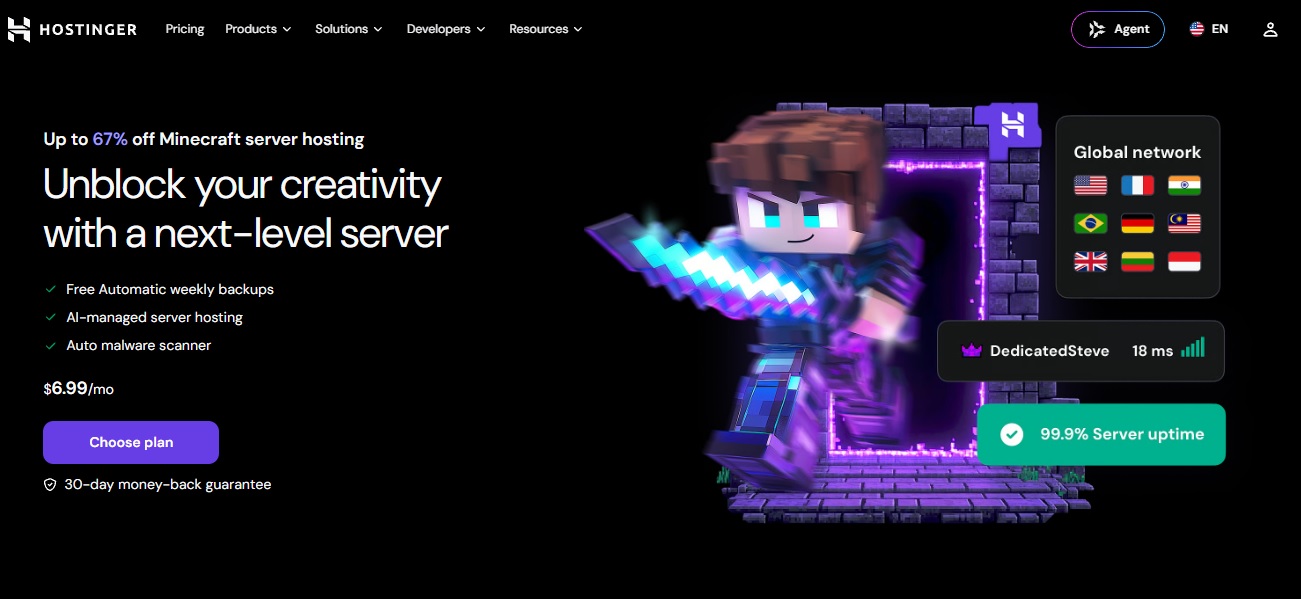
Hostinger offers four Minecraft hosting configurations called Game Panel 1, Game Panel 2, Game Panel 4, and Game Panel 8.
The main differences are CPU cores, RAM, NVMe storage, and bandwidth.
| Plan | CPU | RAM | NVMe storage | Bandwidth |
|---|---|---|---|---|
| Game Panel 1 | 1 vCPU | 4 GB | 50 GB | 4 TB |
| Game Panel 2 | 2 vCPU | 8 GB | 100 GB | 8 TB |
| Game Panel 4 | 4 vCPU | 16 GB | 200 GB | 16 TB |
| Game Panel 8 | 8 vCPU | 32 GB | 400 GB | 32 TB |
I like that Hostinger provides a clear progression between configurations. You can start with 4 GB of RAM for a smaller setup or move to 16 GB or 32 GB if your modpack and player activity require more resources.
The Game Panel 2 is marked as the Most Popular option on the pricing page. It includes 2 vCPU cores, 8 GB RAM, 100 GB NVMe storage, and 8 TB bandwidth.
Still, more resources don’t automatically mean better performance in every situation. Your modpack, Minecraft version, CPU workload, and server configuration all matter.
How Much Does Hostinger Minecraft Server Hosting Cost?
Hostinger advertises four discounted plans with different introductory prices. Here’s how the pricing page compares their original displayed prices with the promotional rates.
| Plan | Original displayed price | Discount | Promo price |
|---|---|---|---|
| Game Panel 1 | $19.49/mo | 64% off | $6.99/mo |
| Game Panel 2 | $24.49/mo | 61% off | $9.49/mo |
| Game Panel 4 | $42.99/mo | 67% off | $13.99/mo |
| Game Panel 8 | $73.99/mo | 62% off | $27.99/mo |
Important: These are 24-month subscription prices, not monthly payments billed one month at a time. Hostinger requires the full initial payment upfront.
Here’s the actual amount shown for each plan:
| Plan | Initial payment for 24 months | Renewal price per month |
|---|---|---|
| Game Panel 1 | $167.76 | $11.99 |
| Game Panel 2 | $227.76 | $14.99 |
| Game Panel 4 | $335.76 | $28.99 |
| Game Panel 8 | $671.76 | $49.99 |
The renewal prices apply to the same subscription term. Assuming another 24-month renewal, the corresponding totals would be $287.76, $359.76, $695.76, and $1,199.76, respectively.
All listed prices are before VAT.
I wouldn’t compare Hostinger with another provider using only the $6.99 starting price. The initial promotional rate looks attractive, but the regular renewal price is what matters if you plan to keep your Minecraft server running for several years.
The pricing cards also advertise cancellation at any time and a 30-day money-back guarantee. Check the refund policy for eligibility and conditions before purchasing.
Which Hostinger Minecraft Plan Should You Choose?
The best configuration depends on your modpack, the number of active players, and how much activity happens in your world.
I’d choose a plan based on the actual server requirements rather than automatically going for the cheapest or most expensive option.
Game Panel 1: 4 GB RAM
Game Panel 1 includes 1 vCPU core, 4 GB RAM, 50 GB NVMe storage, and 4 TB bandwidth.
It’s the entry-level option and may be suitable for a small server with relatively light requirements.
However, I’d be careful about using it for a large modpack. Mod collections with extensive world generation, automation, or complex gameplay systems can need considerably more memory and processing capacity.
Game Panel 2: 8 GB RAM
Game Panel 2 gives you 2 vCPU cores, 8 GB RAM, 100 GB NVMe storage, and 8 TB bandwidth.
It’s marked as Hostinger’s most popular configuration, and I think it’s a reasonable starting point to compare for a medium-sized modded server.
The additional memory and CPU resources give you more room than the entry-level plan. Whether they’re enough still depends on your modpack and how many players are active.
Game Panel 4: 16 GB RAM
Game Panel 4 includes 4 vCPU cores, 16 GB RAM, 200 GB NVMe storage, and 16 TB bandwidth.
I’d look at this configuration if you’re planning to run a larger modpack or expect several players to explore and interact with the world simultaneously.
More memory can provide additional headroom, but it won’t automatically fix CPU bottlenecks or poorly optimized mods.
Game Panel 8: 32 GB RAM
Game Panel 8 is Hostinger’s largest listed configuration. It comes with 8 vCPU cores, 32 GB RAM, 400 GB NVMe storage, and 32 TB bandwidth.
This configuration gives you substantially more resources for demanding server workloads.
It may suit large modpacks, more active players, or server environments with heavier world activity. However, I’d only pay for this much RAM if your workload actually needs it.
For a closer look at memory requirements, read our guide on how much RAM you need for a Minecraft server.
Does Hostinger Support Modded Minecraft?
Yes. Hostinger advertises mod support and plugin support as part of its Minecraft hosting offering.
It also lists one-click installation and customizable server controls, which can make setting up a customized Minecraft world more convenient.
Depending on the Minecraft version and the installation options available, you may want to use a mod loader such as:
- Forge: Commonly used for large modpacks and extensive mod collections.
- Fabric: Popular for lightweight mods and performance-focused setups.
- NeoForge: Used by modpacks that support its Minecraft versions.
One detail I’d check before purchasing is whether your specific modpack and version are supported.
The phrase “mod support” doesn’t necessarily mean every available modpack has a one-click installer. Some setups may require manual file management, additional configuration, or troubleshooting.
If you’re still deciding which mod loader to use, our comparison of Fabric vs. Forge vs. NeoForge explains how their differences can affect your server setup.
Hostinger Minecraft Hosting Features
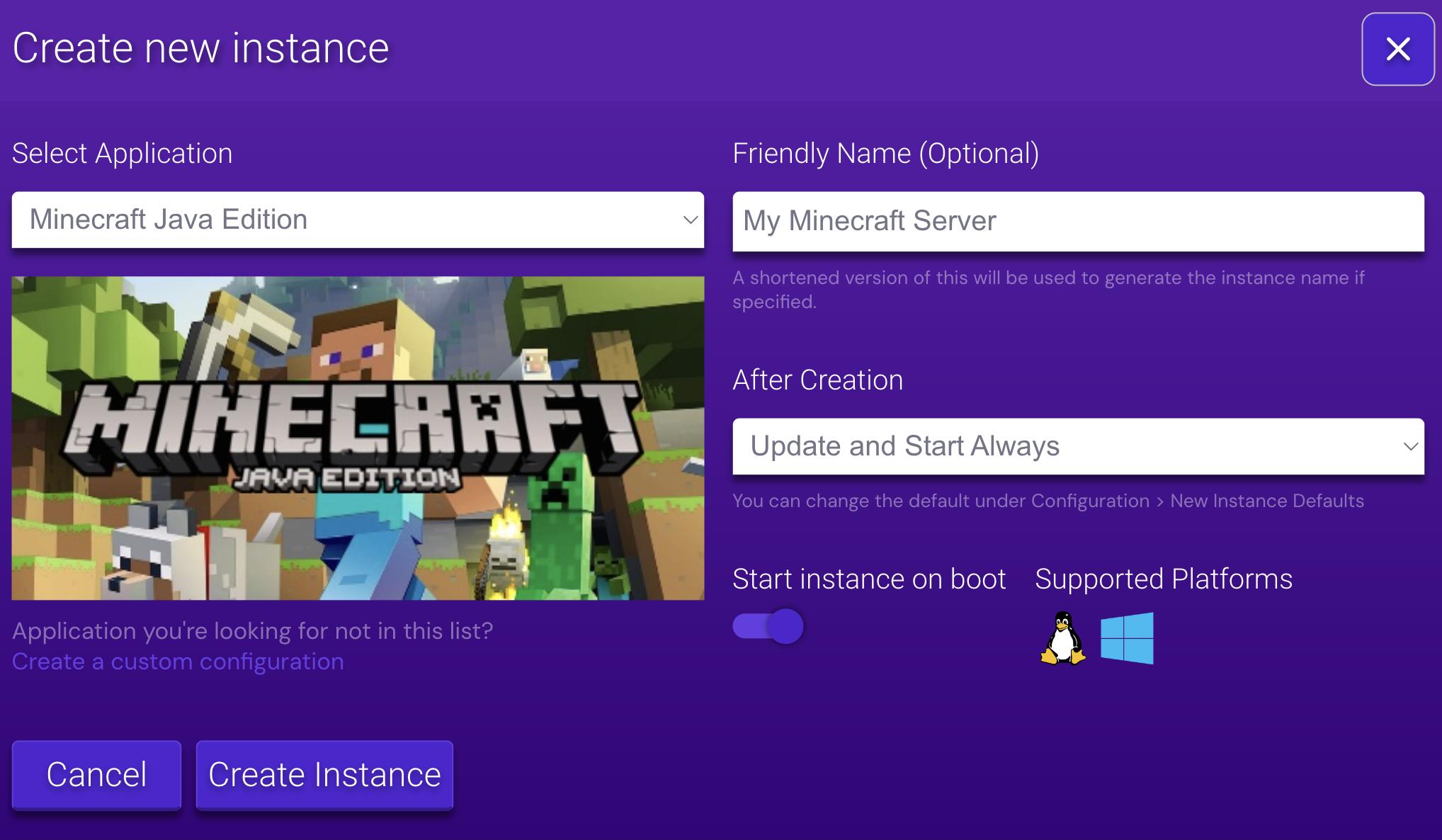
Besides its hardware configurations, Hostinger advertises several features designed to make Minecraft server management easier.
One-Click Installation and Customization
One-click installation can simplify the initial setup process for supported server configurations.
Hostinger also advertises mod and plugin support, map customization, and server controls.
This is useful if you want to build something beyond a standard vanilla world without manually configuring every part of the hosting environment.
Still, I’d check which Minecraft versions and modpack installations are actually supported before assuming your preferred setup will work automatically.
Full Root Access
Hostinger lists full root access among its included features.
This gives users greater control over their server environment and can be useful when managing files, adjusting configurations, or working with custom server setups.
For people who enjoy configuring their own Minecraft environment, that flexibility can be helpful.
It also means you should be careful when making administrative changes. An incorrect configuration or incompatible file can cause problems with your server.
AMD EPYC Processors
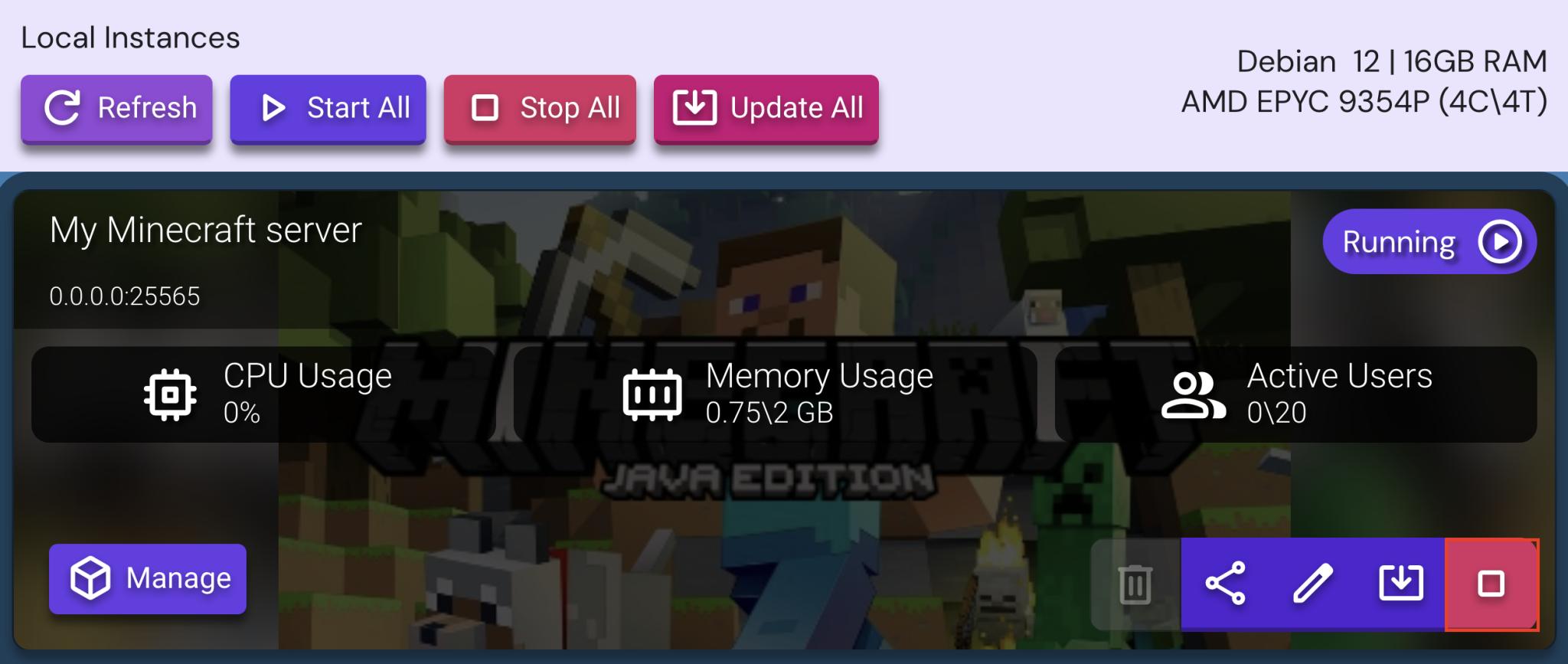
Hostinger advertises AMD EPYC processors for its Minecraft hosting plans.
CPU resources play an important role in Minecraft server performance. The server has to process player activity, entities, world generation, and other tasks while keeping the game world running.
However, more vCPU cores don’t automatically guarantee better performance. The actual result depends on the underlying CPU allocation, workload, and server configuration.
If you’re experiencing high CPU usage, our guide on how to reduce CPU usage for a Minecraft server covers practical areas to investigate.
NVMe SSD Storage
All four Hostinger plans include NVMe storage.
The available capacity ranges from 50 GB on Game Panel 1 to 400 GB on Game Panel 8.
Fast storage is useful for handling Minecraft files, world data, modpacks, and other server-related files. It can also help with disk-related operations during world loading and saving.
Keep in mind that NVMe storage doesn’t solve every type of lag. A server can still struggle because of insufficient RAM, CPU bottlenecks, or excessive entity and chunk activity.
Free Automatic Weekly Backups
Backups are particularly important for modded Minecraft servers.
A failed update, incompatible mod, or corrupted world file can put hours of progress at risk.
Hostinger advertises free automatic weekly backups and a manual snapshot option.
I like having both because automatic backups provide regular recovery points, while a manual snapshot can be useful before making major changes.
For example, I’d create a manual snapshot before updating a large modpack or changing several server configuration files.
There’s one limitation worth remembering: weekly backups aren’t real-time backups. Progress made after the most recent backup may not be included if something goes wrong.
DDoS Protection and Security Tools
Hostinger advertises DDoS protection and a built-in firewall to help keep unwanted traffic away from your server.
It also lists an automatic malware scanner.
Another feature mentioned on its page is Kodee, an AI assistant that can check accounts and packages, monitor service updates, and provide security advice.
These tools add another layer of convenience, especially if you’re running a public Minecraft server.
However, they’re not a replacement for basic server security. Keep your software updated, protect administrative access, and be careful when installing mods or plugins from unfamiliar sources.
AI-Assisted Server Management
Hostinger also promotes AI-managed server hosting and an AI agent powered by MCP.
Its platform describes access to more than 200 actions for managing services and server infrastructure.
This is an interesting addition, although I’d treat AI assistance as a management convenience rather than assuming it can automatically resolve every Minecraft server problem.
Mod conflicts, Java errors, and configuration issues can still require manual troubleshooting.
24/7 Customer Support
Hostinger advertises 24/7 support, which can be useful when you encounter hosting or infrastructure problems.
One thing I’d check is the scope of its technical assistance.
Help with account access, server availability, or hosting configuration isn’t necessarily the same as troubleshooting conflicts between individually installed mods.
If you’re planning to use a heavily customized modpack, ask what kind of mod-related support is included.
Hostinger Minecraft Servers Location?
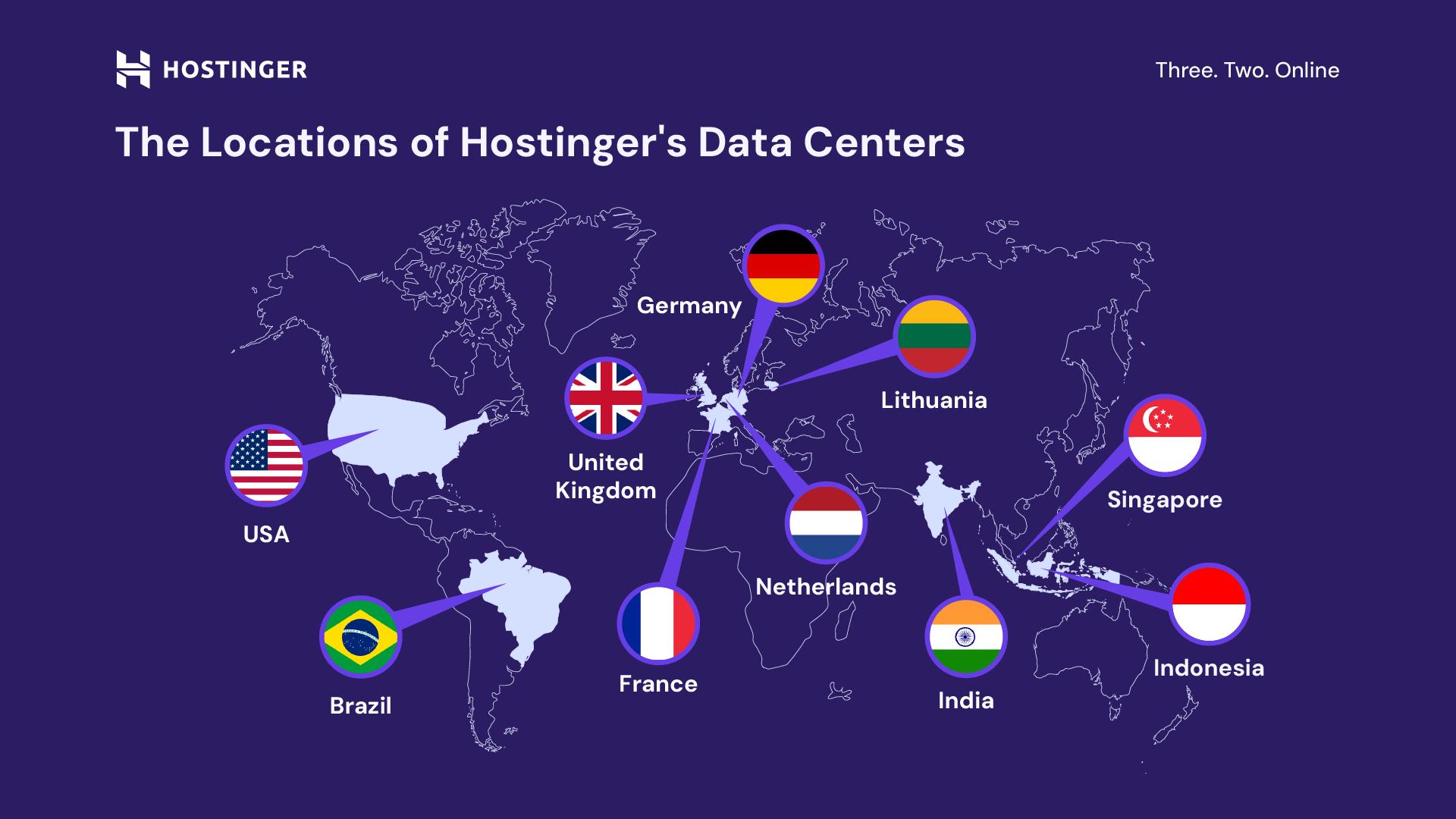
Server location can make a noticeable difference to the connection quality players experience.
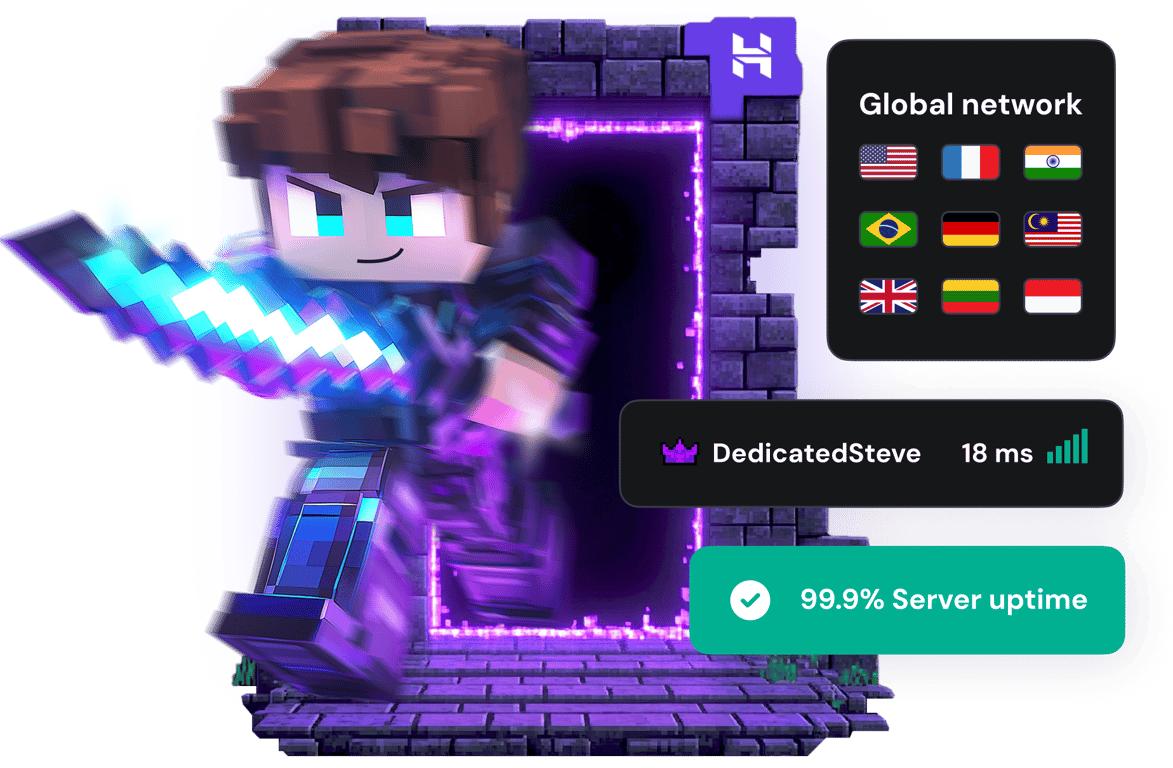
Hostinger advertises worldwide Minecraft server locations across North America, South America, Europe, and Asia.
The page also displays the United States as a recommended server location, with an example latency reading of 23 ms. That reading is an illustrative location result, not a guaranteed ping for every customer.
I’d select a location based on where most of your players live.
For example, if your group is mostly in the United States, a suitable North American location would generally be a sensible starting point. For players in Southeast Asia, compare the available Asian locations and test which one provides the most stable connection.
A nearby server can help reduce network distance, but your actual ping also depends on your ISP, routing, and local network conditions.
Does Hostinger Minecraft Hosting Support Unlimited Players?
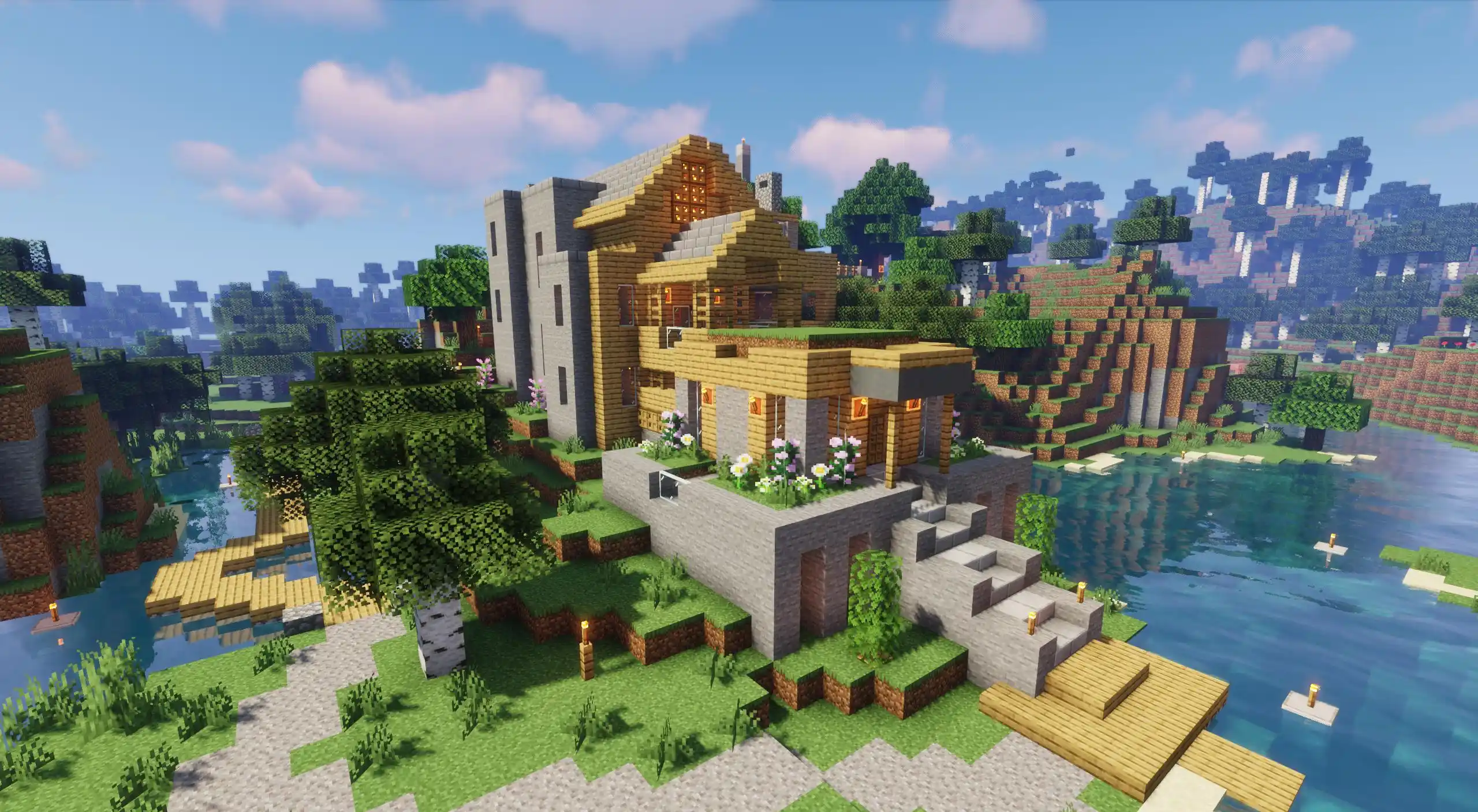
Hostinger advertises support for unlimited players and multiple games.
That sounds appealing if you want more flexibility than a small private world.
However, there’s an important distinction between an advertised player limit and actual server capacity.
Even without a fixed player cap, your server still depends on its available CPU, RAM, storage, bandwidth, and software configuration.
A small vanilla server with a few players has very different requirements from a heavily modded world with many active players.
I’d test the server under realistic conditions before inviting a much larger group. Don’t assume the words “unlimited players” mean unlimited performance.
Is Hostinger Good for Large Modpacks?
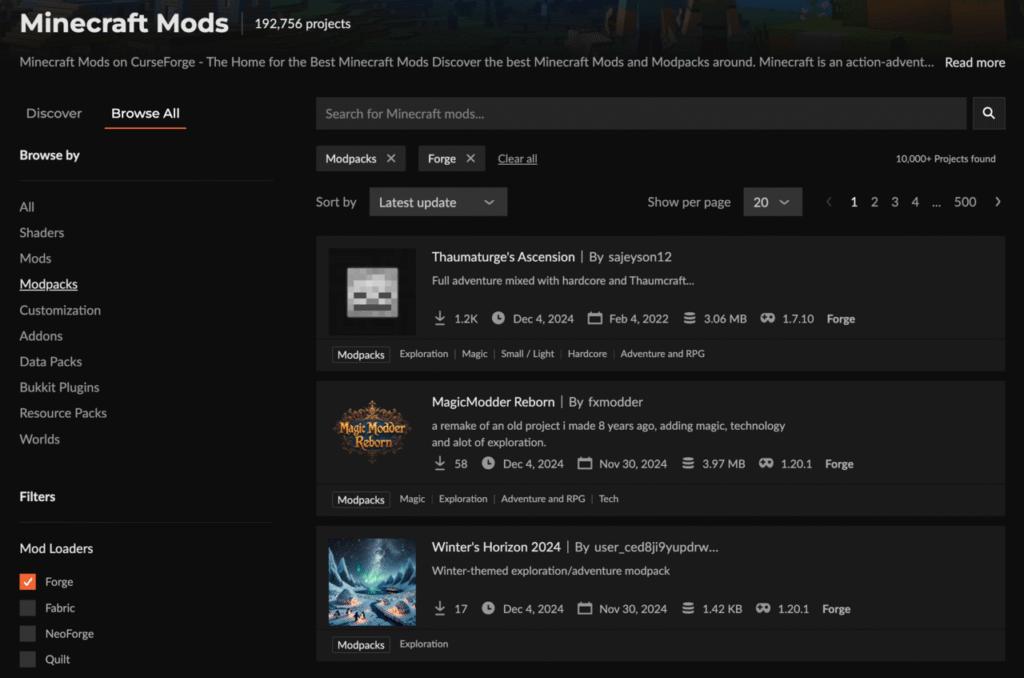
Hostinger’s 16 GB and 32 GB configurations make its larger plans worth comparing for demanding modded Minecraft setups.
But RAM isn’t the only factor that determines whether a modpack runs smoothly.
You should also consider:
- CPU performance and available processing resources.
- The number and complexity of installed mods.
- World generation and chunk loading.
- Player count and simultaneous activity.
- Storage requirements and world size.
- Server-side optimization and configuration.
Some modpacks use considerable memory even with a relatively small group of players. Others put more pressure on the CPU because of complex machinery, mobs, and world-generation tasks.
It’s also worth understanding the different types of Minecraft server lag before assuming that adding more RAM will solve every performance issue.
Hostinger vs. Other Modded Minecraft Hosting Providers
Hostinger isn’t the only provider worth comparing.
Services such as BisectHosting, Apex Hosting, Bloom Host, and Sparked Host may appeal to players who prioritize game-specific control panels, modpack installation, and Minecraft-focused support.
Hostinger’s advertised offering includes several features that are relevant to modded servers, including multiple hardware tiers, mod support, root access, NVMe storage, and weekly backups.
The right choice depends on how much control you want and which features matter most to your group.
For a broader comparison, see our guide to modded Minecraft server hosting. It covers other providers and the features worth checking before choosing a plan.
Is Hostinger Minecraft Server Hosting Worth It?
I’d consider Hostinger if you want a Minecraft-focused hosting service with several hardware configurations and useful server management features.
Its plans range from 4 GB to 32 GB of RAM, so you have different options depending on your modpack and expected player activity.
I also like the combination of mod support, one-click installation, NVMe storage, weekly backups, and DDoS protection.
However, the pricing structure deserves attention. The promotional monthly rates are based on a 24-month upfront payment, and the renewal prices are higher.
Before purchasing, I’d focus on three things:
- Modpack compatibility: Confirm that your preferred Minecraft version and mod loader are supported.
- Available resources: Choose enough RAM and CPU capacity for your expected workload.
- Long-term cost: Compare the initial payment with the renewal price.
If those details match your needs, Hostinger is a practical option to put on your shortlist.
Frequently Asked Questions
How much does Hostinger Minecraft server hosting cost?
The advertised promotional prices start at $6.99 per month for Game Panel 1 and go up to $27.99 per month for Game Panel 8. These rates are based on 24-month subscriptions paid upfront, with renewal prices ranging from $11.99 to $49.99 per month for the same term.
How much RAM does Hostinger Minecraft hosting offer?
Hostinger lists four configurations with 4 GB, 8 GB, 16 GB, and 32 GB of RAM.
Does Hostinger support modded Minecraft servers?
Yes. Hostinger advertises mod support, plugin support, and one-click installation. Check whether your specific modpack, Minecraft version, and mod loader are supported before purchasing.
Does Hostinger include automatic Minecraft server backups?
Yes. Hostinger advertises free automatic weekly backups and manual snapshots. Weekly backups don’t necessarily cover progress made after the latest backup, so consider creating manual snapshots before significant updates.
Does Hostinger provide DDoS protection?
Yes. DDoS protection and a built-in firewall are listed among its advertised Minecraft hosting features.
Can I use Forge, Fabric, or NeoForge on Hostinger?
Hostinger advertises mod support and server customization. However, its supplied feature list doesn’t confirm compatibility with every Forge, Fabric, or NeoForge version. Check the exact installation options for your chosen modpack.
Does Hostinger offer unlimited Minecraft players?
Hostinger advertises unlimited players. Actual server capacity still depends on available resources, modpack requirements, and server activity.
Does Hostinger offer a money-back guarantee?
Yes. Hostinger advertises a 30-day money-back guarantee. Check its refund policy for eligibility and applicable conditions.
Final Verdict: Should You Choose Hostinger for Minecraft Hosting?
Hostinger offers a solid range of Minecraft server configurations, with 4 GB to 32 GB of RAM, AMD EPYC processors, NVMe storage, mod support, root access, and automatic weekly backups.
I particularly like the choice between its four Game Panel plans. You don’t have to pay for 32 GB of RAM when a smaller setup is enough, and you have room to choose a larger configuration if your server requirements grow.
The main thing I’d watch is the renewal pricing. The promotional rates are attractive, but the upfront 24-month payment and higher renewal costs need to be part of your decision.
Overall, Hostinger is worth considering for modded Minecraft server hosting if its plan resources, supported modpack options, and long-term pricing fit your needs. Compare those details before signing up, and choose based on the demands of your Minecraft world rather than the lowest advertised price.
You May Also Like
 Computers & PC Games
FM27 Best Settings for FPS: How to Fix Low FPS, Lag, and Stuttering on PC
 Computers & PC Games
How Big is Fortnite? GB Size & Space Does Fortnite Take Up
 Computers & PC Games
10 Best Modded Minecraft Server Hosting Providers for 2026
 Computers & PC Games
GTA 6 System Requirements: Minimum & Recommended PC Specs (Predicted)
 Computers & PC Games
Why Is Minecraft Bedrock Lagging on Realms? How to Fix It
 Computers & PC Games
