
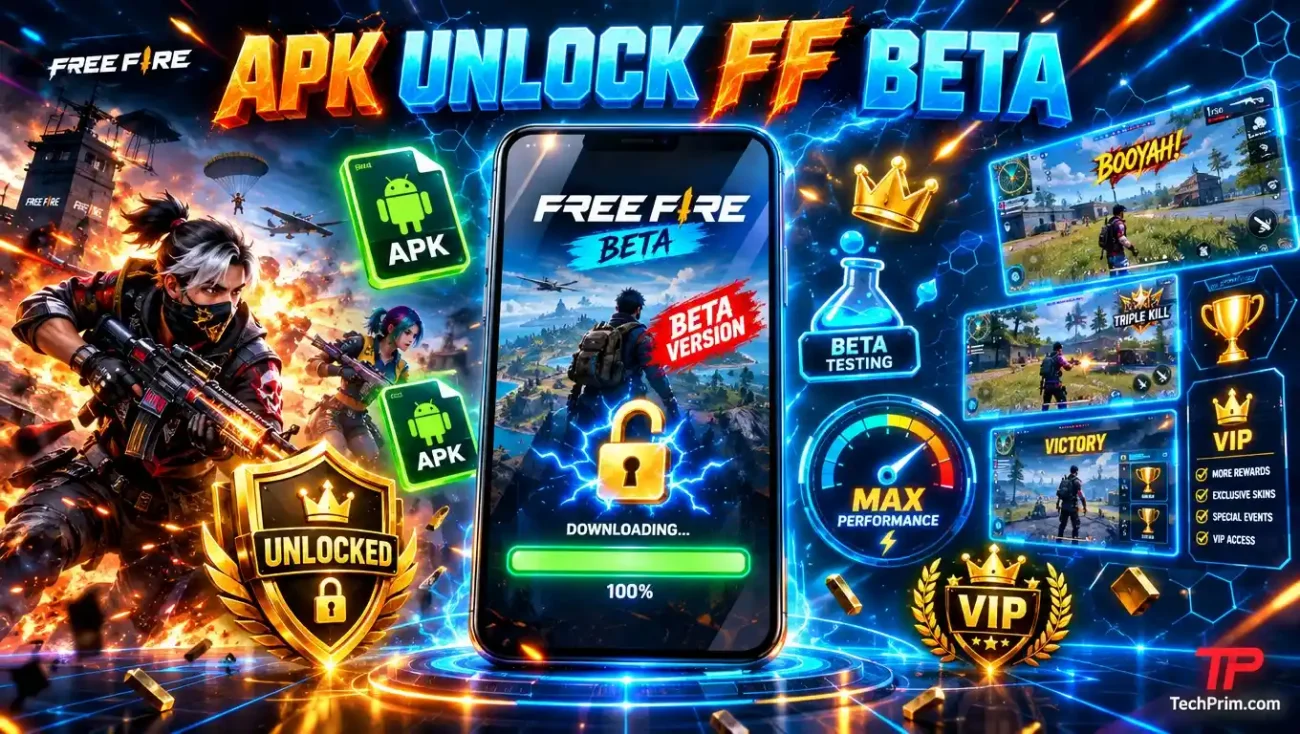
If you search for “unlock FF beta,” you may find APK files, code generators, and accounts that promise instant access to new Free Fire features. These offers may look real, but they are not the official way to join the test server.
Garena runs Free Fire beta tests through its Free Fire Advance Server. A third-party APK cannot give you official access or create a real activation code. It may contain a modified game, a fake login page, or harmful software.
To stay safe, use Garena’s official Advance Server website. Check whether registration is open, then follow the steps shown there. Never give a seller or fake support agent your password, one-time code, or recovery email.
In this guide, “FF beta” means the Free Fire Advance Server. “Unlock FF Beta” is a search term, not the confirmed name of an official Garena app.
Can an APK Unlock FF Beta?
No. A third-party APK cannot give you official access to the Free Fire Advance Server. Garena controls who can register, download the test game, and join each test. If an APK claims it can bypass registration, unlock the server, or make unlimited activation codes, do not trust it.
Garena may offer an official Android APK during a test. If it does, get the file through the official Advance Server website. Do not use a mirror, file-sharing site, or download link from a stranger.
What Does “Unlock FF Beta” Mean?
People often search for “unlock FF beta” when they want:
- Free Fire Advance Server registration
- An official beta download
- Early access to new features
- An activation or access code
- News about the next beta test
- Help with a login or code problem
- Access after registration has closed
Scammers target these searches too. They may use phrases such as:
- “100% working FF beta APK”
- “Free activation-code generator”
- “Permanent beta access”
- “Unlock beta server account”
- “No registration required”
The main difference is simple. Official access starts with Garena. A third-party tool that claims it can bypass Garena’s rules is not an official option.
What Is the Free Fire Advance Server?

The Free Fire Advance Server is Garena’s test version of Free Fire. It may include new characters, weapons, balance changes, and other features that are not yet in the public game.
Because it is a test server, it may not work as well as the regular game. It can crash, contain bugs, or include features that later change or disappear.
The rules can also change from one test to another. For example:
- Registration may open for a short time.
- Garena may limit the number of testers.
- Registration may not guarantee access.
- You may need a code for some tests.
- Device or region limits may apply.
- The test server may close after a set date.
- Your test progress may not move to the public game.
An old video or guide may no longer be correct. Always check Garena’s current instructions.
How to Get Official FF Beta Access
Start at the official Free Fire Advance Server website.
Check the website address
The official address is:
ff-advance.ff.garena.com
Check the full address before you sign in or download anything.
A website is not official just because it uses the Free Fire logo. Scammers can copy logos, colors, screenshots, and page designs.
Be careful if the address has:
- Misspelled words
- Extra words around “Garena”
- An unrelated domain name
- A shortened link that hides the real address
- A file-hosting or survey website
Check whether registration is open
The official page should show the options for the current test.
If registration is closed, another website cannot officially reopen it for you. A seller also cannot promise that Garena will accept your account.
Sign in through the official page
If Garena asks you to sign in, make sure you are still on its website or on the real page of your login provider.
Do not type your Google, Facebook, Apple, email, or other account password into a random form.
You should also leave the page if it asks for:
- Your email or SMS code
- Your account-recovery code
- Full access to your email
- Remote access to your phone
- Payment for manual approval
Follow Garena’s download steps
If Garena gives you access, use the download link shown through its official process.
Do not download another copy from a file-sharing site because the official link is slow or unavailable. A file can install without being safe or official.
Use only codes from the official process
Some Advance Server tests may use an activation or access code. The steps can change, so follow the instructions on Garena’s current page.
Do not trust code generators or people selling “unused” codes. They may give you a code that is:
- Fake
- Expired
- Already used
- Linked to another account
- Collected through a scam
Why You May Not Get Access
Signing up may not mean that Garena will let you join the test.
You may not get access if:
- Registration has closed.
- The available spots are full.
- The test is not open in your area.
- Your device does not meet the current rules.
- The test period has ended.
- Garena did not select your account.
- Your code has expired or belongs to another account.
If you do not get access, do not look for a bypass. Wait for the next official test instead.
Risks of an Unofficial FF Beta APK
Not every APK outside an app store contains malware. The problem is that you may not know who changed it or what they added.
A fake or changed APK may harm your Free Fire account, your linked login account, or your phone.
It may contain a changed game client
Someone can take a real game file and add code to it. The app may look normal when you open it, but it can act differently in the background.
It may:
- Show unwanted ads
- Open fake login pages
- Collect device information
- Download more files
- Ask for access it does not need
- Cause problems with the official game
- Trigger Free Fire’s anti-cheat system
Garena lists modified or unauthorized game clients as activities that may lead to a ban. Its account-ban page says an account found guilty of cheating may be permanently suspended.
It may show a fake login page
A fake APK may show a login screen that looks like Google, Facebook, Garena, or another service.
When you enter your email and password, the page may send them to a scammer instead of the real login provider.
This is more serious if you use the same password for several accounts. A scammer may try the password on your email, social media, and other services.
It may ask for risky Android access
A game needs some device permissions to work. However, an FF beta app should not need broad access to unrelated parts of your phone.
Be careful if it asks to:
- Read or receive SMS messages
- Read your notifications
- Use Accessibility services
- Become a device administrator
- Read your contacts or call logs
- Display over other apps
- Use your microphone without a clear reason
Google warns that apps downloaded through browsers, messaging apps, or file managers can be high risk when they also ask for certain sensitive permissions. Google Play Protect may block some of these installations.
The names of these settings may differ based on your phone and Android version.
It may steal login codes
A harmful app may try to read notifications or capture one-time codes. It may also place a fake window over another app to trick you into entering login details.
Android limits how apps can access each other. However, the risk rises if you give an unknown app access to notifications, Accessibility services, or screen overlays.
It may download more unwanted apps
The first APK may download more files after you install it.
You may then see:
- New apps you did not install
- Pop-up ads
- Browser redirects
- Notification spam
- Fake security alerts
- Fake update messages
- More APK download prompts
The first file you check may not be the only file the app uses.
It may get your account banned
An APK does not need to contain malware to put your account at risk. It may still change the game or connect to Free Fire in a way Garena does not allow.
This could lead to:
- Account limits
- A permanent ban
- Lost game progress
- Lost purchases
- Problems recovering the account
Avoid files called mods, injectors, unlockers, bypasses, or “undetectable” clients.
How Fake Activation-Code Scams Work
Fake beta pages often try to rush you. They may say only a few codes remain or that registration will close in a few minutes.
Reload the page. If the countdown starts again, it is probably fake.
Fake code generators
A code-generator page may ask for your player ID. It may then show an animation that makes it look as if a code is being created.
Before showing the code, the page may ask you to:
- Complete a survey
- Install another app
- Allow browser notifications
- Share the page
- Enter personal details
- Pay an activation fee
The code may be random or fake. The page may only exist to make money from surveys, collect your data, or push unwanted downloads.
Fake login pages
A phishing page copies the look of a trusted website. Its goal is to steal your login details.
Warning signs include:
- A strange or misspelled domain
- A login form on a download page
- A request for your one-time code
- Poor or mixed branding
- A promise of guaranteed access
- A countdown that pressures you
- No clear support or company details
Do not use a login form just because it has the Google, Facebook, or Garena logo. Check the address first.
Beta account sellers
Someone may offer to sell you an account with beta access.
The account may work at first, but the seller may still control its recovery email. They could take it back after you pay.
The account may also be:
- Stolen
- Shared with other buyers
- Linked to the seller’s phone or email
- Flagged for unusual activity
- Banned later
Do not buy accounts or beta access from strangers.
Fake support agents
A scammer may say they work for Garena and can fix your beta access.
They may ask for:
- Your password
- A one-time code
- Your recovery email
- A screenshot with private details
- Payment for manual activation
- Remote access to your phone
Do not share these details. Use Garena’s official support pages instead.
How to Spot a Fake FF Beta Download
Stop before you install the file if:
- Garena does not provide or link to it.
- The page promises permanent beta access.
- The app is called an unlocker or code generator.
- You are told to turn off Play Protect.
- The app asks for unrelated device access.
- The publisher information looks wrong.
- The website asks for your account password.
- Someone asks you to pay for a code.
- The APK comes from an unknown chat account.
- The seller calls it “undetectable.”
- The app asks you to remove security software.
- The website uses a fake Garena address.
- The file comes in a locked archive for no clear reason.
- The comments look copied or repeated.
One sign alone does not prove that a file is harmful. If you see several of these signs, do not continue.
Is an FF Beta APK Always Unsafe?
No. APK is the file format Android uses to install apps. Garena may provide an official APK for an Advance Server test.
What matters most is where you got it and how you reached the download.
Only consider the APK if:
- Garena provides or links to it.
- You reached it through the official Advance Server page.
- It is for the current test.
- The website address is correct.
- It does not ask for unrelated access.
- You are not told to turn off Play Protect.
- The login takes place through an official page.
An official test app may still crash or contain bugs. That is normal for beta software. It is different from installing a changed file from an unknown source.
Official Access vs. a Fake Unlock Offer
| Official Advance Server access | Suspicious unlock offer |
|---|---|
| Starts on Garena’s website | Starts through a random APK or social post |
| May have limited registration | Promises guaranteed access |
| Rules may change for each test | Promises permanent access |
| Uses Garena’s download link | Uses mirrors or file lockers |
| May use an official code | Claims to create unlimited codes |
| Does not need your OTP | Asks for passwords or codes |
| Uses an official test client | Promotes a modded client |
| Keeps Play Protect enabled | Tells you to turn it off |
| Does not require payment to a stranger | Sells codes or accounts |
How to Protect Your Free Fire Account
Use a unique password
Do not reuse your email or social media password on gaming websites or download pages.
Use a password manager if you have trouble creating and saving different passwords.
Turn on two-step verification
Turn on two-step verification for the account linked to Free Fire.
It cannot stop every attack, but it can help protect you if someone gets your password.
Keep your login codes private
Never share a one-time code, login approval, or recovery code.
If someone asks for it, they may be trying to sign in or change your account details.
Bind your guest account
A guest account may be lost if you change phones, delete app data, or lose access to the device.
Bind it through a login platform supported by Garena.
Add a recovery email
If the option is available, add a secure recovery email that you control.
Garena’s recovery-email guide explains how it can help if you lose access to your linked login account.
Check your login activity
If you see a device or login you do not know:
- Change your linked account password.
- Sign out of other devices.
- Check your recovery email and phone number.
- Remove unknown connected apps.
- Review recent purchases and security alerts.
Use a phone or computer you trust when you do this.
What to Do If You Installed a Suspicious APK
Disconnect your phone
Turn off Wi-Fi and mobile data for now. This may stop the app from sending more data or downloading more files while you check the phone.
Remove its access
Open Android Settings and review the app’s permissions and special access.
Remove its access to:
- SMS
- Notifications
- Accessibility services
- Device administration
- Contacts and call logs
- Microphone
- Files and media
- Display over other apps
The menu names may be different on your phone.
Uninstall it
Delete the suspicious app.
If your phone will not let you remove it, check whether it has device administrator or Accessibility access. Turn that access off, then try again.
Do not install it again to test it.
Run Play Protect
Open the Google Play Store, tap your profile icon, choose Play Protect, and run a scan.
Google says Play Protect checks apps from Google Play and other sources. It may warn you, block an app, turn it off, or remove it.
A clean scan does not prove that the APK is safe. Do not reinstall it just because the scan found nothing.
Change your passwords on another device
Use a phone or computer you trust.
Change the passwords for:
- Your main email
- The account linked to Free Fire
- Any other account that used the same password
Change your email password first. Your email may be used to reset your other accounts.
Sign out of other sessions
Check the security settings for your email and linked login accounts. Sign out of unknown devices and remove sessions you do not recognize.
Changing your password may not close every active session right away.
Look for account changes
Check for:
- A new recovery email or phone number
- An unknown linked account
- Logins from devices you do not know
- Purchases you did not make
- Messages you did not send
- Security alerts you did not cause
- Changes to your Free Fire profile
Contact official support
If you lose access to your account, use Garena’s official support process.
Garena’s account-recovery guide explains the available steps. Your options may depend on whether you added a recovery email before losing access.
Do not post passwords, codes, receipts, or other private details in public comments.
Reset the phone if serious problems continue
You may need a factory reset if:
- The app had Accessibility or administrator access.
- Unknown apps keep appearing.
- Pop-ups or redirects continue.
- Security warnings remain after you remove it.
- You cannot confirm that it is gone.
Back up your photos and important documents first. Do not restore the suspicious APK or unknown settings files.
What to Do If You Shared Your Password or Code
If you entered your password on a suspicious page, assume someone may have it.
Use a clean device and:
- Open the real service.
- Change the password.
- Sign out of other sessions.
- Turn on two-step verification.
- Check the recovery email and phone number.
- Remove unknown connected apps.
- Review recent security activity.
- Change the password anywhere else you reused it.
- Check your email and purchase history.
- Contact official support if you cannot sign in.
If you also shared a one-time code, act now. Someone may have used it to approve a login or change your recovery details.
If you entered card or bank details, call your bank or card company through its official phone number.
Frequently Asked Questions
Is Unlock FF Beta an official Garena app?
No official Garena product has been confirmed under that name. “Unlock FF Beta” is usually a search term. Garena’s official testing program is the Free Fire Advance Server.
Can an APK unlock the Free Fire beta server?
No third-party APK can give you official access. You must use Garena’s registration and download process.
Where can you register for FF beta?
Use the official Free Fire Advance Server website.
Do not register through forms on unrelated websites.
Can you get an unlimited activation code?
You should treat unlimited-code claims as scams. If a test needs a code, follow the steps on Garena’s current page.
Can you buy a beta activation code?
You should not buy one from a stranger. It may be fake, expired, already used, or tied to an account you do not control.
Does registration guarantee access?
No. Garena may limit the number of testers, and its rules may change for each test.
Can you install an FF beta APK on an iPhone?
No. An APK is an Android app package. It does not install normally on an iPhone.
If Garena offers an iPhone test in the future, it should explain the steps through an official channel.
Can a fake APK steal your account?
It may steal your login details, read notifications, show a fake login page, or misuse access you give it.
What it can do depends on how it was made and which permissions you allow.
Will a VPN make the APK safe?
No. A VPN does not remove harmful code from an APK. It also cannot turn a fake code into a real one.
What should you do if Play Protect blocks it?
Do not turn off Play Protect just to install the file.
Delete it and return to Garena’s official Advance Server website. A request to turn off phone security is a major warning sign.
Final Answer
You cannot get official Free Fire Advance Server access from a third-party unlocker, code generator, or modified APK.
Use Garena’s website, follow its current steps, and download only the file it provides. Do not share your password, one-time code, or recovery details.
If registration is closed or you do not get access, wait for the next official test. It is safer than risking your phone and account for an unofficial shortcut.
You May Also Like
 Computers & PC Games
13 Fun Games Like Wordle and Connections to Play Daily
 Computers & PC Games
Is Minecraft Dungeons Cross-Platform? Here’s How It Works
 Computers & PC Games
8 Best Valheim Server Hosting Providers in 2026
 Computers & PC Games
How Much RAM Do You Need for a Minecraft Server?
 Computers & PC Games
Valheim Server Requirements: CPU, RAM, Storage, Bandwidth, and Performance Tips
 Computers & PC Games