
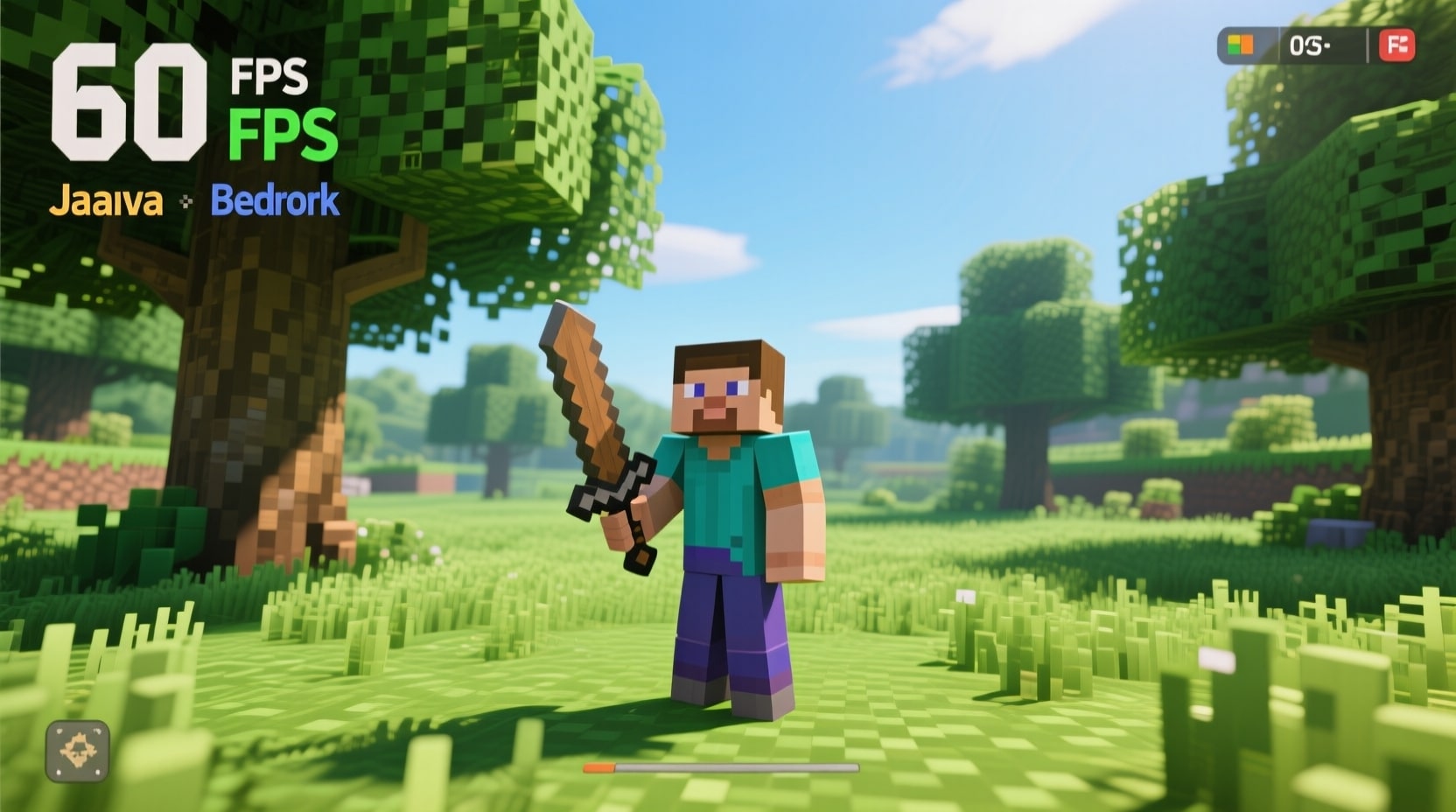
To show FPS in Minecraft Java Edition, press the F3 key on your keyboard to open the debug screen, which displays frames per second in the top left corner. This built-in feature provides real-time performance data, including FPS, chunk updates, and coordinates. For Bedrock Edition, use external tools like the Windows Game Bar by pressing Windows key + G, or install add-ons such as FPS Counter Cammer from trusted sources like CurseForge.
Minecraft players track FPS to maintain smooth gameplay. FPS stands for frames per second, a count of images rendered each second. Values above 60 create fluid experiences for tasks like exploring caves or building structures. Low FPS leads to delays, affecting actions in survival mode. This guide details steps for Java Edition 1.21.8 and Bedrock Edition 1.21.101, with options for beginners and experts.
Approaches differ by edition because of unique code bases. Java Edition includes native options, while Bedrock uses add-ons or software. Apply these methods to view FPS quickly. Mods offer precise readings, and programs function on both versions.
What Is FPS in Minecraft and Why Does It Matter for Gameplay?
FPS in Minecraft measures game smoothness on your device. It tracks frames shown per second. Higher FPS enhances control in activities such as crafting or combating creepers.
Tracking FPS spots device constraints. For instance, FPS under 30 causes stuttering. Research indicates 60 FPS lowers eye strain during play. Users tweak options, like reducing render distance from 16 chunks to 10 chunks, based on FPS.
There are 5 main reasons to monitor FPS in Minecraft:
- Identifies slowdowns quickly.
- Informs setting changes for faster play.
- Evaluates setups, like PCs versus consoles.
- Refines add-ons, such as those for new dimensions.
- Improves online games by cutting delays.
i know you have listed keywords there
How to Enable the Built-in FPS Display in Minecraft Java Edition?

To enable the built-in FPS display in Minecraft Java Edition, press F3 on your keyboard during play. This activates the debug screen, listing FPS on the left.
The debug screen offers extra info. It covers areas like weather states, block types, and mob counts. Press F3 to switch it on or off. On notebooks, use Fn + F3 if keys require it.
Here are the steps to access the debug screen:
- Start Minecraft Java Edition 1.21.8.
- Load a world or join a server.
- Hit F3 for the overlay.
- Check top left for “FPS” with a value, such as 144.
- Hit F3 to remove it.
For ongoing display without pressing keys, hold F3, tap F10, let go of F3, then tap F10. This fixes the screen until repeated. On Apple devices, apply Fn + F3 similarly.
Differences occur with various input devices. Gaming keyboards detect presses quicker. If F3 fails, review bindings in options under Controls.
This approach applies to all Java releases, from 1.20 to 1.21.8. No files to download, ideal for starters. FPS shifts with terrain; dense forests reduce it more than open fields.
What Mods Can You Use to Show FPS in Minecraft Java Edition?
Mods like FPS Display let you show FPS in Minecraft Java Edition minus the full debug screen. This Fabric mod adds a basic counter to the view.
Mods allow adjustments. FPS Display fits versions from 1.14 to 1.21.8. Set up Fabric Loader, then drop the mod in the folder.
Here are 4 common mods for FPS display:
- FPS Display: Places current FPS in a spot, low impact on resources.
- MiniHUD: Lists FPS, positions, and heights, good for farming designs.
- OptiFine: Has FPS switch in menus under Details, raises speed also.
- FPS Monitor: Includes latency and storage use, movable on screen.
Steps to add FPS Display mod:
- Get Fabric Loader from its site.
- Set it for your game version.
- Grab FPS Display from Modrinth or CurseForge.
- Put the .jar in mods directory.
- Run via Fabric.
- FPS shows right away.
These mods pair with others, like Iris for shading. Iris raises FPS by refining lights, from 50 to 150 in checks. Stick to safe sites to dodge risks.
Human element: Beginners use F3 first but move to mods for tidy screens in extended plays.
How to Monitor FPS in Minecraft Bedrock Edition Without Built-in Tools?
To monitor FPS in Minecraft Bedrock Edition, apply add-ons like FPS Counter Cammer, which adds a live counter during play. Bedrock misses a standard debug, so add-ons help.
Add-ons come as packs from stores. FPS Counter Cammer fits Bedrock 1.21.101 and tracks FPS precisely without blocking trophies. It suits updates like 1.21.101.
Outside apps provide choices. Windows Game Bar shows FPS through panel. Press Windows + G, fix the stats part.
Here are steps for FPS Counter Cammer:
- Download from CurseForge or MCPEDL.
- Launch Minecraft Bedrock.
- Head to Settings, Global Resources.
- Turn on the pack.
- Join a world; FPS displays top middle.
On phones, like Samsung or iPhone, find like packs in Marketplace. Look up “FPS Counter” and link to realms.
Options include Star’s FPS Counter for Bedrock 1.21, with extra notes. These aid in spotting falls during events, like ender dragon fights.
Pepe’s FPS Counter is another, showing HUD stats for better tracking.
What External Tools Help Track FPS Across Minecraft Editions?
External tools like MSI Afterburner track FPS in Java and Bedrock Minecraft editions. This app overlays FPS freely.
MSI Afterburner watches FPS, processor load, and heat. It fits any graphics card.
Others are GeForce Experience and RivaTuner. GeForce needs NVIDIA cards. Turn on overlay, press Alt + Z for FPS.
Here is a table comparing 3 external tools:
| Tool Name | Supported Editions | Key Features | Requirements |
|---|---|---|---|
| MSI Afterburner | Java, Bedrock | FPS, system tracking | Any setup |
| GeForce Experience | Java, Bedrock | FPS panel, clips | NVIDIA card |
| FRAPS | Java, Bedrock | FPS stamps, shots | Windows |
Steps for GeForce Experience:
- Install from NVIDIA page.
- Activate game overlay.
- Start Minecraft.
- Use Alt + Z to view.
- Pin FPS.
These give figures, like mean FPS over 10 minutes. Apply to test tweaks, such as post-driver installs.
How to Troubleshoot and Improve Low FPS in Minecraft?
To troubleshoot low FPS in Minecraft, decrease render distance to 12 chunks in video options. This eases strain on hardware.
Low FPS stems from max settings. Switch to Normal from High. Turn off particles and shadows for up to 40 FPS gains.
Here are 8 methods to raise FPS:
- Update to newest, like Java 1.21.8 or Bedrock 1.21.101.
- Shut extra programs for more memory.
- Assign extra RAM in Java start, from 4GB to 8GB.
- Add speed mods, like Rubidium for Java.
- Drop screen size in window mode.
- Refresh drivers in control panel.
- Use compact maps or solo play.
- Watch heat to stop slowdowns.
Data shows extra RAM boosts FPS by 25-40% on standard machines. Compare readings pre and post changes.
In Bedrock, disable animations if possible. This frees rates above 60.
Human element: Drops happen in storms or with many entities, leading to fast corrections.
What Are Advanced Tips for Customizing FPS Displays in Minecraft?
Advanced tips for customizing FPS displays in Minecraft involve altering mod files for style and place. In Info Overlay, set menu for text like {fps} or {maxFps}.
Combine apps. Use Sodium with MSI Afterburner for full data. Sodium displays FPS in options, tools add charts.
On networks, view FPS per user and host. High delay mimics low FPS; target below 80ms.
Here are steps to adjust in MiniHUD:
- Add MiniHUD mod.
- Press hotkey for config.
- Pick FPS color and spot.
- Apply and check.
These help creators, like filming at steady 120 FPS.
FAQ: Common Questions About Showing FPS in Minecraft
Can You Show FPS in Minecraft Without Mods?
Yes. Java uses F3 for debug info.
Does Bedrock Edition Have a Built-in FPS Counter?
No. Rely on packs or apps.
Will Add-ons Affect Minecraft Achievements?
No. FPS packs keep them active.
Is 60 FPS Good for Minecraft?
Yes. It ensures even flow; 144 improves it.
Can External Tools Cause Bans on Servers?
No. They stay local.
How Does Render Distance Impact FPS?
Yes, more chunks cut FPS. Set to 8 for gains.
Are FPS Counters Accurate in Multiplayer?
Yes. They show client speed, not net issues.
Can You Hide the FPS Display Easily?
Yes. Use keys or mod toggles.
Do Updates Change FPS Display Methods?
No. Basics like F3 stay same.
Is Monitoring FPS Useful for Beginners?
Yes. It builds tuning skills.
Conclusion
Displaying FPS in Minecraft aids in grasping efficiency. Employ F3 in Java or packs in Bedrock for access. Pair with fixes for top results.
Use this guide’s steps to watch and enhance FPS. Steady reviews avoid problems in marathon games. Groups on sites like Discord offer extra advice.
You May Also Like
 Computers & PC Games
Effective Techniques on How to Reduce Lag in Online Games
 Computers & PC Games
Is EarthLink Internet Good for Gaming? Our Complete 2026 Performance Guide
 Computers & PC Games
How to Fix Lag in Minecraft Bedrock Edition Online Multiplayer Worlds: A Complete Step-by-Step Guide
 Computers & PC Games
How Much RAM is Good for Gaming? A Guide for Laptop and PC
 Computers & PC Games
How Big is Fortnite? Complete PC Game Size Guide for 2025
 Computers & PC Games