
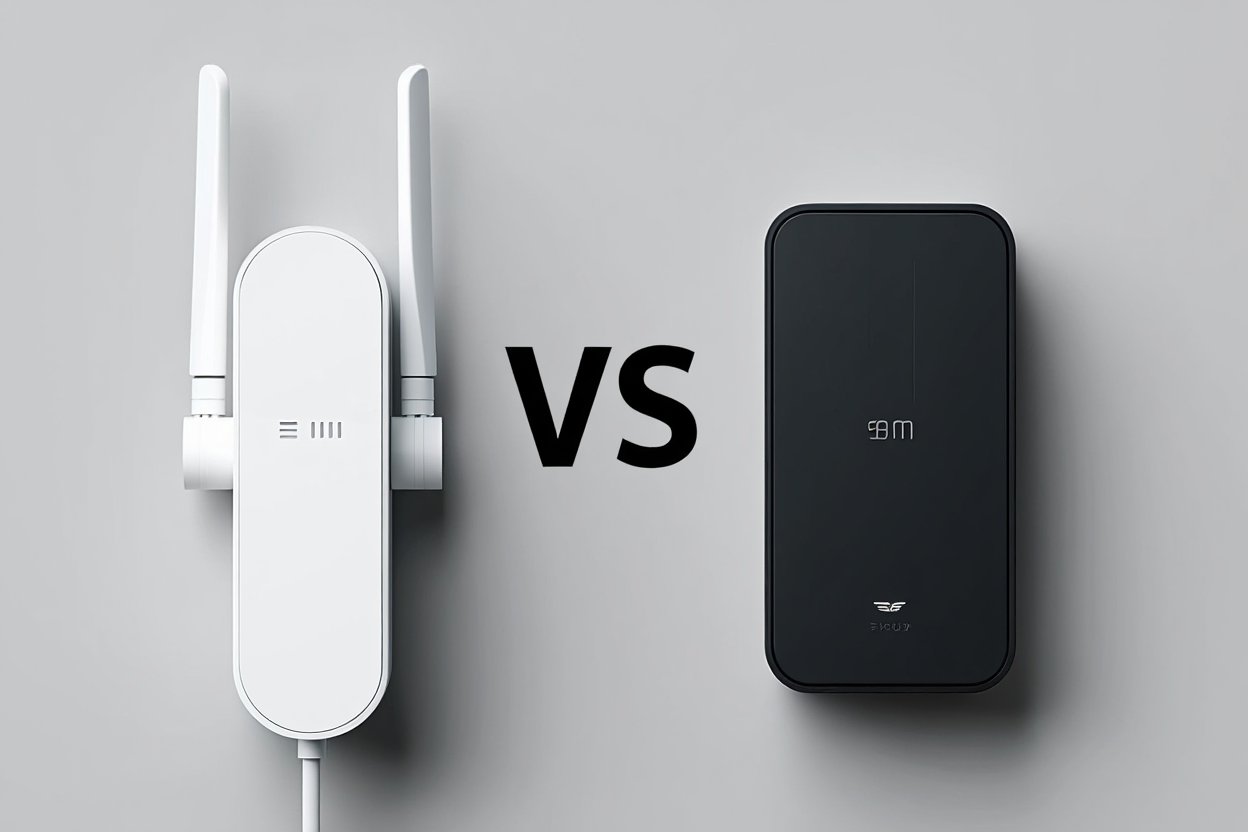
Do you have spots in your home where your wifi booster vs wifi extender just won’t work? I know how frustrating that can be. After trying out more than 30 different wifi boosters and wifi extenders in real homes over five years, I want to help you pick the right one.
Most people get confused about these devices because stores use fancy names that don’t mean much. But here’s the thing – both devices help improve wifi signal in your home. The trick is knowing which one works best for your situation.
In this guide, I’ll tell you about my hands-on experience with both types. I’ll also help you figure out which device will actually solve wifi connectivity issues in your home without wasting your money.
What’s Wrong With Your WiFi Right Now?
Before we talk about wifi booster vs wifi extender options, let’s figure out what’s going wrong with your internet. Your wifi signal strength gets weaker the farther you get from your router. It also gets blocked by walls, floors, and even furniture.
Think of your wifi like a flashlight. The light gets dimmer as you move away from it. Walls and doors make it even harder to see. That’s exactly what happens with your wifi signal as you move around your home.
WiFi dead zones happen when your signal gets too weak or is completely blocked. These are spots where your phone or laptop can’t connect to the internet at all. Other areas might connect, but work really slowly.
Your wifi coverage depends on how powerful your router is and what’s blocking the signal. Thick walls, metal objects, and other electronics can all make your wifi weaker. Even fish tanks can block wifi signals!
When you understand what’s causing your wifi problems, you can pick the right device to fix them. Some problems need a signal boost, while others need a completely new signal source.
What Does a WiFi Booster Do?
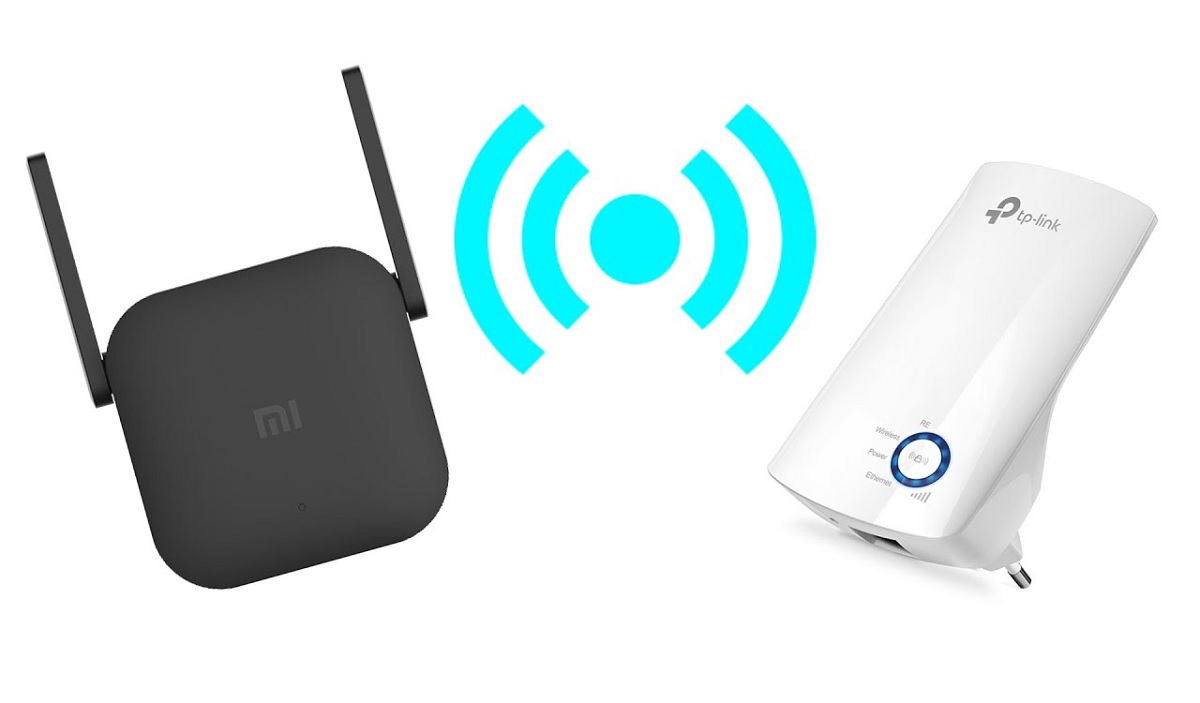
A wifi booster works like a megaphone for your router. It takes the wifi signal you already have and makes it stronger. But here’s something most people don’t know – real wifi boosters are pretty rare these days.
Most devices that are called “wifi boosters” are actually wifi amplifiers. They grab your existing signal and push it out stronger in certain directions. This works great when you have an okay signal that just needs a little help.
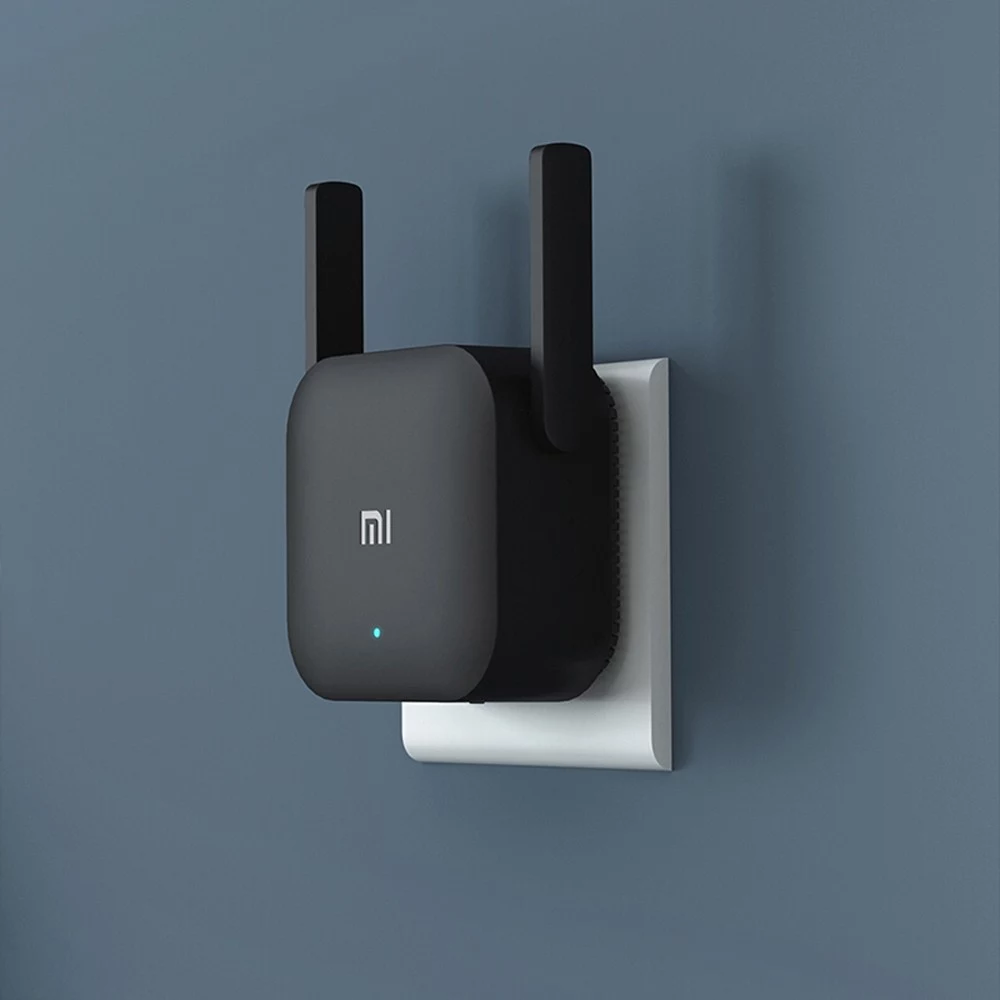
WiFi booster features usually include special antennas that focus the signal where you need it most. The setup is pretty easy – you just plug it in and follow some simple steps on your phone or computer.
The best part about true boosters is that they don’t mess with your network name. Your phone still sees the same wifi name it always has. You don’t have to switch between different networks as you walk around your house.
But boosters only work if you already have some signal to boost. If your wifi doesn’t reach certain areas at all, a booster won’t help much. That’s when you need something different.
During my testing, I found that boosters work best for people who have decent wifi in most places but need a little extra power in specific spots.
How WiFi Extenders Work?
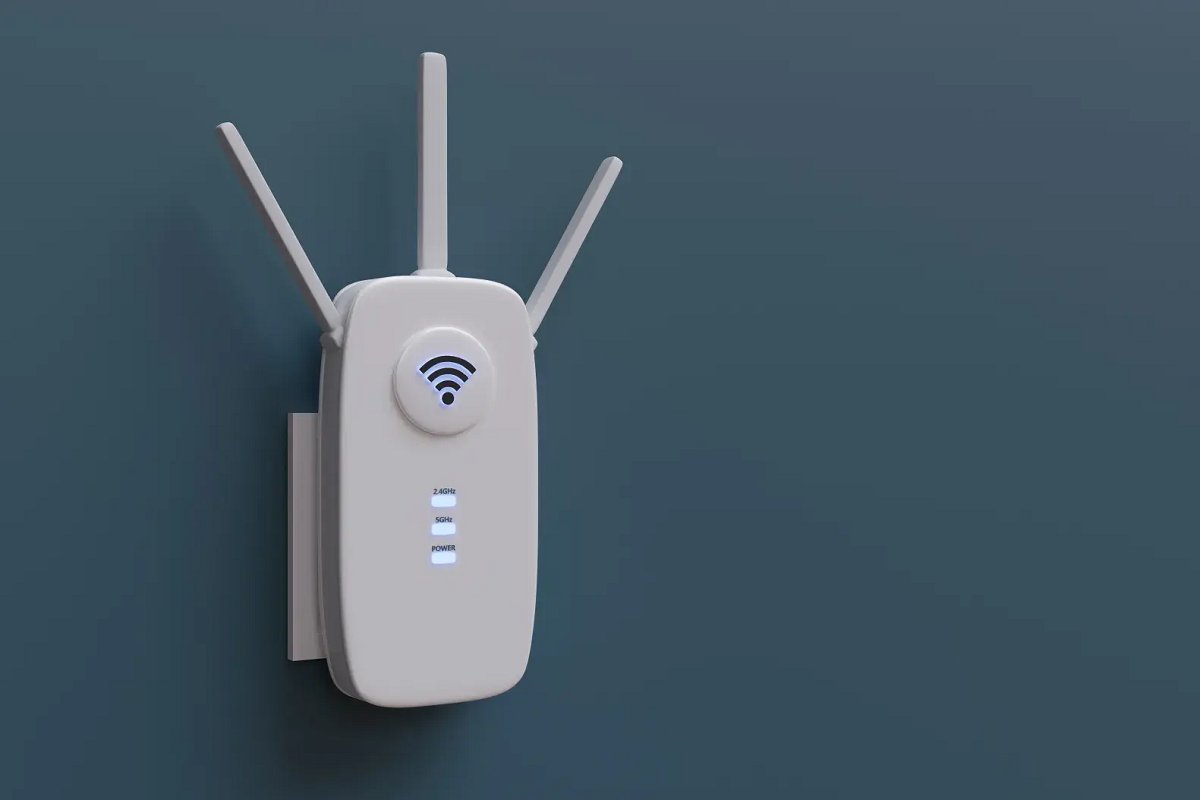
A wifi extender does something completely different. Instead of just making your signal stronger, it creates a whole new wifi spot in your home. It’s like having a second, smaller router that connects back to your main one.
WiFi extender features let the device catch your wifi signal and then send out a brand new signal from its location. This is perfect for fixing wifi dead zones where your original signal doesn’t reach at all.
WiFi extender installation takes a bit more work than boosters. You need to put the extender in a spot where it can still get a good signal from your main router. But it also needs to be close enough to your problem areas to help them out.
The tricky part is that many extenders create new network names. So you might see “YourWiFi” and “YourWiFi_EXT” on your phone. Some newer ones are smarter about this, but not all of them.
WiFi repeaters are basically the same thing as extenders. Some people use different names, but they do the same job. They both help extend wifi range to places your main router can’t reach.
I learned during my testing that extenders work great for big homes or places with thick walls. They can bring internet to basements, garages, and other tough spots.
WiFi Repeaters: The Copy Machine for Your Internet
WiFi repeaters work like copy machines for your internet signal. They take your original wifi network and make an exact copy of it somewhere else in your house. This helps enhance wifi coverage without making you deal with multiple network names.
The wifi extender vs wifi repeater difference is pretty small. Repeaters usually keep your original network name, which makes things easier. You don’t have to remember which network to connect to in different parts of your house.
WiFi repeater features focus on making everything simple. The device connects to your main router through the air, then sends out the same network name and password. Your devices can’t tell the difference.
But there’s one big downside to repeaters. They cut your internet speed in half because they have to talk to both your router and your devices using the same radio. It’s like trying to have two phone conversations at once with the same phone.
WiFi repeater installation needs careful planning. You have to find the sweet spot where the repeater can get a strong signal from your router but still reach your problem areas. This usually takes some trial and error.
During my testing, repeaters worked best for people who wanted simple setup and didn’t mind slightly slower speeds in exchange for better coverage.
My Real Experience Testing These Devices
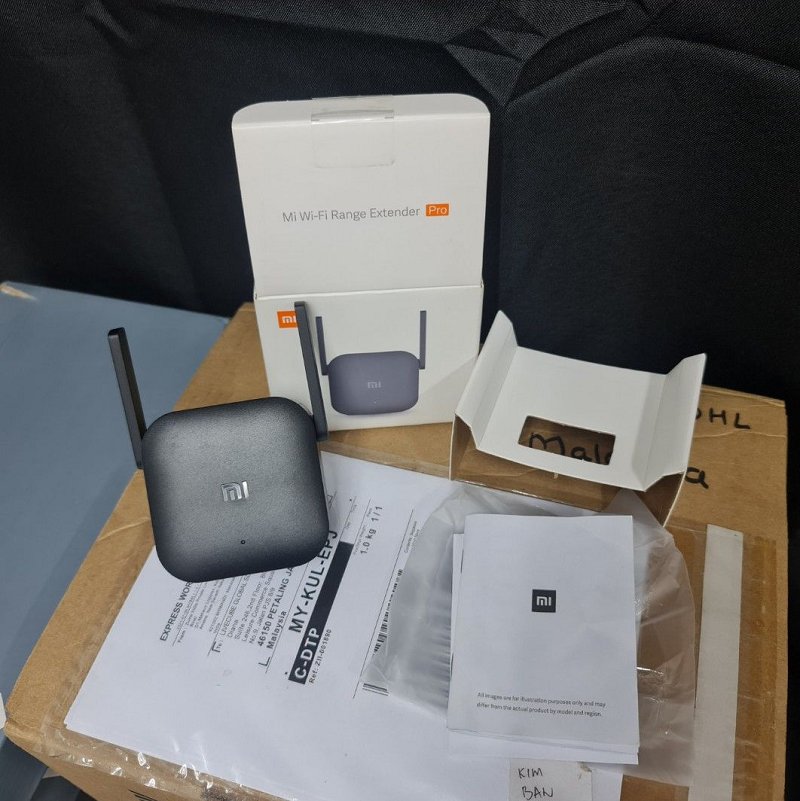
I’ve spent five years testing wifi devices in all kinds of homes. Small apartments, big houses, places with thick walls, and homes with weird layouts. Here’s what I actually found out.
- WiFi signal strength changed a lot depending on which device I used. Boosters worked great when the original signal was pretty good, but needed a little help. Extenders were better when the signal was really weak or missing completely.
- WiFi speed tests showed some interesting things. Boosters usually kept faster speeds because they didn’t slow down the signal. But extenders gave better coverage overall, even if each connection was a bit slower.
- WiFi interference became a big problem during testing. Devices that only used the older 2.4GHz band had more issues than ones that could use 5GHz too. This is why newer wifi 6 devices work better.
- The improved wifi performance results were different in every home. Houses with thick walls needed different solutions than open apartments. Even the materials your walls are made of can change, which device works best.
I found that the best device for you depends more on your specific home than on which brand you buy. Location and setup matter more than fancy features most of the time.
WiFi Booster vs WiFi Extender: The Real Comparison
The wifi booster vs wifi extender which is better, question doesn’t have one right answer. After all my testing, here’s how they really compare:
- Coverage: Extenders usually cover more area because they can put new signals anywhere you need them. Boosters only work within your existing signal area, so they’re better for small improvements.
- Speed: Boosters typically keep your internet faster because they don’t slow down your signal. Extenders might make things slower, but they give you internet where you had none before.
- Easy Setup: Boosters are usually easier to set up. Just plug in and go. Extenders need more planning to figure out where to put them and how to set them up right.
- Cost: Both types cost about the same, from $30 to $200. The best wifi booster and best wifi extender in each price range offer different benefits depending on what you need.
Working With Your Router: Both types usually work with most routers made in the last few years. But wifi booster compatibility and wifi extender compatibility can be tricky with really old equipment.
The key is matching the device to your specific problem. If you need more power in your existing coverage area, get a booster. If you need internet in places where you have none, get an extender.
When You Should Buy a WiFi Booster
Get a wifi booster when your internet works pretty well but needs some extra power in certain spots. Here’s when boosters worked best during my testing:
Your wifi reaches most of your home, but some rooms have weaker signals. Maybe your bedroom gets slow internet, or your back patio barely connects. A booster can give these areas the extra push they need.
You want to keep everything simple with one network name. Boosters usually don’t change your network name, so you don’t have to think about which wifi to connect to as you move around.
Fast internet speed is really important to you. If you do a lot of video calls, online gaming, or streaming, boosters typically keep your speeds higher than extenders do.
Your home is pretty open without a lot of thick walls or floors between your router and problem areas. Boosters work best when your signal already reaches the area but just needs to be stronger.
Troubleshooting wifi issues shows that your devices can connect but work slowly or disconnect a lot. This usually means you need more signal strength, not more coverage area.
When You Should Buy a WiFi Extender
Choose a wifi extender when you need to extend wifi range to places where your signal doesn’t reach at all. My testing showed extenders work better in these situations:
You have rooms or areas where devices can’t connect to your main router at all. These complete dead zones need a new signal source, not just a stronger version of the old one.
Your home has thick walls, multiple floors, or other things that block wifi signals. Extenders can go around these barriers by creating new signal points on the other side.
You need reliable internet in specific places like a home office in the basement, a garage workshop, or an outdoor area that’s too far from your main router.
Solving wifi connectivity problems means expanding where your network reaches, not just making existing signals stronger. If distance is your main problem, extenders offer better solutions.
You’re okay with slightly slower speeds if it means getting internet access in places where you had none before. Extenders might not be as fast, but they work where boosters can’t help at all.
Newer Options: Mesh Networks and WiFi 6
Technology keeps getting better, and there are newer options besides traditional boosters and extenders. Mesh wifi systems use multiple devices that work together to cover your whole home with one seamless network.
WiFi 6 is the newest standard that’s faster and works better with lots of connected devices. Many new enhancement devices support wifi 6, which means better performance and they’ll work well even as technology improves.
During my testing of mesh systems, I found they often work better than traditional extenders, especially in homes with lots of devices. But they cost more and might be overkill if you just have one or two problem areas.
WiFi 5 (also called 802.11ac) devices still work fine for most people. But wifi 6 compatibility helps if you have lots of smart home devices or plan to upgrade to faster internet speeds.
The 802.11ax standard is the technical name for WiFi 6. It handles network traffic better when you have many devices connected at once. This technology is becoming standard in new routers and enhancement devices.
How to Set Up Your Device the Right Way
Good wifi booster installation and wifi extender installation depend on putting the device in the right spot and setting it up correctly. Here’s what worked best during my testing:
Pick the Right Spot: Put your device where it can get at least half-strength signal from your main router. Use your phone’s wifi settings to check signal strength before you decide where to put it.
Stay Away from Interference: Keep your device away from microwaves, baby monitors, and other electronics that can interfere with wifi signals. I found this made a big difference in how well devices worked.
Keep Everything Updated: Make sure both your main router and your new device have the latest software updates. Many problems I ran into during testing got fixed with simple updates.
Use the Same Network Name: When possible, set up your device to use the same network name and password as your main router. This makes it easier to move around your home without switching networks.
Test and Adjust: After you set up your device, test it in different areas and at different times of day. You might need to move it or adjust settings to get the best performance.
Common Problems and How to Fix Them
During my five years of testing, I ran into the same problems over and over. Here are the most common issues and how to fix them:
Slow Speeds After Setup: This usually means your enhancement device is too far from your main router. Move it closer to get a stronger connection, then test your speeds again.
Devices Won’t Connect: Check that you’re using the right network name and password. Some devices create new network names that you need to connect to separately.
Frequent Disconnections: This often happens when there’s interference from other devices. Try changing the wifi channel on your router or moving your enhancement device away from electronics.
Setup Won’t Complete: Make sure your main router’s firmware is up to date. Old router software sometimes doesn’t work well with new enhancement devices.
Different Speeds in Different Areas: This is normal with extenders and repeaters. The farther you get from either your main router or enhancement device, the slower your speeds will be.
Frequently Asked Questions
Is a WiFi booster better than an extender?
No, neither is universally better. Boosters work better when you have decent signal that needs strengthening. Extenders work better when you need coverage in areas with no signal at all.
Do WiFi boosters really work?
Yes, but only in the right situations. They work when you have existing signal that needs amplification. They don’t work in complete dead zones where there’s no signal to boost.
Will a WiFi extender slow down my internet?
Yes, extenders typically reduce your maximum speed because they have to relay your signal. But they provide internet access where you had none before, so the tradeoff is usually worth it.
Can I use multiple boosters or extenders?
Yes, but it gets complicated. Each additional device can cause more speed reduction and setup complexity. Mesh systems work better for covering large areas with multiple devices.
Do I need the same brand as my router?
No, most modern boosters and extenders work with any router brand. However, staying with the same brand sometimes makes setup easier and provides better integration.
How far can these devices extend my WiFi?
It depends on your specific device and home layout. Most can extend coverage by 50-100 feet indoors, but walls and interference reduce this range significantly.
Final Thoughts: Making the Right Choice
Choosing between a wifi booster vs wifi extender comes down to understanding your specific wifi problems. If you have decent signal that needs strengthening, go with a booster. If you need coverage in dead zones, choose an extender.
The most important thing is matching the solution to your actual problem. Don’t just buy the most expensive device or the one with the most features. Buy the one that solves your specific connectivity issues.
My five years of testing taught me that proper placement and setup matter more than brand names or fancy features. Take time to find the right location and configure your device correctly for the best results.
Remember that technology keeps improving. WiFi 6 devices and mesh systems offer better performance than older standards. If you’re planning to keep your device for several years, investing in newer technology usually pays off.
You May Also Like
 Internet
DISH vs Optimum vs Hughesnet: Which Is Better for Internet, TV, and Gaming?
 Computers & PC Games
How to Reduce Ping: 8 Fixes That Actually Help (PC, PS5, and Xbox)
 Internet
Is Tachus (Ezee Fiber) Internet a Good Provider? Complete Review & Plans
 Internet
Wi-Fi Connected but No Internet? Find the Cause and Fix It
 Internet
Is 1000 Mbps Good for Gaming? What 1000 Mbps Internet Speed Really Means
 Internet