
Is 100Mbps fast? Yes, 100Mbps is fast enough for gaming and streaming in most homes. You can play online games, watch 4K video, join video calls, and use many devices at the same time.
But your internet speed is only one part of the story.
I used a 100Mbps plan for a month. I played online games, watched 4K shows, downloaded game updates, used Discord, and ran many home devices. I also tested both fiber and cable internet.
My main lesson was simple: you do not always need a faster plan. Your ping, upload speed, router, Wi-Fi signal, and local network traffic can matter more than the number on your bill.
A good 100Mbps fiber plan can feel much better than a poor 300Mbps cable plan. If your connection has high ping or weak Wi-Fi, more download speed may not fix it.
Here is what I found and how you can tell if 100Mbps is right for your home.
What 100Mbps Means for You
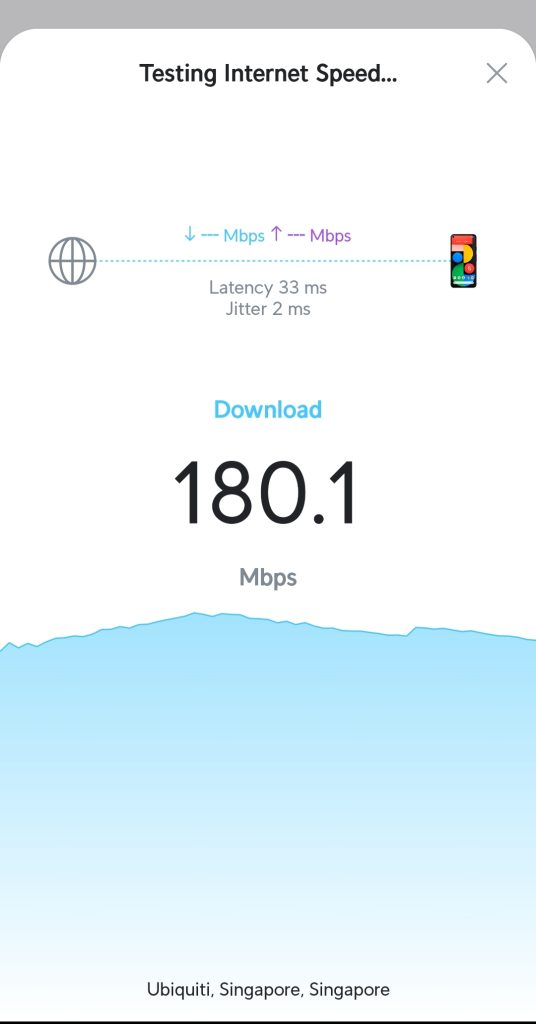
Mbps means megabits per second. It tells you how much data your internet can download in one second.
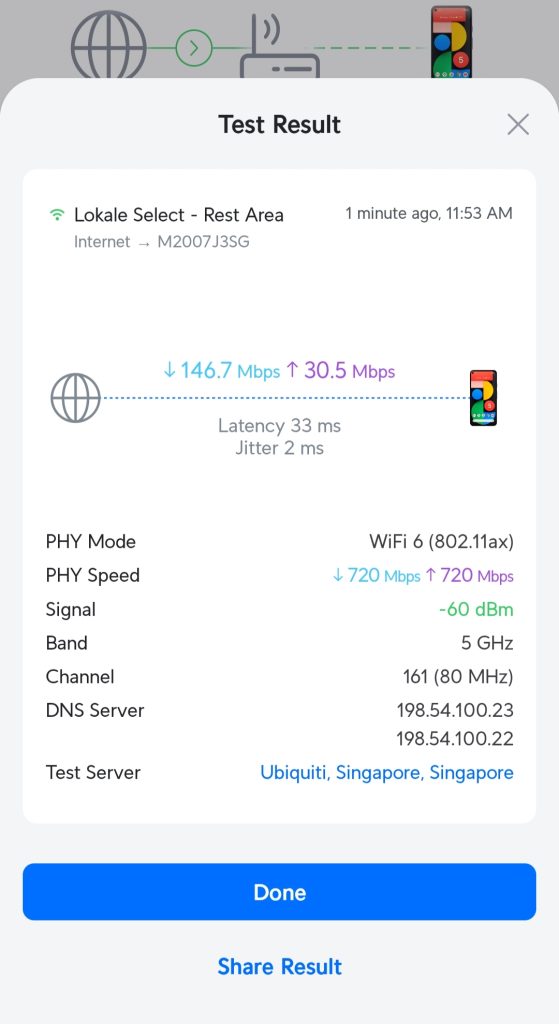
A 100Mbps plan can download up to 100 megabits each second. In real use, you may see about 90Mbps to 95Mbps. That is normal. Your speed can change based on your provider, Wi-Fi, the time of day, and other devices in your home.
Game stores such as Steam, Epic Games, and Battle.net often show a different number. They use megabytes per second, or MB/s.
- 100Mbps is about 12.5MB/s.
- Most of the time, you may see around 10MB/s to 12MB/s.
- If Steam shows 11MB/s, your 100Mbps plan is likely working well.
Your download speed is like the size of a pipe. A bigger pipe can carry more data at once. This helps when you download games, stream video, or have many people online.
Still, speed is not the same as game response time. You can have fast download speed and still get lag in Fortnite, Call of Duty, Valorant, Minecraft, or other online games.
If your game feels slow, read our guide on how to reduce lag in online games. You may be able to fix the problem without buying a new plan.
What Can You Do With 100Mbps?
For most people, 100Mbps is enough for daily use. You can do many things at once without trouble.
In a normal home, 100Mbps can handle:
- One or two people playing online games.
- One to three 4K streams.
- Several HD streams.
- Video calls for work, school, or family.
- Browsing, social media, and music streaming.
- Phones, tablets, smart TVs, and smart speakers.
- Small cloud backups and file syncing.
Online games do not use as much download speed as many people think. While you play, most games use only a small amount of data. A game may use about 3Mbps to 10Mbps during play. Some use less.
That means your game does not need a 500Mbps or 1Gbps plan to run well. What it needs is a stable connection.
If you live alone, 100Mbps should feel very good. If you live with one other person, it should still be enough for gaming and streaming.
If four or five people use the internet heavily at once, it can feel tight. Your home may have several TVs streaming, game downloads running, laptops syncing files, and phones backing up photos. In that case, your 100Mbps plan has less room to work.
Gaming: More Speed Does Not Always Mean Better Ping
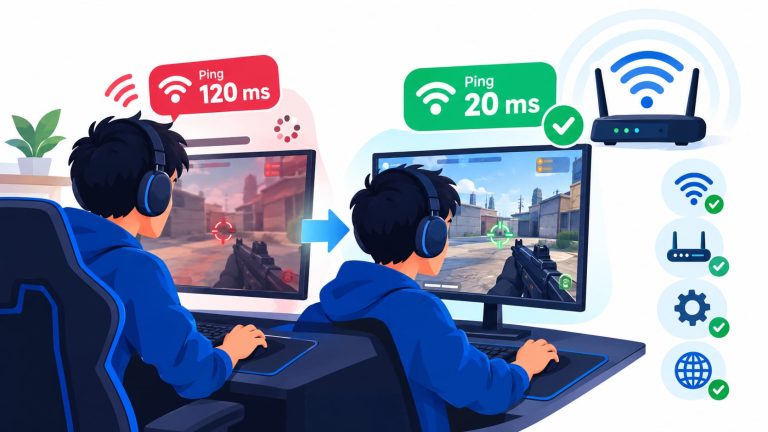
For gaming, download speed does not win matches. Ping does.
Ping is the time it takes for data to travel from your device to the game server and back. It is measured in milliseconds, or ms.
Lower ping is better.
- Under 20ms: Great for fast online games.
- 20ms to 40ms: Very good for most players.
- 40ms to 60ms: Still playable.
- Over 80ms: You may start to feel delay.
Jitter also matters. Jitter means your ping keeps changing. For example, your ping may move from 15ms to 70ms and then back down. Even if your average ping looks okay, those jumps can make your game feel bad.
Packet loss matters too. Packet loss happens when some game data does not reach the server. You may see players teleport, shots fail to register, or your character move in strange ways.
During my tests, the 100Mbps fiber connection felt great for competitive games. My ping to nearby servers stayed low and steady. Voice chat was clear. The game felt quick and smooth.
The 100Mbps cable connection was still good enough to play. But during busy hours, my ping changed more. When someone else uploaded files or joined a video call, the game could feel less stable.
That does not mean cable internet is always bad. Many cable plans work well. But cable may have slower upload speeds, and some areas get busy at night when many homes are online.
Fiber often gives you lower ping and better upload speed. If fiber is available at your address, it is worth checking. Learn more in our guide to fiber internet and its benefits.
If you have high ping in one game, the problem may be the game server or your chosen server region. It may not be your internet plan. For more help, see how to fix Fortnite high ping and our guide on how to reduce internet latency.
Streaming: Is 100Mbps Enough for 4K?
Yes, 100Mbps is enough for 4K streaming.
A single 4K stream often uses about 15Mbps to 25Mbps. The exact amount can change. Netflix, YouTube, Disney+, Prime Video, and other services use different video settings.
Here is a simple guide:
- HD video: about 5Mbps to 10Mbps.
- Full HD video: about 8Mbps to 15Mbps.
- 4K video: about 15Mbps to 25Mbps.
With 100Mbps, you can usually watch two 4K streams while someone else games online. You may even have room for a third stream.
In my test, I ran two 4K Netflix streams, one 4K YouTube video, and a Twitch stream. The fiber connection handled it well. Nothing stopped or dropped in quality.
But your real home is not always a clean test. You may have phones syncing photos. Your laptop may download an update. A game console may start an update in the background. Smart cameras may upload video. Those things use some of your connection.
That is why a 100Mbps plan can feel fine one day and slow the next day. Your available speed changes when more devices start using it.
If your TV buffers at night, your area may have network congestion. This can happen when many people near you stream and game after work or school. Read why your internet may be slow at night to learn what you can do.
Upload Speed Is Very Important
When you shop for internet, you may only look at download speed. You should also look at upload speed.
Upload speed is how fast you send data from your home to the internet.
You use upload speed when you:
- Join Zoom, Google Meet, or FaceTime calls.
- Talk on Discord.
- Upload videos to YouTube.
- Stream gameplay on Twitch.
- Back up photos to iCloud or Google Photos.
- Send large files for work or school.
- Use home security cameras.
Some 100Mbps cable plans have only 10Mbps upload. That is enough for normal use. You can make video calls, send files, and play online games.
Still, 10Mbps upload can fill up fast.
If you stream gameplay at 1080p and 60 frames per second, your stream may use 6Mbps to 8Mbps by itself. Then you have little room left for Discord, game data, video calls, or other people in your home.
When your upload is full, your ping may jump. Your stream may lose frames. Your voice may cut out. Your game may lag even if your download speed looks great.
During my test, I could stream on a 100Mbps cable plan. But the stream became less steady when someone else used the connection. On the 100Mbps fiber plan, I had much more upload room. I could stream while another person watched Netflix without a problem.
If you plan to stream, make videos, or upload large files often, look for a plan with strong upload speed. Fiber plans often offer the same download and upload speed, such as 100Mbps down and 100Mbps up.
Game Downloads: Where Faster Internet Helps Most
Game downloads are where 100Mbps can feel slow.
Modern games are huge. A game can take 80GB, 100GB, or even more. Big updates can also take a long time.
At 100Mbps, a 100GB game may take about two and a half hours. The time can be longer if the game server is slow, your Wi-Fi is weak, or other people use your connection.
Here is a rough idea of download times for a 100GB game:
- 100Mbps: about 2 hours and 15 minutes to 2 hours and 30 minutes.
- 300Mbps: about 45 minutes to 50 minutes.
- 1Gbps: about 15 minutes to 20 minutes.
These are only estimates. Steam, PlayStation Network, Xbox Network, and other game services can limit download speed at busy times.
If you download new games often, you may want a faster plan. If you mostly play games you already have, 100Mbps is usually enough.
I got into the habit of starting large downloads before bed. By morning, most games and updates were ready. That worked well for me, even on a 100Mbps plan.
If storage is also an issue, see our guide on whether a 1TB SSD is enough for gaming. Large game files can fill your drive faster than you expect.
Wi-Fi vs. Ethernet: Your Home Setup Matters
Your Wi-Fi can be the main reason your 100Mbps plan feels slow.
I tested the same 100Mbps plan with Ethernet and Wi-Fi. Ethernet gave me a steady connection and low ping. Wi-Fi had more ping changes and random spikes.
That is normal. Wi-Fi has to travel through the air. Walls, floors, TVs, Bluetooth devices, microwaves, and nearby networks can affect it.
For your gaming PC or console, Ethernet is the best choice. A wired connection is often more stable than Wi-Fi. It can lower jitter and help stop random lag spikes.
If you cannot use Ethernet, try these steps:
- Use the 5GHz Wi-Fi band when you are near your router.
- Use Wi-Fi 6 or Wi-Fi 6E if your devices support it.
- Place your router in an open and central spot.
- Keep your router away from thick walls and metal objects.
- Restart your router if it has been running for a long time.
- Do not place your router on the floor or inside a cabinet.
A new router may help if yours is old. Your provider can give you 100Mbps, but an old router may not send that speed well across your home.
You can also read our guide on the difference between a modem and a router. This helps you know which device may need an upgrade.
If one room has poor Wi-Fi, an extender may help. First, make sure you place it in the right spot. See the best place to put a Wi-Fi extender in a two-story house.
Who Is 100Mbps Best For?
A 100Mbps plan is a good choice if you:
- Live alone or with one other person.
- Play online games.
- Watch 4K video on one or two TVs.
- Use video calls for work or school.
- Want a lower-cost plan.
- Use Ethernet for your main gaming device.
- Have fiber or a stable cable connection.
You may want more than 100Mbps if you:
- Have four or more heavy internet users.
- Download large games often.
- Have many 4K TVs running at once.
- Livestream on Twitch or YouTube.
- Upload large video files often.
- Use many security cameras that upload video.
- Have slow speeds during busy evening hours.
For a larger home, 300Mbps can give you more room. It will not always lower your ping, but it can help when many people download, stream, and upload at once.
If you are deciding between 100Mbps and gig internet, read our guide on whether 1 gig internet is good for gaming. You may find that gig speed is helpful for downloads, but not needed for every gamer.
What You Should Do Before You Upgrade
Do not buy a faster plan right away. Try these steps first.
- Test your speed with Ethernet. This shows what your internet plan can really do without Wi-Fi problems.
- Test at night. Run a speed test around 7 PM to 10 PM. If your speed drops a lot, local congestion may be the issue.
- Check your upload speed. This is very important if you stream, upload, or use video calls.
- Use Ethernet for gaming. This may improve your game more than a faster plan.
- Restart or replace your router. An old router can slow down your whole home.
- Pause large downloads. Pause game updates and cloud backups while you play.
- Ask about fiber. Fiber may offer better ping and much better upload speed.
If your internet is slow on every device, read how to fix slow internet. If you are connected to Wi-Fi but websites will not load, see what to do when internet is connected but there is no access.
Final Word: Is 100Mbps Fast Enough?
For most gamers and small homes, yes. A 100Mbps plan is fast enough.
You can game online, stream 4K shows, use Discord, take video calls, and connect many everyday devices. You do not need gig internet just to play Valorant, Fortnite, Call of Duty, Minecraft, or other online games.
But you should not judge your internet by download speed alone.
Your ping, jitter, upload speed, router, Wi-Fi signal, and local network traffic all affect how your internet feels. A steady 100Mbps fiber connection can be excellent. A crowded 100Mbps cable connection with weak Wi-Fi can feel frustrating.
If you are a solo gamer or live with one other person, 100Mbps is often a smart choice. If your home has many heavy users, large downloads, several 4K screens, and a streamer, you may want a faster plan or better upload speed.
Before you spend more each month, improve your home network first. Use Ethernet when you can. Put your router in a better place. Check your upload speed. Test your connection at busy times.
Those changes can make your 100Mbps plan feel much faster.
You May Also Like
 Internet
DISH vs Optimum vs Hughesnet: Which Is Better for Internet, TV, and Gaming?
 Computers & PC Games
How to Reduce Ping: 8 Fixes That Actually Help (PC, PS5, and Xbox)
 Internet
Is Tachus (Ezee Fiber) Internet a Good Provider? Complete Review & Plans
 Internet
Wi-Fi Connected but No Internet? Find the Cause and Fix It
 Internet
Is 1000 Mbps Good for Gaming? What 1000 Mbps Internet Speed Really Means
 Internet